


R7w
Members
-
Joined
-
Last visited
Everything posted by R7w
-
 Shoutout to you. We're both repping boring GF.
 -
 Use Google or Youtube. I can guarantee theres 10+ tutorials on how to install vehicles into GTA. That should be your go-to to fixing problems yourself before sitting around waiting for help.
 -
bumping this, having this issue again. No clue what the cause is.
-
Wow, this is super nice. I can't believe anyone made a texture for GF County lol. Looks sexy.
-
You talking about the ones with the big red dot and it makes you chase it or you have to drive around with a cone infront of your dot on the map for awhile? I need to know too if thats what you're referring to.
-
Thanks for the reply, I dont think it was my trainer because im using the same one but its not happening anymore. I think it might've been a bugged install of the LSPD vehicles i was using since it was only cop cars doing it.
-
Maybe ALPR Lite. from the dude who made Stop The Ped. Never used it but it checks the plate of the car infront of you i believe.
-
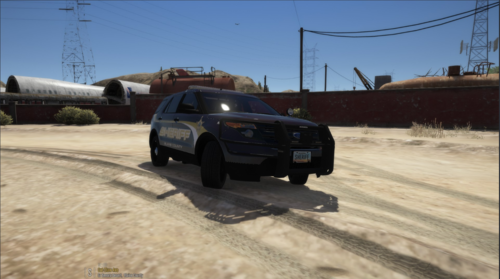
I just finished setting up my LSPDFR and all my plugins and such, but now when i drive around, i find every cop car is stopped in the middle of the road and the cops are standing ontop of the car in a default blue shirted bald headed ped. I dont know what is causing it but its very annoying, cant play until i figure out a fix. Any help would be appreciated.
