Mooing Cow
Members
-
Joined
-
Last visited
Everything posted by Mooing Cow
-
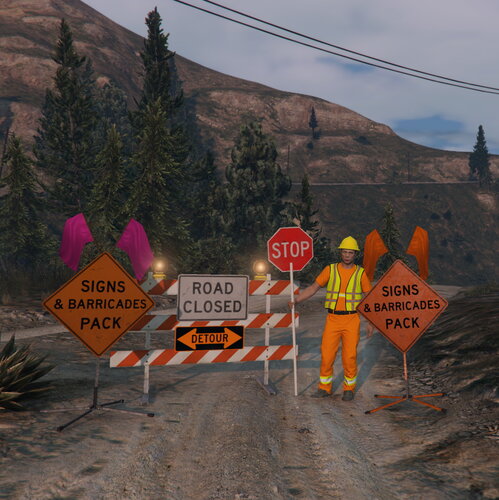 Hopefully they do! I really like the versatility of the short sleeve+pant combo. There's very little options for road work/DOT/DWP EUP.
- 39 comments
- 6 reviews
-
-
 Did this ever get released?
 -
 I knew that was redmond! Washington ftw xDDDDD
 -
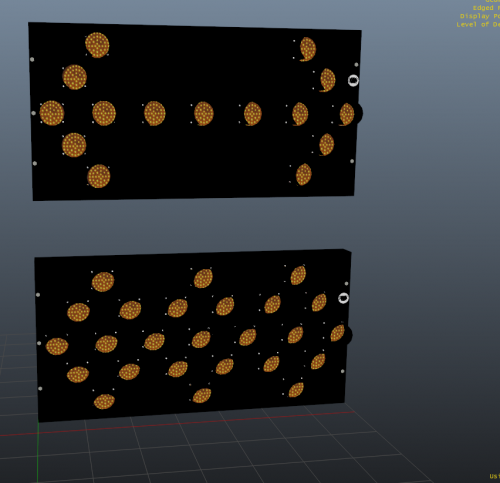 Thanks! I appreciate your response 🙂 I will send it over to my Zmodeler guy.
 -
-
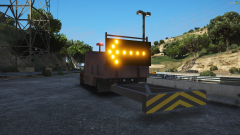
Where can I find this truck with the board already on it? https://www.youtube.com/watch?v=UQebkN-NcSc I'm guessing it's your SADOT truck taken into ZModeler and the arrow board is attached. Separate question; Do you think you could be a very kind sir and make a ZModeler-ready light tower like what Candi has on top of her trailer? And maybe a green command light too? 😬 Trying to slap both of those things onto a Mobile Command Center. Can't have a command vehicle without a command light or 4 and an excess of scene lights :P