



ayoma
Members
-
Joined
-
Last visited
Everything posted by ayoma
-
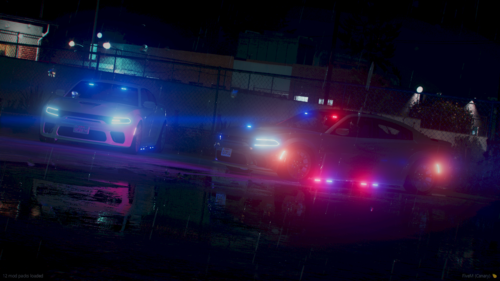 Hey I'm having an issue with the brake lights, when brakes are pressed the lights are white instead of red. can you help?
 -
Check your dlclist.xml file in mods folder located in mods\update\update.rpf\common\data) , You can check for errors by opening and then saving, if there is an error it will tell you and then you can check each line for accuracy. In my case the dlclist in the mods folder wasn't updated, so I grabbed the original located outside the mods folders in the update folder and then replaced the dlclist file in mods folder and added my addons again and checking each line and it worked.
-
I did, First for some reason my dlc didn't update to include the latest patch day. Then I found that I was missing a /. Once i updated and checked each line to make sure it was correct, my dlc packs loaded.
-
After the new update my dlc packs in mod folder are not loading . LML works fine, everything updated including gameconfig. Not sure what to do any help is appericated.
-
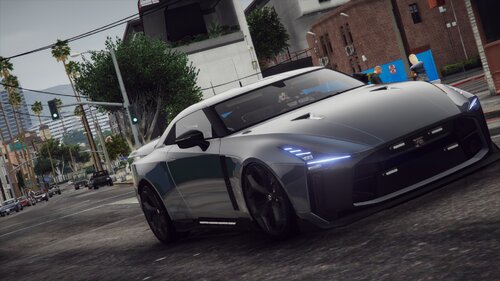 Thanks, I love the car.
 -
anyway of making that side running light an extra to turn on and off?
-
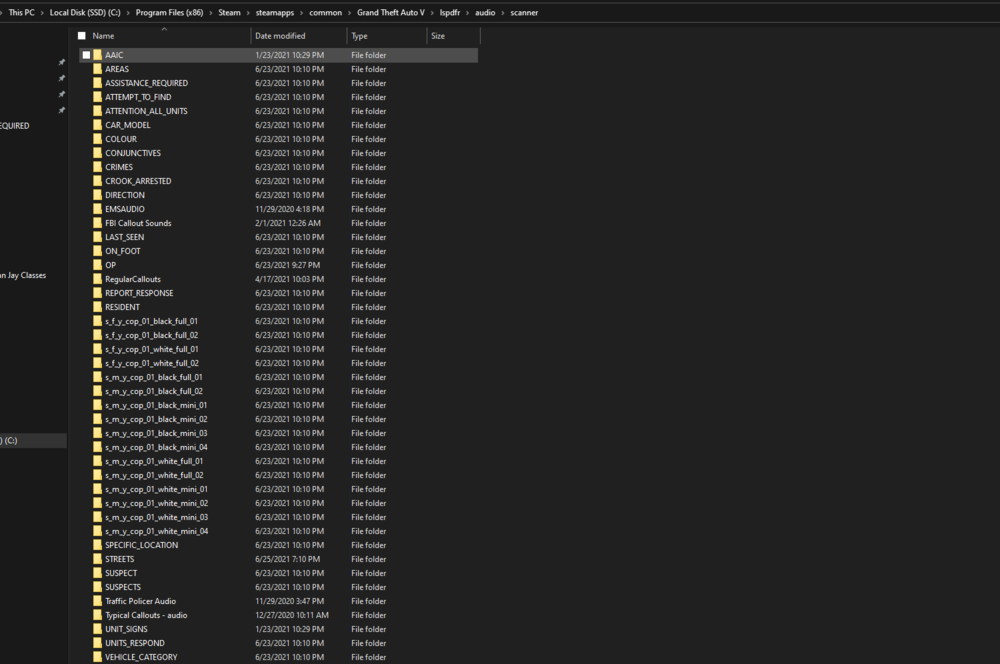
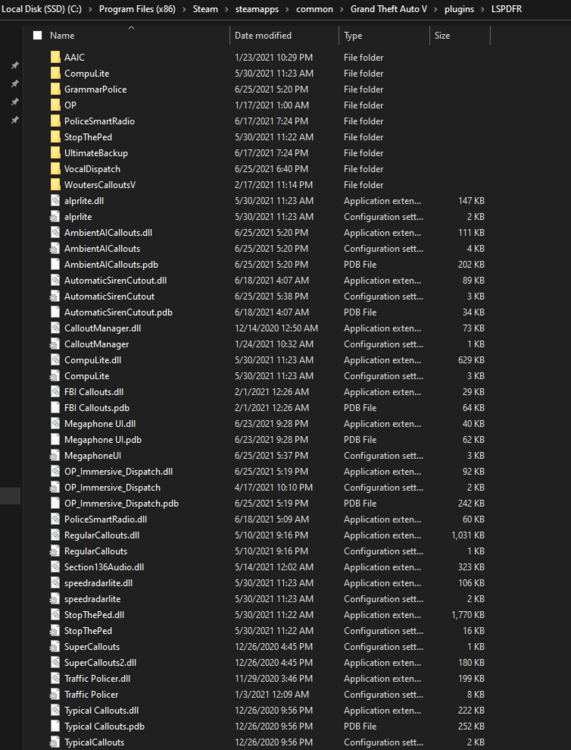
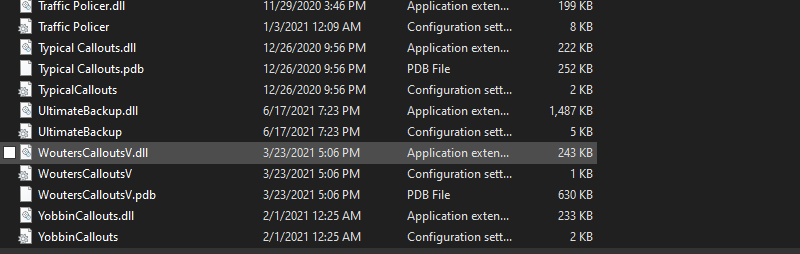
I have no dispatch audio. I uninstalled and reinstalled everything I can think of to fix it but nothing works. Any ideas? anyone else experience this issue? Please help ! Thanks,

-
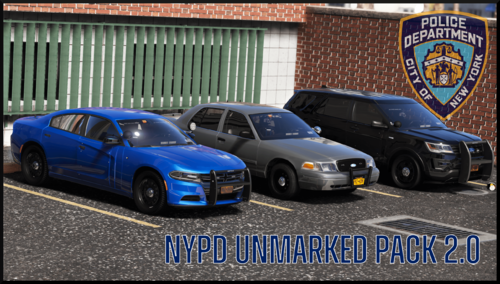 Great work .. but your headlights on cars weren't projecting. What I did was adjust carvariations light setting to 0 and it seems to works perfect. Looking forward to more of your work.
- 78 comments
- 10 reviews
-
-

- 1
-
-
-
I like it but the headlights need work on vehicle as it doesnt show and the brake lights on the charger don't work.
- 78 comments
- 10 reviews
-
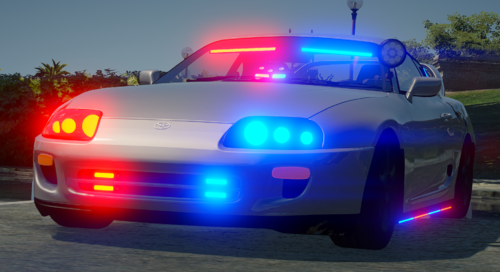 I don't know if it is just me but the game crashes when i try to spawn the car.. did a manual install and through lml but the same thing.
 -
Yes, the culprit was an outdated graphics card. I updated and now the game plays like normal.
-
It looks like it was the AMD graphics card software, it didn't automatically update because my AVG had it set to sleep. I updated it and ran the game and the call out came in and I accepted it. Going to run the game for about 10 minutes with the basic lspdfr and then go back to putting all my mods back. Will updated again later today.
-
here is the latest Log. RagePluginHook_29112020_055450.log
-
Did that, still doesn't work. I did a fresh install with only LSPDFR . No open IV and it still crashes when a callout is coming out and or when i call for prisoner transport.
-
Added, Thanks Mud.
-
I can't figure out why this crash is occuring. I uninstalled everything and did a fresh install. I currently only have LSPDFR downloaded and when a callout is being created it automatically crashes. Here is what the Report states: can someone please transalte or tell me how to fix. Thank You. RagePluginHook_29112020_055450.log
-
.thumb.png.2937466f52d2d3822fb9a1546353c9f9.png) Great car ... my only issue is that headlights and taillights are still on during the day time. Also the Emergency lights in the grill show up only after I hit something. If you fix those issue ... this will def be my favorite car throughout the entire game.
Great car ... my only issue is that headlights and taillights are still on during the day time. Also the Emergency lights in the grill show up only after I hit something. If you fix those issue ... this will def be my favorite car throughout the entire game. -
-
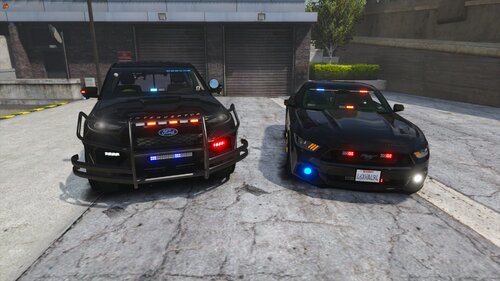 I love the download, Iv'e been waiting for a Mustang like this one. But I am having an issue with the lights. The headlights don't seem to be working and emergency lights don't reflect.
- 46 comments
- 4 reviews
-
-
- 1
-




.thumb.png.2937466f52d2d3822fb9a1546353c9f9.png)
