


JJOACO1210
Members
-
Joined
-
Last visited
Everything posted by JJOACO1210
-
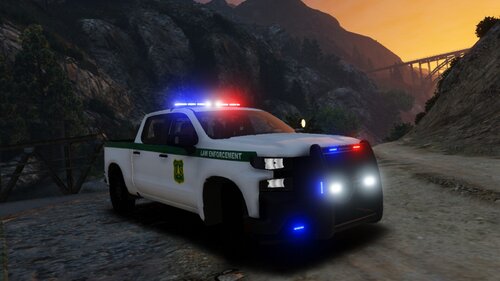 I am from argentina so I want to apologize for my english. I am having problems with the detective version. To be honest, i dont know how to describe it, but the back part it is bugged. As you can see in the last picture, the legs are ¨inside¨ the truck. The rest of the truck is perfect. Fantastic work. I love it. I use it as an unmarked.
- 21 comments
- 1 review
-
(first I want to say sorry for my English) Hi. I recently downloaded the pack and I am having problems with the K9 backup call. Every time I accept it, it finish automatically. Says the call is code 4. And sometimes the area of the call doesnt disappeared. The rest of the pack is awesome.
