


SgtRuttenhaug
Members
-
Joined
-
Last visited
Everything posted by SgtRuttenhaug
-
Keep me posted if you can. Much appreciated for taking the initiative to reach out.
-
I have. Still does not work.
-
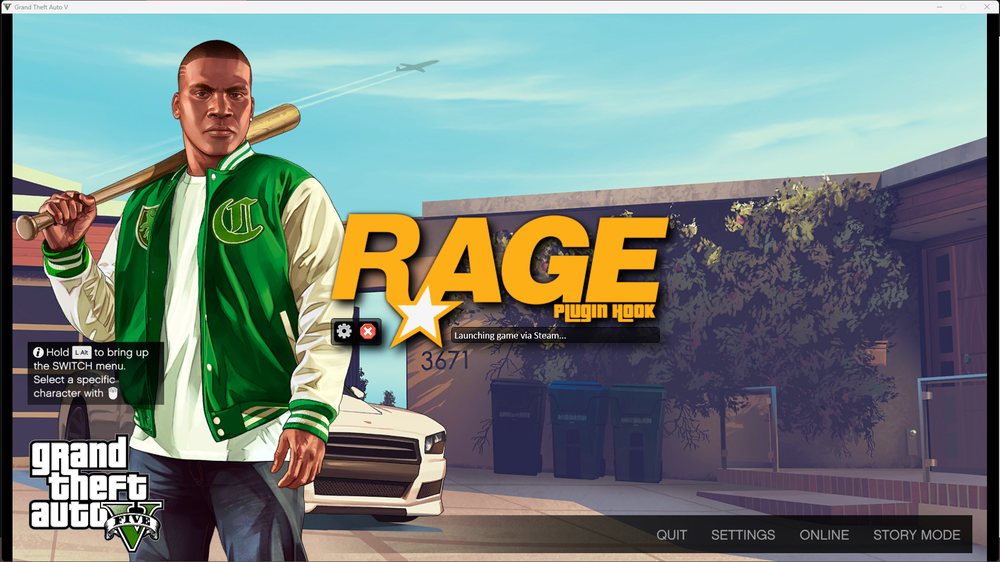
Have had this issue for several days. I'll list everything I've tried so far. Update Windows to 22H2 Update Graphics Drivers Reinstall RPH & LSPDFR Add folder to AV exception Run GTA5.exe & RagePluginHook.exe as administrator in every different way Restarting computer Reinstalling Rockstar Games Launcher Restarting WiFi Start GTA V then RPH Pretty much anything else I could find on these forums Below I've attached my RPH log and a screenshot of the issue. Hoping someone else has some ideas. RagePluginHookLauncher.log
-
 As @FallenOfficer has stated, just because it works for you, does not mean it works for everyone. It's not a difficult concept to understand. As someone has stated, there was an incorrect pathway in the OIV file.
 -
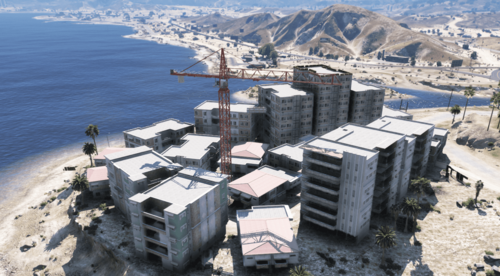 Looks sick as shit man! Keep it up!
 -
-
 That's really weird. I've never had that issue, maybe I've just never noticed lol.
- 21 comments
- 2 reviews
-
Even Bejo's plugins don't "require" it. Sure, it requires it for checking for updates, but from my experience it's ran totally fine without internet connection.
- 21 comments
- 2 reviews
-
INI is literally just a programming language. So the same thing as .lua, .css, .cfg, etc. You can just select the file, hit F2, then rename the file extension to .ini instead of .txt. Now this isn't a fix-all for every single file type such as photos, videos, etc. This is ONLY for text files. As for your game not loading when you paste it in, you probably aren't pasting it correctly. [Sheriff Jacket] Gender=Male Hat=14:2 Glasses=9:1 Ear=0:0 Watch=0:0 Mask=101:1 Top=31:4 UpperSkin=5:1 Decal=1:1 UnderCoat=57:1 Pants=34:1 Shoes=54:2 Accessories=9:1 Armor=29:2 Parachute=49:1 The configuration above is one of my saved outfits. If the presets you are trying to paste into your wardrobe.ini do not look like the above, it is wrong. I'd possibly be able to help more if I got an RPH log. Seeing as this post is from almost 3 months ago however, I would hope you have figured it out. If not, feel free to reply!
-




