
Shaoye
Members
-
Joined
-
Last visited
Everything posted by Shaoye
-
-
-
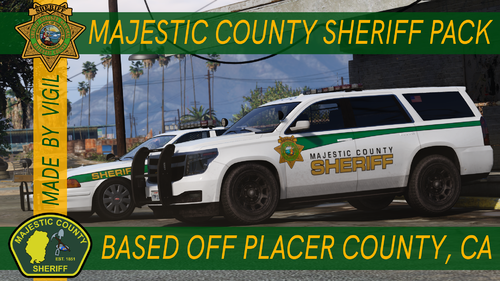 Nice as usual.
 -
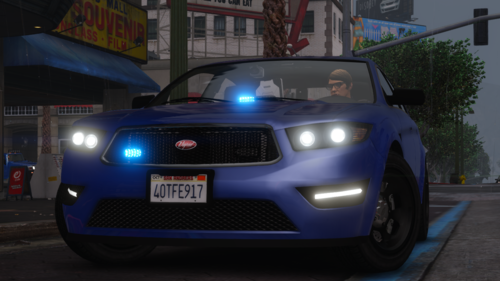 Nice.
Nice. -
-
-
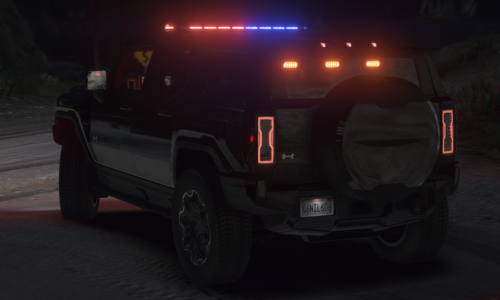 Unmarked one would be also great.
 -
.thumb.png.dbf03d3c59c45d32b52acff32a43a65d.png) This is not Buffalo S.
This is not Buffalo S. -
-
-
-
-
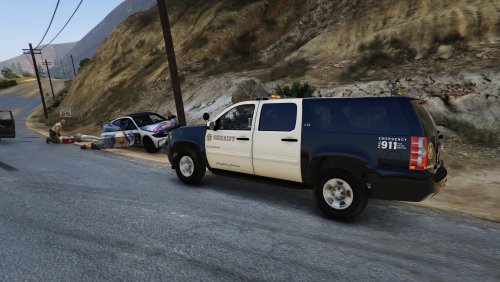 呃。
呃。 -
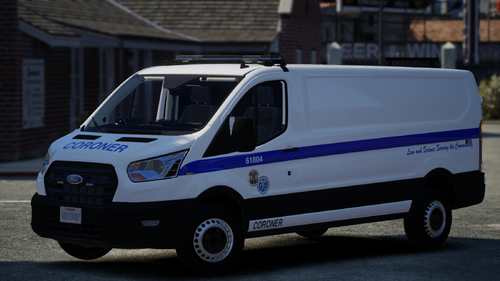 Nice. Like the real one.
 -
-
-
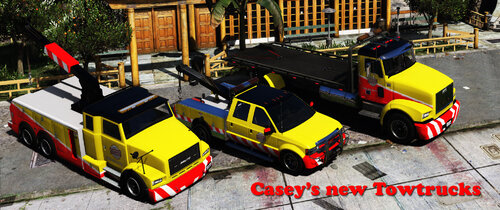 You can edit and adjust what it would spawn. And original tow trucks are also not bad.
- 35 comments
- 10 reviews
-
-
 This suits Las Venturas better...
 -
-
-
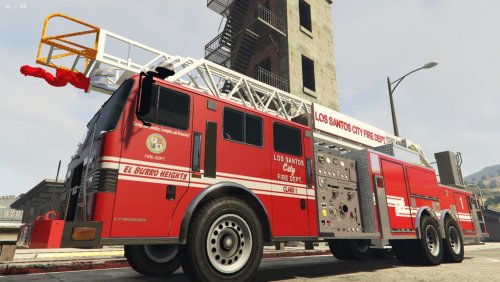 Great. I don't need to do it myself.
 -
 Very useful. Good job!
 -
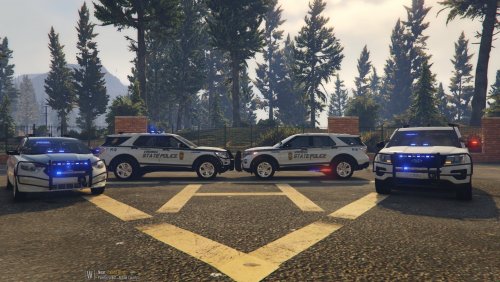 Nice. Like it.
 -








.thumb.png.dbf03d3c59c45d32b52acff32a43a65d.png)