Skip to content
View in the app

A better way to browse. Learn more.

LCPDFR.com

A full-screen app on your home screen with push notifications, badges and more.

To install this app on iOS and iPadOS
  1. Tap the Share icon in Safari
  2. Scroll the menu and tap Add to Home Screen.
  3. Tap Add in the top-right corner.
To install this app on Android
  1. Tap the 3-dot menu (⋮) in the top-right corner of the browser.
  2. Tap Add to Home screen or Install app.
  3. Confirm by tapping Install.

Bryon Meyers

Members
  • Joined

  • Last visited

Everything posted by Bryon Meyers

  1. is there any hope to update this eup?
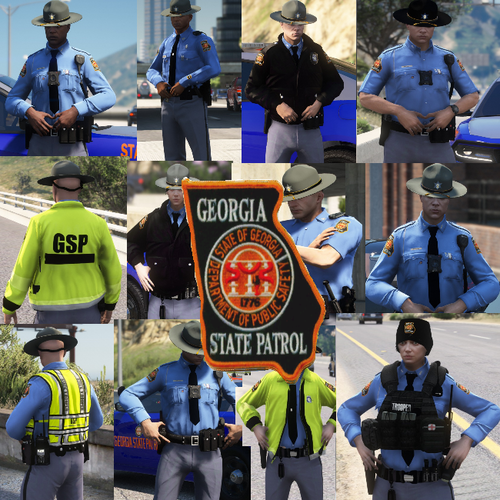
  2. this looks amazing, damn good job sir.
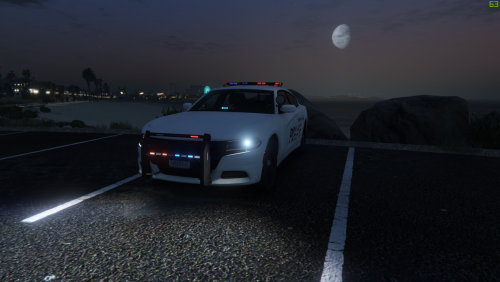
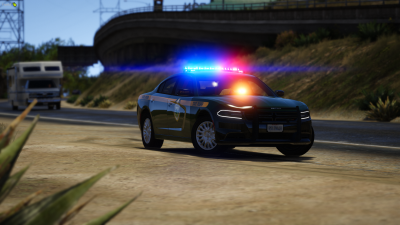
  3. were can I get that vehicle model that on the first pic?
  4. my lightbar wont turn on
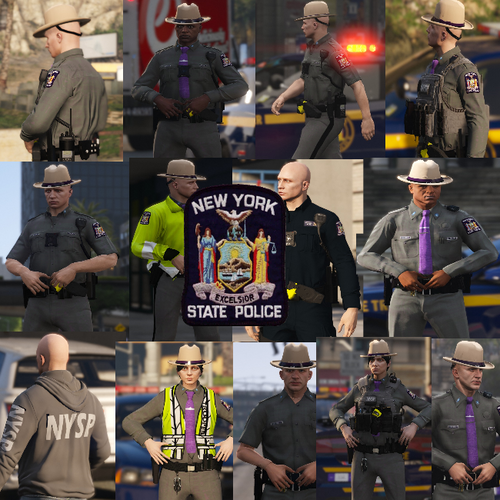
  5. I love it, can you possibly do a Vermont state police eup?
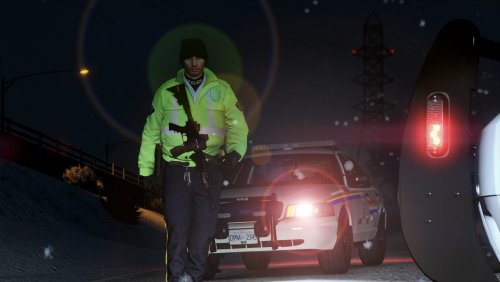
  6. this is perfect for my RCMP style I kind wish there was hats for the eup, still pretty dope though
  7. for someone who lives in VT this is spot on but the lightbar is different.
  8. here is my log I just did help please anyone! RagePluginHook.log
  9. Hello mine keeps crashing too here is my log RagePluginHook.log
  10. high I have been having the same problem can anyone help me RagePluginHook.log
Account

Navigation

Search

Search

Configure browser push notifications

Chrome (Android)
  1. Tap the lock icon next to the address bar.
  2. Tap Permissions → Notifications.
  3. Adjust your preference.
Chrome (Desktop)
  1. Click the padlock icon in the address bar.
  2. Select Site settings.
  3. Find Notifications and adjust your preference.