


P0rkch0p
Members
-
Joined
-
Last visited
Everything posted by P0rkch0p
-
-
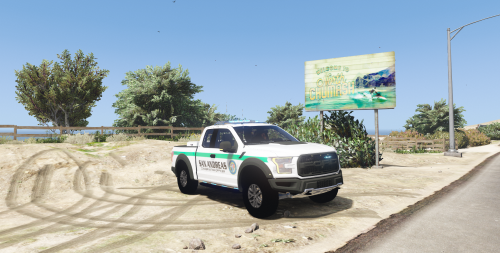 uh did i do something wrong? takedown lights display behind the vehicle edit: nevermind
- 20 comments
- 3 reviews
-
-

- 1
-
-
-
 Hey this happened during the multiple vehicle crash callout (log from accepting the call to it ending)
- 365 comments
- 19 reviews
-
-
 Hey, is this callout not working my fault, or something that needs to be fixed? (Construction equipment stolen)
- 200 comments
- 27 reviews
-
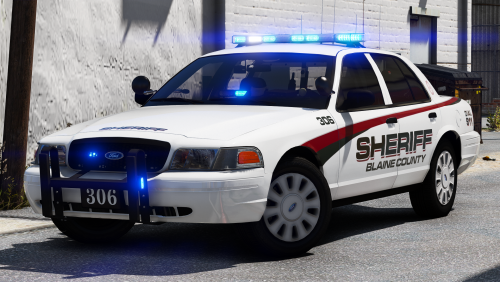 The Crown Vic and Chevy Tahoe work perfect for my sheriff1 and sheriff2 slot! Really good work, I love the blue lighting and I think the liveries look fantastic.
- 43 comments
- 16 reviews
-
-
-
edit the vehicles.meta in OpenIV and replace the existing tint value with <diffuseTint value="0x00FFFFFF" />
- 20 comments
- 3 reviews
-
-
- 1
-



