AvalancheArmy501
Members
-
Joined
-
Last visited
Everything posted by AvalancheArmy501
-
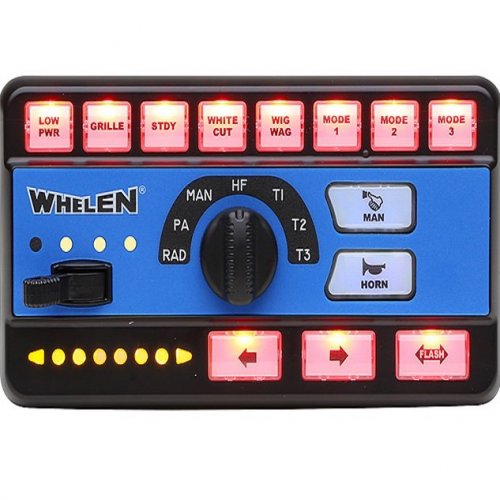 I'm trying to install this siren pack to use with both FiveM and LSPDFR, but when I'm adding it, OpenIV gives me an error and doesn't install the pack. The error in question is vehicles.oac(Line 16): File "vehicles\0x000E3CFA.wav" not found. Any help would be appreciated. <-- Never mind I figured out eventually what I did wrong after watching several tutorials (forgot to extract the vehicles folder along with the .oac file). Excellent job with the siren it's one of my favorites for LEO cars ^_^
- 26 comments
- 4 reviews
-
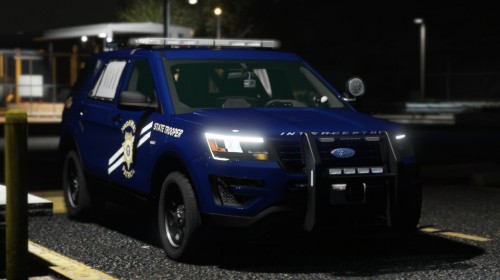 Any chance you'll be readding the links of the vics used to the description again?
- 57 comments
- 4 reviews
-
-

- 1
-
-
 I noticed that ELS messes with the vehicle extras of a car. By that I mean that I can't toggle some of the extras which are being used for rambars, lightbars, or other car components. If the car comes with a component on it, I can remove it, but I can't add it back; or if it doesn't have it, I can't put it on at all. I checked the VCF files to see if the extra slot is bound to an ELS light pattern, and that isn't the case they're completely free to be used yet I still have this problem occurring. Any way I can resolve this problem?
- 2,655 comments
- 234 reviews
-
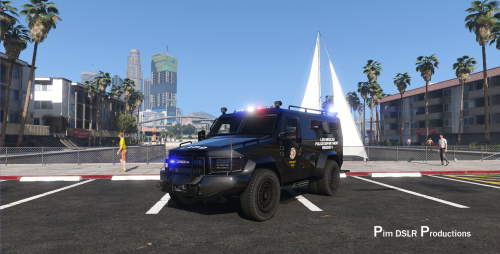
So I have a set of non-ELS AND ELS police vehicles that have extras on them. Whenever I try to toggle the extras on or off they either: A. If the extra is on and I remove it, I can't put the extra back on B. Can't toggle the extra whatsoever I'm using SimpleTrainer and Enhanced Native Trainer and both of them present the same problem. The only way to place all the extras that the vehicle brings is to use the "Add All Available Upgrades" button in Enhanced Native Trainer, which means I don't have any control whatsoever over what extras I can individually toggle. This issue has even extended to vanilla vehicles like the North Yankton cars. Any help trying to solve this issue would be greatly appreciated! Vehicles Used: https://www.gta5-mods.com/vehicles/vapid-tarv-lore-friendly-bearcat-add-on-eup
-
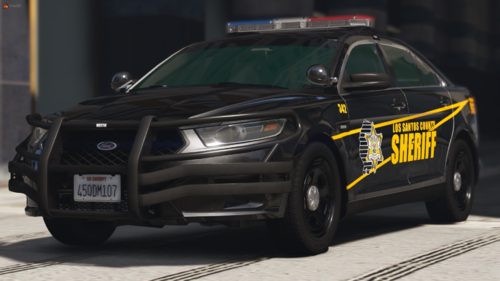 I'm trying to get this vehicle to work alongside 2 of your Chargers (the DPS one and K9 one to be specific). Since they're for FiveM, I'm using this as a workaround to get it to work for singleplayer with LSPDFR, but I ran into the issue (which I'm sure is to be expected when trying to make a FiveM car work with singleplayer GTA V) that 3/4 of the extras don't work. I say 3/4 because only the folded spotlights extra and a roof antenna extra work, but can't get the rambar, the unfolded spotlights, and any other extras that come with the vehicle to work. Don't know if maybe you'd be able to help me get them to work. Either way, awesome work with the vehicles that you've made for FiveM! I hope you keep on making more vehicles regardless of the sour experiences you've had with the dev community!!! P.S. : I also use this other method to make non ELS cars work with ELS. Don't know if it may interfere as well
- 19 comments
- 2 reviews
-
-
 By installing the new STP update you overwrite Ultimate Q&A, but if you try to reinstall this plugin it'll cause GTA to shutdown on you after you use the ForceDuty command
- 184 comments
- 72 reviews
-
Excellent mod. I love it and has a ton of options to question the ped. I also wanted to notify of a bug. With the new update to Stop the Ped, when I install the plugin it causes the game to shutdown after using the ForceDuty command. Idk if I'm doing something wrong or incompatibility issues, but after I uninstall it the game works fine.
- 184 comments
- 72 reviews