


cobalt10
Members
-
Joined
-
Last visited
Everything posted by cobalt10
-
-
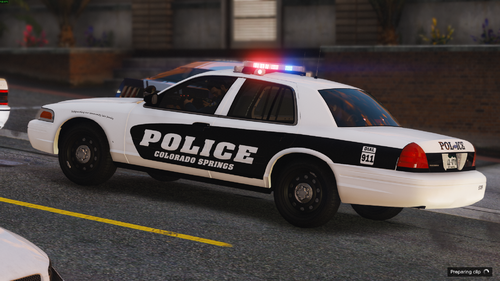 I might do a taurus, I dont think CSPD uses one tho but Ill still do it. The 2010 charger can be found here, thank you for pointing that out, Ill fix it rn Probably will even tho I dont think CSPD uses them as marked vehicles.
 -
You can find the vehicle pack used here:
-
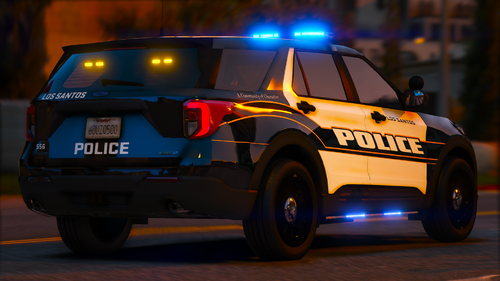
100% Accurate skins. Lore friendly however. Skins should fit most models. I have some other formats of the same skins so if you want them let me know. If you want to use these for FiveM servers please message me on discord: atk173 Next update will feature more K9 vehicles, homeless outreach team, and potentially a bearcat. Vehicles in pack: 2015 Tahoe | K9 Unit Included 2018 Charger | DUI Units included 2014 Charger 2010 Charger | DUI Units included 2016 Durango | HOT Unit Included 2020 Durango 2021 Tahoe 2013 Durango 2011 Crown Vic | CSO Unit Included 2014 Expedition 2023 Blazer | CSO 2016 BMW Bike 2014 Harley Bike
-
-


.thumb.png.2329703edf9abfab3eba239490221a14.png)
