


cobalt10
Members
-
Joined
-
Last visited
Everything posted by cobalt10
-
-
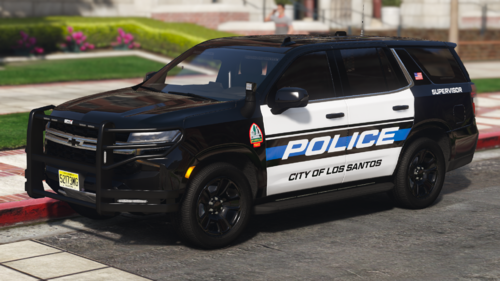 its got wheels... and the best quality of any car, and great lighting setup, good els setup, good everything. This is great!
 -
-
 thank you!
 -
thank you!
-
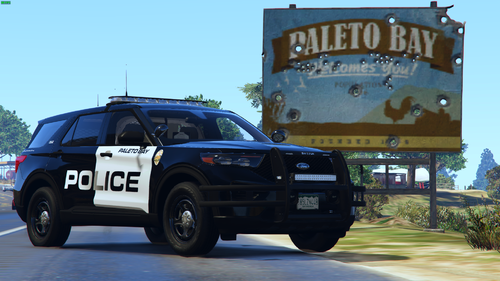
Small Paleto Bay pack. 2020 FPIU has both patrol unit and traffic unit textures. Vehicles can be found here:
-
 Thank you! I've been modding since 2018 and even make some of my own cars and didnt know this fix hahaha I feel so dumb.
 -
-
 LML is causing all of my ASI plugins to stop working. I did a complete cleanout of my game files and when putting in LML I get the issue. Is there any way to fix this?
- 316 comments
- 17 reviews
-
How did you solve it?
-
Yeah that was the last time i opened it
-
-
All scripthook v plugins are not working. The game loads in just fine. I have the ASI loader and manegr in open iv installed, have the scripthook files installed and on the compatible game version. The plugins however once I get in game, do not work.ELS, PLD, Trainer V, etc do not work in game. I load the game just fine but those ASIs do not work. I have reinstalled the Open IV ASI loaders multiple times as well as scripthook. Here is the scripthook v log:
 The active shooter call just stops once you get to the university.
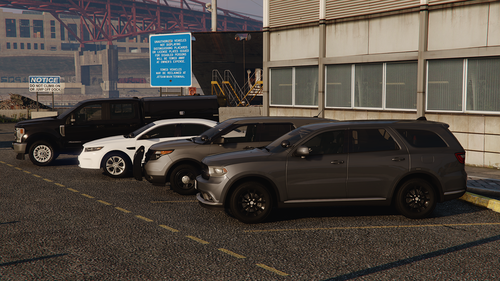
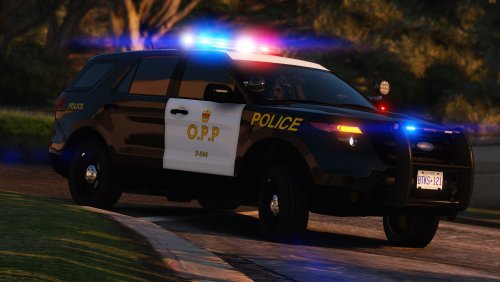 Where is the template for the 18 Durango? There is none for the durango in the template file.
 Really in depth callouts. They really add a whole other layer to lspdfr gameplay.
- 66 comments
- 16 reviews
-
-

- 3
-
Are there any plans to expand this pack? I understand that'll take a ton of work to do but just curious if there is any.- 66 comments
- 16 reviews
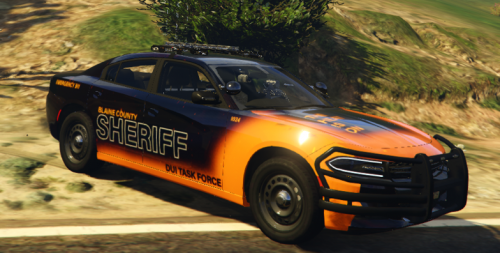 Thanks for linking these! I'll use these to improve the accuracy on the skins.
Great job on that pack!
Here is how the real cars look like, they are quite new so this is one of the only picutres of them out there.
Thanks for linking these! I'll use these to improve the accuracy on the skins.
Great job on that pack!
Here is how the real cars look like, they are quite new so this is one of the only picutres of them out there.



