


JokerMods
Members
-
Joined
-
Last visited
Everything posted by JokerMods
-
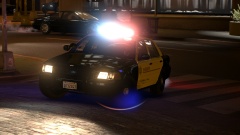 Yes, but on Patch 4.
 -
-
Los Angeles County Sheriff responding
-
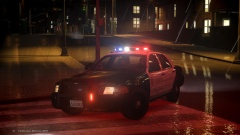 Los Angeles County Sheriff
-
 Federal Signal Arjent S2 - Render
-
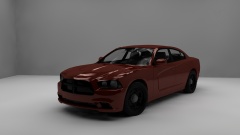 Heisenberg's 2013 Dodge Charger PPV Render
-
 Heisenberg's 2010+ Charger Alloy Wheel
-
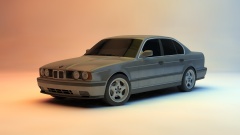 BMW E34 M5 3.8L Render
-
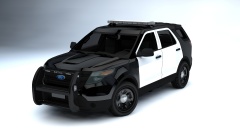 Ford Police Interceptor Utility Render
-
 Lamborghini Gallardo LP 560 4 Render
-
 LCSO Units responding
-
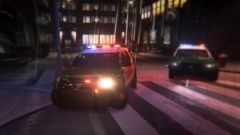 LSCO FPIU
-
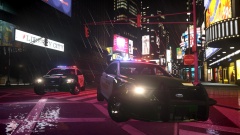 LCSO Sedan Code 3
-
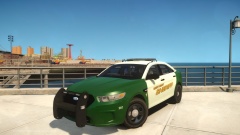 RELEASED - 2014 Ford Police Interceptor Sedan - Liberty City Sheriff
-
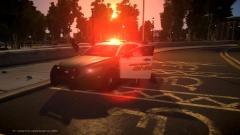 LCSD
LCSD
-
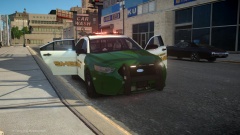 2014 Ford Police Interceptor Sedan
-
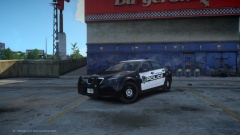 Titusville Caprice PPV
-
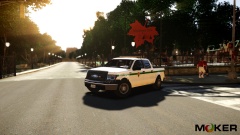 2013 Ford F150 SSV - U.S Park Ranger
-
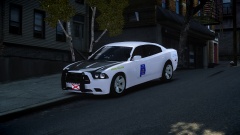 2014 Alabama State Police Dodge Charger PPV
-
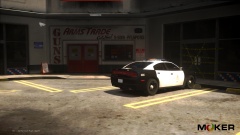 LAPD spending time on the shooting range.
-
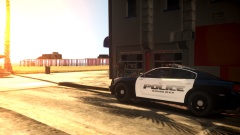 RBPD Officer havin' a break.
-
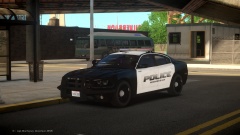 RELEASED!!! 2014 Redondo Beach PD - Dodge Charger
-
-
From the album: JokerMods' WIP's and Screenshot's
Due to the report I got on my other LASD picture, and I don't know the reason yet because the LCPDFR Staff is so slow, I will ask anybody who is going to report one of my pictures to PM me and I will either remove it or whatever it is show you that it doesn't need to be removed because you were wrong.© JokerMods ©
-
Thanks man!
-
From the album: JokerMods' WIP's and Screenshot's
-
False. Actually confused. The person below me, is a Xbox'er and not a Playstation'er. LOL.
-
U WOT M8?!
-
From the album: JokerMods' WIP's and Screenshot's
© JokerMods ©
-
From the album: JokerMods' WIP's and Screenshot's
© JokerMods ©
-
From the album: JokerMods' WIP's and Screenshot's
-
Definitely!! BMW forever!! And the E34 is awesome, I'm glad I have one of these, not an ///M5 though. Planning on getting one, though.
-
From the album: JokerMods' WIP's and Screenshot's
© JokerMods ©
-
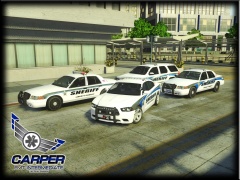 Totally fucked up shit!!! Just kidding, nice pakc bruh, and that Liberty KevinDV gave us(and some more) is awesome!!!
 -
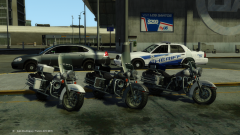 Nice!! And great skin on that CVPI!!
 -
From the album: JokerMods' WIP's and Screenshot's
-
Some website, forgot the name, but it's not textured, you have to retexture it yourself.
-
From the album: JokerMods' WIP's and Screenshot's
-
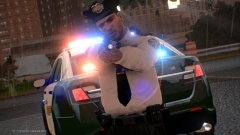 Nice!! And good to see someone else using iCE3.0!
 -
From the album: JokerMods' WIP's and Screenshot's
Two LCSO Ford Police Interceptor Utilities responding to a 11-99 call. [11-99 means, "Offier in emergency"]© JokerMods ©
-
PC sucks bro... Just kidding, but I'd go with a water cooled GPU aswell, when you go with a water cooled CPU. And aswell, if you use the 120GB SSD as your C: drive, DON'T!! I made that mistake and I'm really limited with my games and programs, go with a 200GB atleast. You could try, like I did and it might work but my PC is full of junk and I really have to clean my PC every month to keep it fast and the C: drive clean. right now I've got 6GB on my C: drive left out off 120GB, really sad, isn't it? Go with a water cooled GPU and add a couple GB's to the SSD and it's a beast!!
-
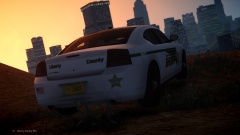 That's why it's the "new" Charger, available with optional hover mode!! Now at your Dodge dealer!
 -
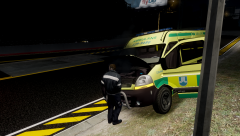 Not only Renault engines, also Citroën and Peugeot engines.
 -
 Here's the link: ?do=embed' frameborder='0' data-embedContent>
 -
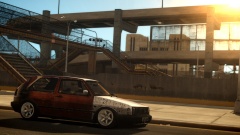 Damn!!! A MCM-Fan <333 Love Marty and Moog :)
 -
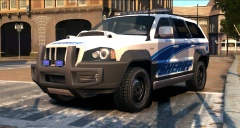 Damn!! Looks sweet Kevin, keep it up!!


