JokerMods
Members
-
Joined
-
Last visited
Everything posted by JokerMods
-
Maybe I can help but I need to talk then, get on the lcpdfr TeamSpeak please.
-
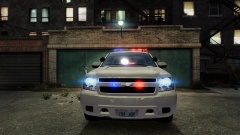 O.o awesome grphics for Patch 7
 -
NIce video and ENB, is it on Patch 4 (1.0.4.0)?
-
Update all drivers; install all Windows Updates; Update C++ and Scripthook; just everything maybe that can help
-
No you gotta (Hold) Windows Button+R to opne the Run app. -> then type in %appdata% -> then you'll be in Roaming folder, go back with the path you can see on the top -> click on AppData in your path -> you'll see three folders local; locallow; and roaming you were in at the beginning -> click on Local (NOT Low) then scroll down to Rockstar Games open it -> open GTA IV -> and you'll see a savegames folder and there you go ;) If you have deleted your savegames and it has still the shitty loadingscreen that wont end, do the same but go in the Settings Folder instead of savegames and deleted the settings file.
-
-
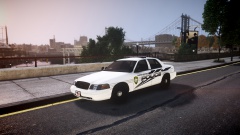
From the album: JokerMods' WIP's and Screenshot's
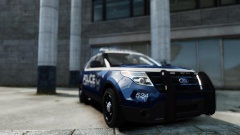
---> TSPD CVPI by JokerMods <--- This Vehicle is a exclusive mod for Stinkace2 and JokerMods only -
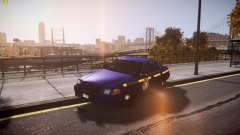
From the album: JokerMods' WIP's and Screenshot's
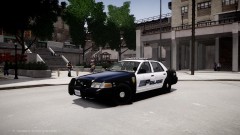
---> NYSP CVPI by Lccop <--- -
-
I have thrown some ENB's together and then yea this nice ENB came out.
-
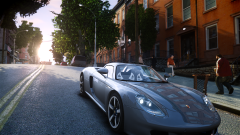
Thats my current ENB:
-
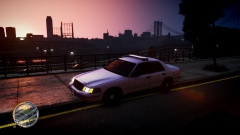 Thanks deco
 -
As you can notice, the lights are off, and I guess you know what W.I.P means -> Work in Progress. And some other stuff is also on it. But thanks for commenting.
-
From the album: JokerMods' WIP's and Screenshot's
---> Work in Progress <--- Coming soon... -
 My Fav Track, its where I live at LOL
 -
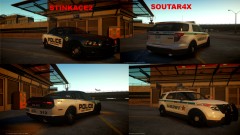 Stinkace2s skin ^^
 -
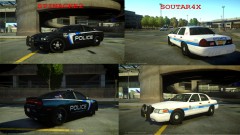 Stinkace2s is better.
 -
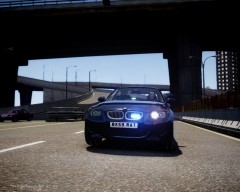 Nice pic man.
 -
 @Slimory It's a Federal Signal Legend.
 -
@Slimory It's a Federal Signal Legend.
-
-
-
From the album: The Picture People
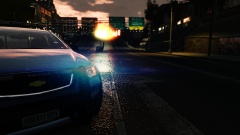
My new updated ENB for Patch4 at 6 AM (In-Game time) -
 Thanks man ^^
 -
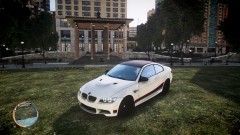 Thanks man.