


JokerMods
Members
-
Joined
-
Last visited
Everything posted by JokerMods
-
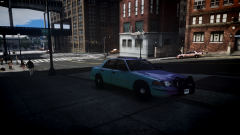 Thank you!!
 -
From the album: JokerMods' WIP's and Screenshot's
Still WIP Considering if I should make a pack with the same light setup -
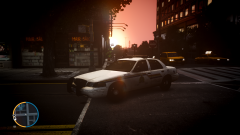 Thank you Nick!!
 -
Thanks alot
-
No, I'm in Priority Role Play and I put RCMP Officer before my name, and I wanna avoid a missunderstanding by "RCMP Officer" Thanks man!
-
From the album: JokerMods' WIP's and Screenshot's
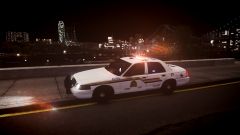
RCMP Officer C. Walker Unit KS1603 on his daily morning Patrol in Southern Algonquin !!![i'm not an RCMP Member]!!! -
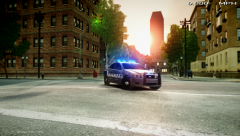 Stunning! *No words*
 -
 Me too, I don't know how to fix it. Would be nice if someone PM us the solution to fix it. Thanks
- 162 comments
- 338 reviews
-
-

- 1
-
-
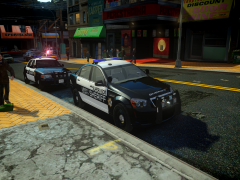
-
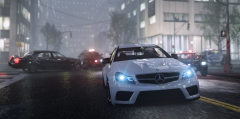 Holy F*** that ENB. What cop cars did you use?? My Pack? If yes, I really appreciate that love your pics.
 -
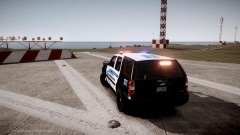 Cj24's old ENB.
 -
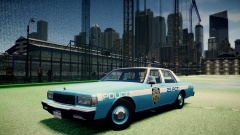 Nice car man, and didn't know that we have the year: 19023. LOL JK, you made a typo the car is 1989 not 18989. But as I said nice car tho.
 -
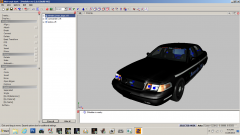 Grant you have the same, it's Win7 in Classic mode. Everybody can see that on the Windows START Logo and on the Deskop Icon in the right bottom corner, only Win7 (Win8 idk) has it.
 -
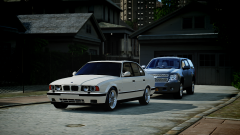 Awesome man, love it. The model I have just faster than my 520i.
 -
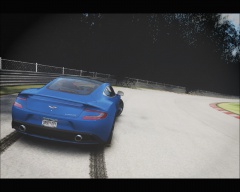
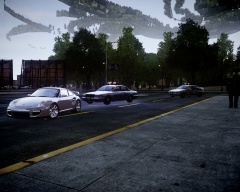 Nope, it the Nürburgring Nordschleife.
 -
Is there something that could fix it?? [bLOOM] BloomQuality=0 BlueShiftAmount=5 Radius1=10 Radius2=10 Contrast=1 Thanks to all of you, to lower the value of the emissive light helped. Thread can be closed.
-
IV on Patch 1.0.7.0
-
It is StinkAce's ICEnHancer. I tried that and it didn't work, but thanks.
-
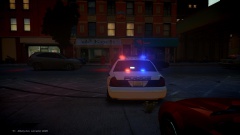
From the album: JokerMods' WIP's and Screenshot's
-
Hello I really need help with my ENB it looks strange with these stripes:
-
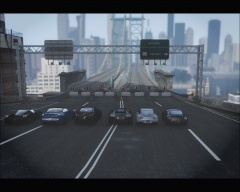 I'd choose the GTR or the black Porsche, I guess GT2 RS(the white one aswell)?!
 -
 Thank you very much.
 -
Thanks!
-
From the album: JokerMods' WIP's and Screenshot's
---> RCMP Vic by aznairsoftdude <--- -
 I am the --->

