


jamstonedscones
Members
-
Joined
-
Last visited
Everything posted by jamstonedscones
-
-
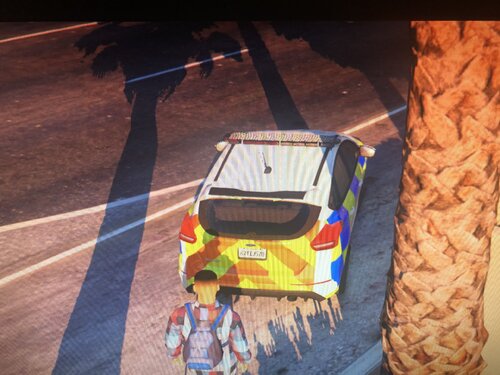 Good skin, needs work but good start. just some side info in the UK we mainly use blue and white lights and only use a small amount of reds. keep it up bro, ill be waiting for you to release an improvement 🙂
 -
-
yeah but I have tried extracting the files in there, placing the win file in and it doesn't show up. I went back to the download link and redownloaded
-
I have already downloaded add-on cars through lml but updated gta and now they won't show again inside lml. how do I sort this out?


