



arrexx
Members
-
Joined
-
Last visited
Everything posted by arrexx
-
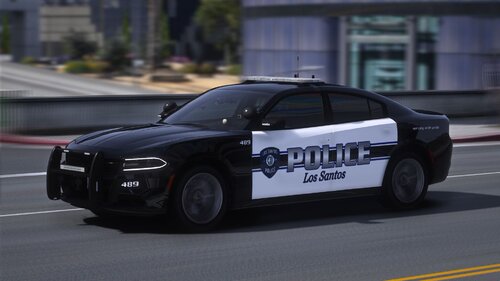 the windows are transparent textures, so you can change it yourself. and if you would like, download a wheel pack.
- 84 comments
- 5 reviews
-
-
you can change the back light emissive by going into the ELS. and the two toned you can change by pulling the Vehicle sign out of the ytd and making a transparent one to replace.
- 84 comments
- 5 reviews
-
-
i’m about to start working on converting It over, there will be a update today, converting to dlc, a new vehicle and i’ll add the r/b textures i’ll add the r/b textures in for ya!
- 84 comments
- 5 reviews
-
-
I did it in zmod, and remapped, the textures won’t be b/b Vehicle wheel pack on lspdfr I believe i’ll fix it
- 84 comments
- 5 reviews
-
any light file you see in the ytd, export, put in desired application, replace the blue with red, and import sorry you feel that way, but if you wanna make a base and share it, lmk! thanks
- 84 comments
- 5 reviews
-
-
-
no I didn’t make a r/b version, but your more then welcome to go into the ytd and change the textures
- 84 comments
- 5 reviews
-
I might upload a new version in the feature as a dlc including the 18 tahoe, and you should be able to go into the YTD of each vehicle and just modify the colors to how you like!
- 84 comments
- 5 reviews
-
I can add the templates for the vehicles, also. i didnt mean to upload the 2018 tahoe screenshots, lspdfr is taking forever to take them off.
- 84 comments
- 5 reviews
-
-
-
-
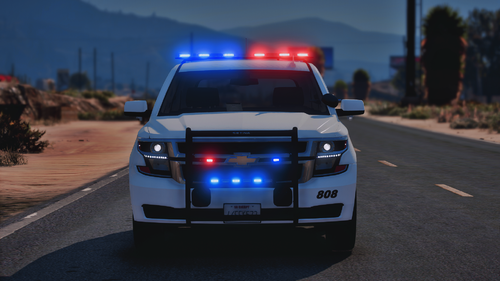 Its a DLC, install the DLC and the cars should work, its not a replace unless you go into the DLC file and Export and rename
- 58 comments
- 4 reviews
-
-
-
-
Yeah man, im in the process of releasing the final rendition of this pack! be expecting new things as well as a few more cars 😉
- 58 comments
- 4 reviews
-
-

- 1
-
-
-
-
the sheriff XML’s should be placed in your “ELS” - “pack default” folder in your gta main directory
- 58 comments
- 4 reviews
-



.thumb.png.f0710596a9842b4eaf7a710b00ceda20.png)