Skip to content
View in the app

A better way to browse. Learn more.

LCPDFR.com

A full-screen app on your home screen with push notifications, badges and more.

To install this app on iOS and iPadOS
  1. Tap the Share icon in Safari
  2. Scroll the menu and tap Add to Home Screen.
  3. Tap Add in the top-right corner.
To install this app on Android
  1. Tap the 3-dot menu (⋮) in the top-right corner of the browser.
  2. Tap Add to Home screen or Install app.
  3. Confirm by tapping Install.

OfficeMCfly

Members
  • Joined

  • Last visited

Everything posted by OfficeMCfly

  1. Yes I did, I changed it back to the original one and it's now fine. Thank you.
  2. When I go on duty LSPDFR dll file crashes, does anyone know why? RagePluginHook.log
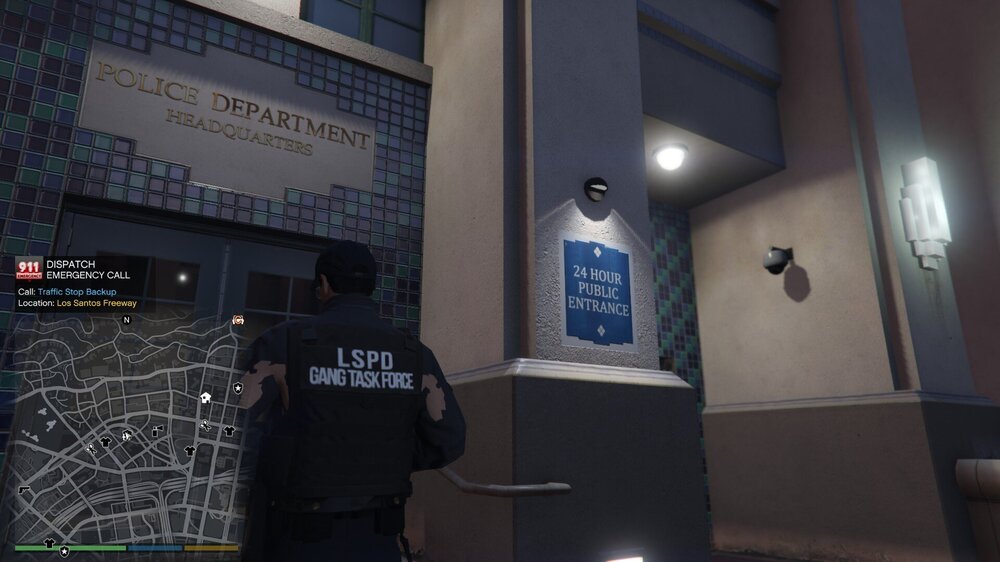
  3. I am having issues with EUP, When I am wearing a vest (armor vest) and a hoodie my player has holes in the back of his hoodie and I can see his skin glitching... Any reason of that happening?
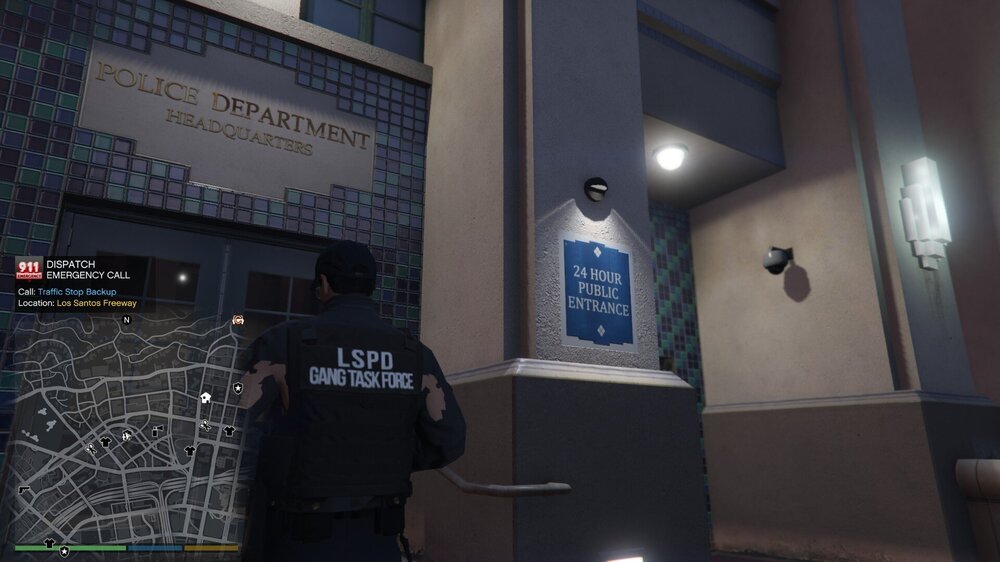
  4. I am having issues with EUP, When I am wearing a vest (armor vest) and a hoodie my player has holes in the back of his hoodie and I can see his skin glitching... Any reason of that happening?
  5. Hey guys, Every time when I activate ALPR+ by pressing F8 In-game after a few scans of licences plates my LSPDFR Crashes, I am using LSPDFR 0.4 and the newest ALPR+. Any reason why It's crashing? Please help thanks!


Account

Navigation

Search

Search

Configure browser push notifications

Chrome (Android)
  1. Tap the lock icon next to the address bar.
  2. Tap Permissions → Notifications.
  3. Adjust your preference.
Chrome (Desktop)
  1. Click the padlock icon in the address bar.
  2. Select Site settings.
  3. Find Notifications and adjust your preference.