
Samthegreat123
Members
-
Joined
-
Last visited
Everything posted by Samthegreat123
-
 Yeah I’ve noticed that too and have made several attempts to fix it but it seems to be a problem on the Car model developers end.
- 48 comments
- 1 review
-
Hey man, so if your rotators aren't spinning then that means that you havent changed the "Default_Config" in the slotcontrol. I had the same issue when I was using bxbugs nypd cars.
- 48 comments
- 1 review
-
-
-
-
-
Sup bro, yeah I didn’t know the impala had a spotlight nor did I know the interceptor used it. if I get the time bro.
- 48 comments
- 1 review
-
-
 My motivation to continue to work on this is so low. If I find the time then yes. Sup bro, I dont think its as simple as converting to fbx. There are so many meshes that uses scripts, I just dont think it will be possible.
- 138 comments
- 6 reviews
-
Sup bro, unfortunately I cannot do that but what I can tell you to do is to make a clean install of GTA IV and first downgrade the game to 1.7.0.0, then install your graphics mod and car mods, then install LCPDFR. very simple. also dont forget to edit that command line.
- 48 comments
- 1 review
-
-

- 1
-
-
-
-
-
Alright man, so that sounds like your experiencing texture loss. I’ve posted my command line above so I highly recommend that you use it. That command line literally fixes texture loss for me and my buddy, hope it works for you. Anyways what I’ll try to do is run all the cars through the poly mesh tool in zmodeler 3 and update the file. After that, that’s all I can really do bro.
- 48 comments
- 1 review
-
[My Specs: GPU: RTX 2060 CPU: Ryzen 5 (3600) Ram: 16 Gigs] Hey man, Like I said, this is a high poly pack so things like that can happen. What I can do on my side is run all the cars through the "Optimize Polygon Mesh Tool" and decrease the Polys to a respectable amount and thats all I can really do. For your side, I recommend using my command line. This will get you hours of gameplay without crashing. Also, try to keep the game at 1080p. Also another thing, Try to keep all the GTA IV cars vanilla. Dont install multiple car packs, just try to use one and keep all the other cars like taxis and sport cars vanilla, that will get you a smooth gameplay. Also, make sure you dont have too many scripts, that will definitely crash your game after like 20 mins of gameplay. Thats all I can say. If non of these work, then I would advise that you Reinstall GTA IV and install the car pack, then see if the issue continue. If all crashes have stopped, then you must of overdone the mods and the game couldn't help it. Anyways If you do respond to this, Please Tell me what error your getting so I can help you even more. Thanks. -nomemrestrict -norestrictions -novblank -shadowquality 3 -noprecache -forcehighqualitymirrors -DX10/high -reflectionquality 4 -waterquality 4 -waterreflectionquality 4
- 48 comments
- 1 review
-
-
- 1
-
-
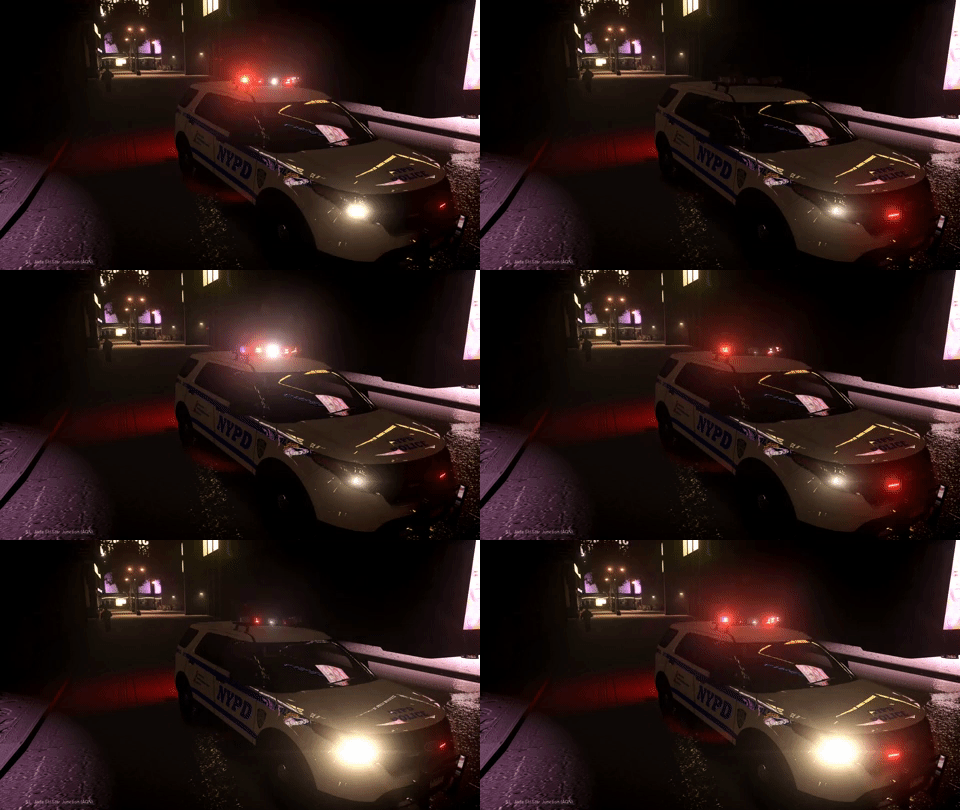
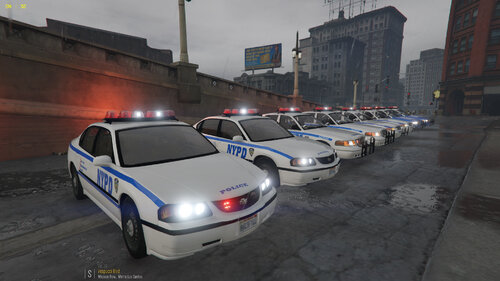
[ELS] True NYPD Pack ❤️️❤️️❤️️❤️️❤️️❤️️❤️️ "LETS MAKE LCPDFR GREAT AGIN!!!! " ❤️️❤️️❤️️❤️️❤️️❤️️❤️️ Sorry I just had to... Since Nobody else decided to work on this for 5 Years, I really thought that GTA IV is really dying (which it is) So this is my attempt to keep it alive. GTA IV will always have something that GTA V will never have which is nostalgia, "OG"ness (if you want that to count as a word) and love. This would Go great with this pack so heres your shortcut to the page KNOW GLITCHS: Rotator Lights always stay on cuz I couldnt turn it into a extra. THESE ARE ALSO HIGH POLY SO IT MIGHT CRASH YOUR GAME IF YOU GOT A CRAPPY COMPUTER. ALSO I SPENT LIKE 80 BUCKS GETTING THESE PARTS IN AND HAD TO MAKE A TON OF REQUESTS FOR PERMISSION TO USE SO I DONT WANT TO HERE SHIII** ABOUT BUGS AND GLITCHS
- 48 comments
- 1 review
-
-

-
- 17
-
-
-
-
-
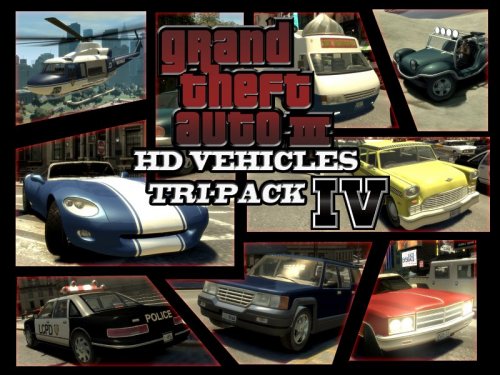 I don't like the GTA 3 Vehicles but got to admit this does look pretty dope. Well done!
 -
.thumb.png.a60d71b81cca1f6eff0f9aa295f7fbdc.png) Sorry I responding late. But your livery was Orange County Sheriff. But nvm
Sorry I responding late. But your livery was Orange County Sheriff. But nvm -
Orange County? lol
-
-
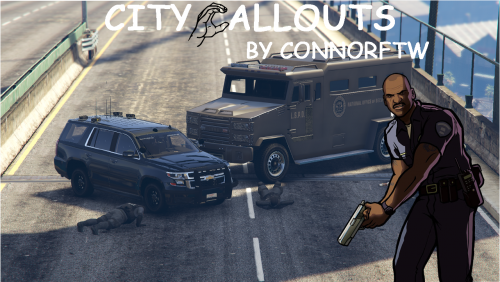 All the callouts always leave the yellow marker on the map. house robbery doesn't work, it just leaves a person in the front of the house and he just stands there. Trespassing at LA Airport also dont work, this either leaves 1 person and stands there or nobody spawns at all. The pursuits however are somewhat fun but this callout pack have room for a lot of improvement. Also when the callout pops up, the dispatcher doesn't say anything and the sentences on the notification are usually misspelled.
 -



.thumb.png.a60d71b81cca1f6eff0f9aa295f7fbdc.png)