


BC34
Members
-
Joined
-
Last visited
Everything posted by BC34
-
.thumb.png.a9a86a0a1d49b6667adb4acaec45339e.png) Any reason for no side lighting?
Any reason for no side lighting? -
 Can u make a Red and Blue version
 -
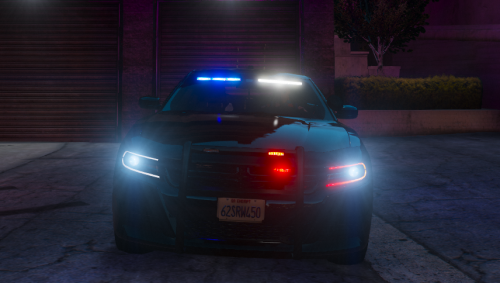 Just letting u know the charger is anyway at 1mph when stopped and because i use fivepd the MDT doesnt work please fix the 1mph bug. for the MDT to work the car has to be at 0mph
 -
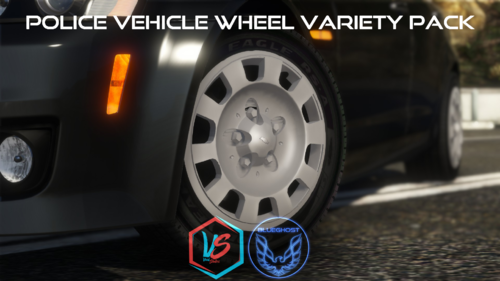 For Some reason i can only find the charger and the fpiu wheels in my game. can someone help on how i find the others. i have them in fivem
- 88 comments
- 18 reviews

.thumb.png.a9a86a0a1d49b6667adb4acaec45339e.png)

