


theFuse
Members
-
Joined
-
Last visited
Everything posted by theFuse
-
Probably the native trainer that you're using. They usually have preset keybindings that automatically trigger stuff like preset vehicles spawns and so on, check the trainer.ini file.
-
-
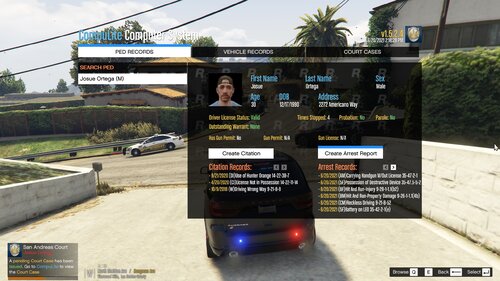 Hey mate, just wanted to say that you did a great job with it so far. Hoping that you will continue to update it! Quick question though, will you be adding a section called "Warrants" or something like that, where we can charge them with an already outstanding warrant? If it is even realistic though, don't know much about American law system or however you call it. Have a nice one!
- 22 comments
- 1 review
-
-

- 1
-

