




KN1IGHT
Members
-
Joined
File Comments posted by KN1IGHT
-
-
Hey
I noticed though that (for me anyways) the front passenger side fender M4 is flashing but the light texture looks like it’s behind the light head, as if you look closely & rather then orange it looks like a shadow. (Could just RP that SADOT’s budget won’t allow for the light to be repaired lol)
I’ll try get a pic when I can though.
Great release though 10/10!
-
-

I do not have a directory called
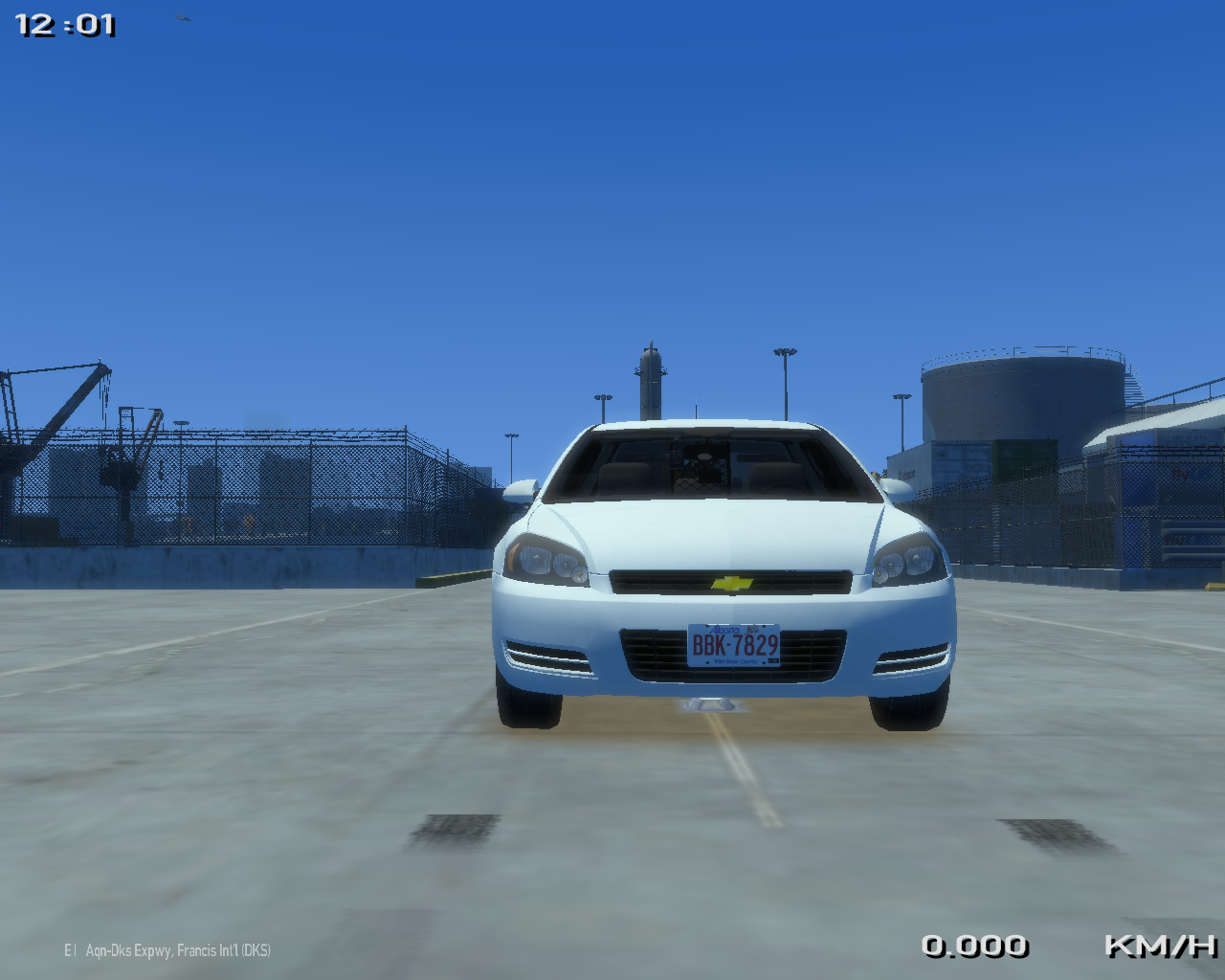
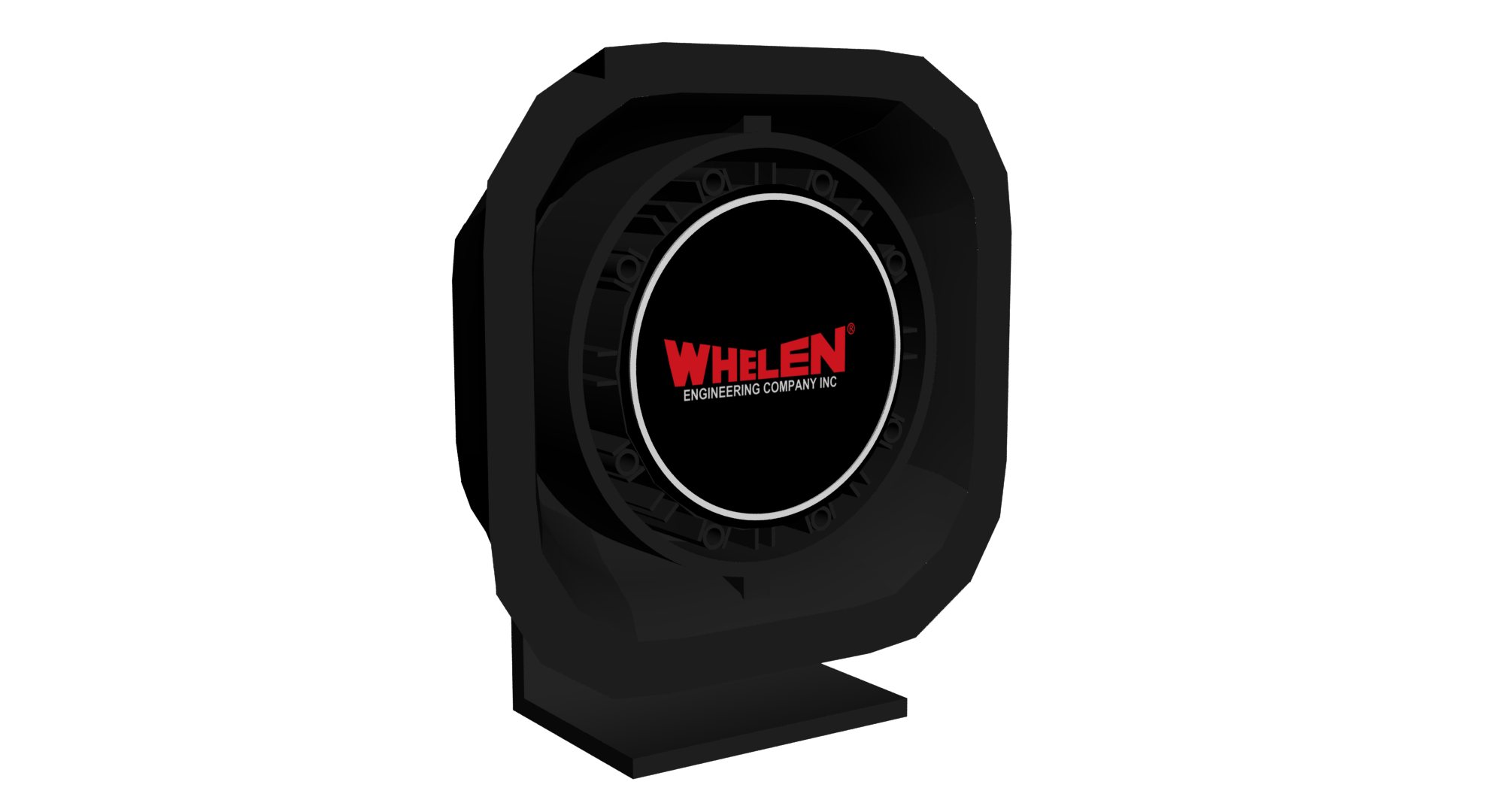
I did add grill lights originally, but the way the front bumper was, there was no "space" behind the grill for any, since putting mini LEDs there resulted in them actually being in the grill, which didn't look that great/realistic IMO, so I opted for the hidden front inner lights instead. A future update will possibly/probably include some more front lighting other then the inner edge XLP, and front hidden lightingThe inner edge isn't very bright and adding some grill lights would be ideal but not bad otherwise.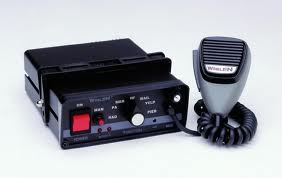
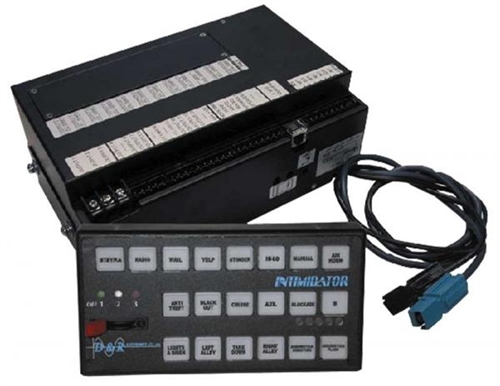
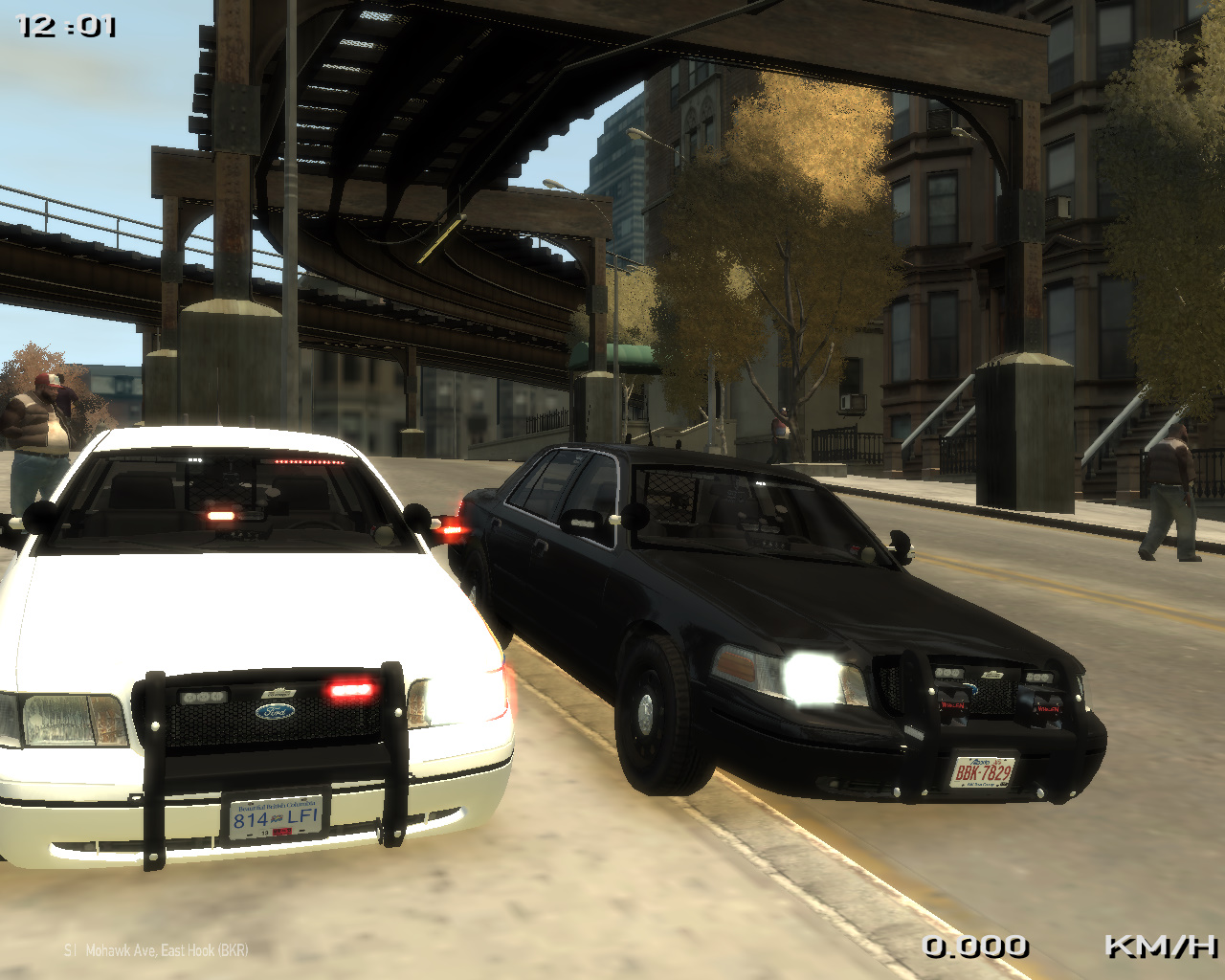
love the rear lighting setup! good job man!
Bug Report: Regarding the Fed Sig Legend version, if you go at least four car away from the Impala there is a glitch with the lightbar in which it becomes extremely large. If you are under two car lengths the lightbar becomes normal.
What looks like TIR3s, are the Mini LEDs modelled and released here. As for the Rambar, the source I got it from, had the download labeled/ named as "Impala Rambar". Here's the link I got the Rambar from: http://gtapolicemods.com/downloads.php?do=file&id=1756 For the console, the way it is, is the way it came in the download when I downloaded it. I believe it was released here on LCPDFR.com at one point (if it isn't available anymore) Either way, thanks for the comment/ review. :) When I get a chance, I'll hopefully go through and do my best to fix these small issues.Maybe its just me since I'm anal to the details but there are quite a few small issues. The lightbar feet appear to be to low on the roof like they are sunken in. The XT6's you used in the rear doors are floating, they aren't attached to anything, as well as the cord goes into mid air. The radar display unit is sunken into the dash. The textures appear to be messed up on the visor lights of the "slicktop" version. The modules look black but maybe its suppose to be like that. You used a CVPI pushbar on a Impala and there is a texture issue with the Go Rhino logo on the middle of the bar, evident in the last photo. The TIR3's used on the pushbar and the mirrors seem to be way to big in my opinion anyway. The traffic advisor is in front of and covering up the rear radar unit and the cords for it are able to be seen in the trunk when opened. Last but not least the console, why is it just textures and not a simple model of a cencom and a radio? Like I said before I'm anal to the details so don't take it the wrong way. Scale some things down to better fit the car. Your on the right track but it still needs some TLC.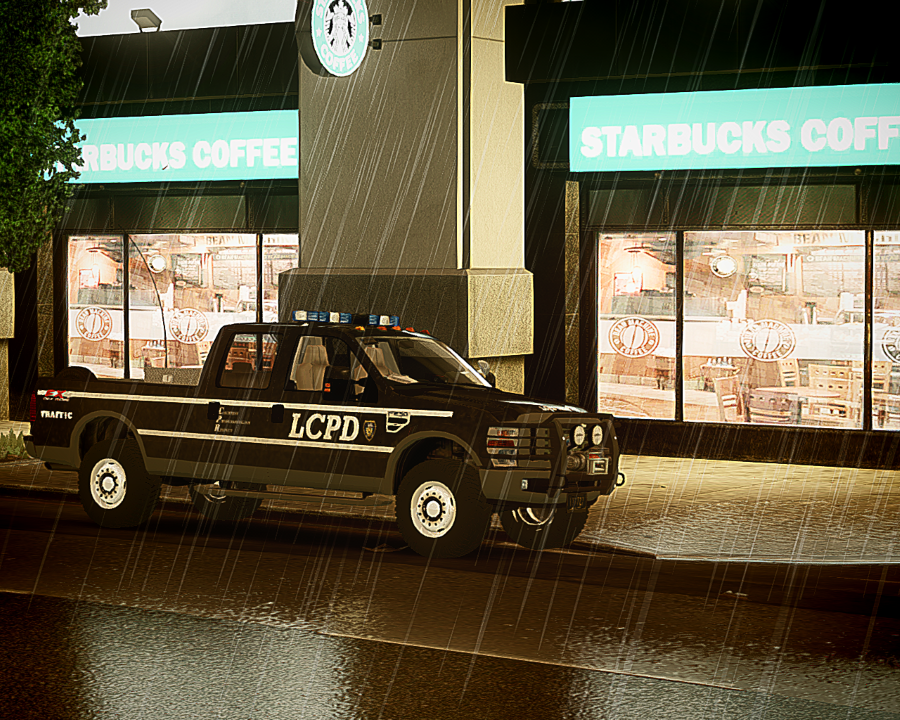
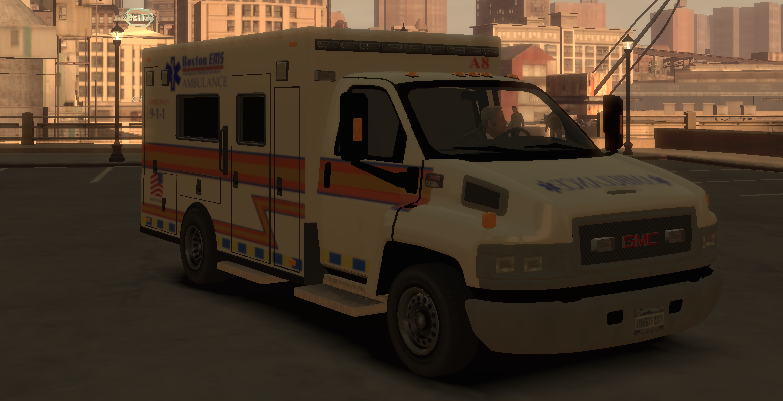
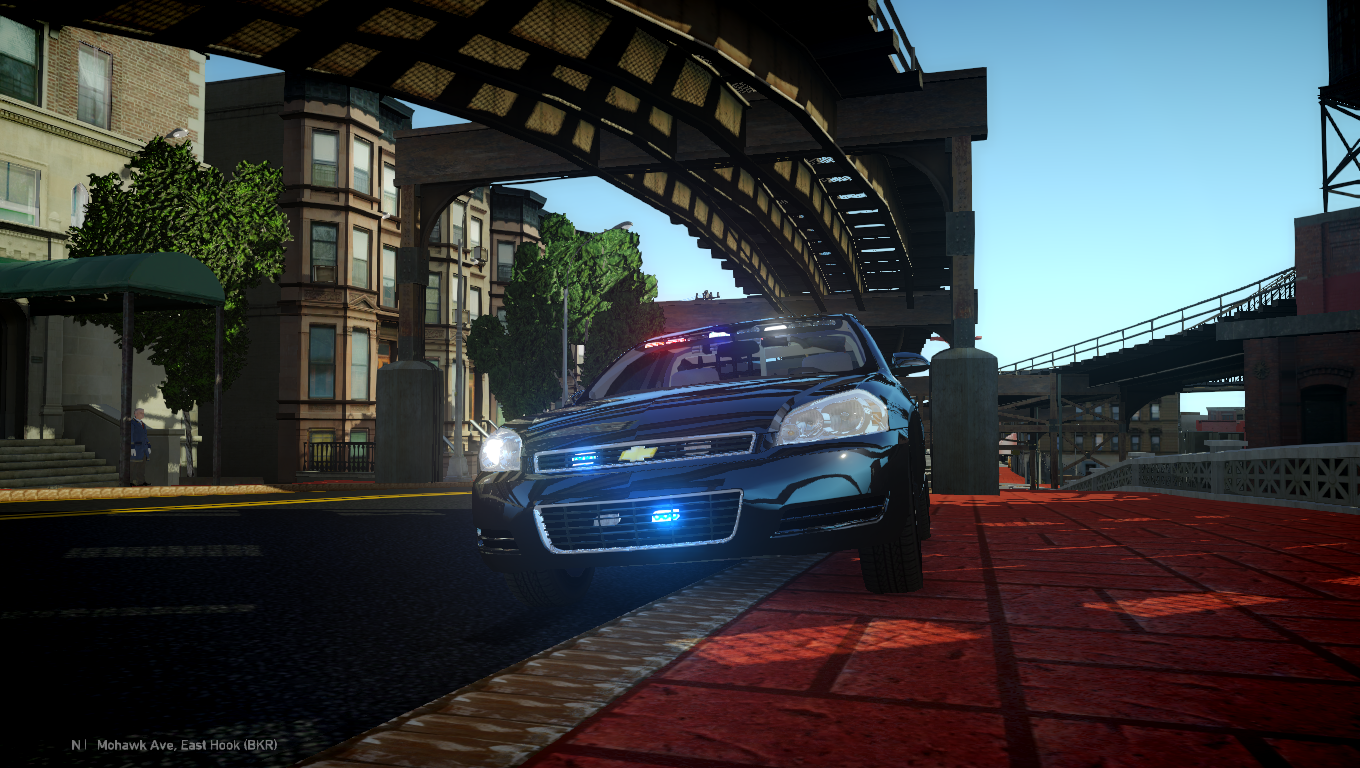
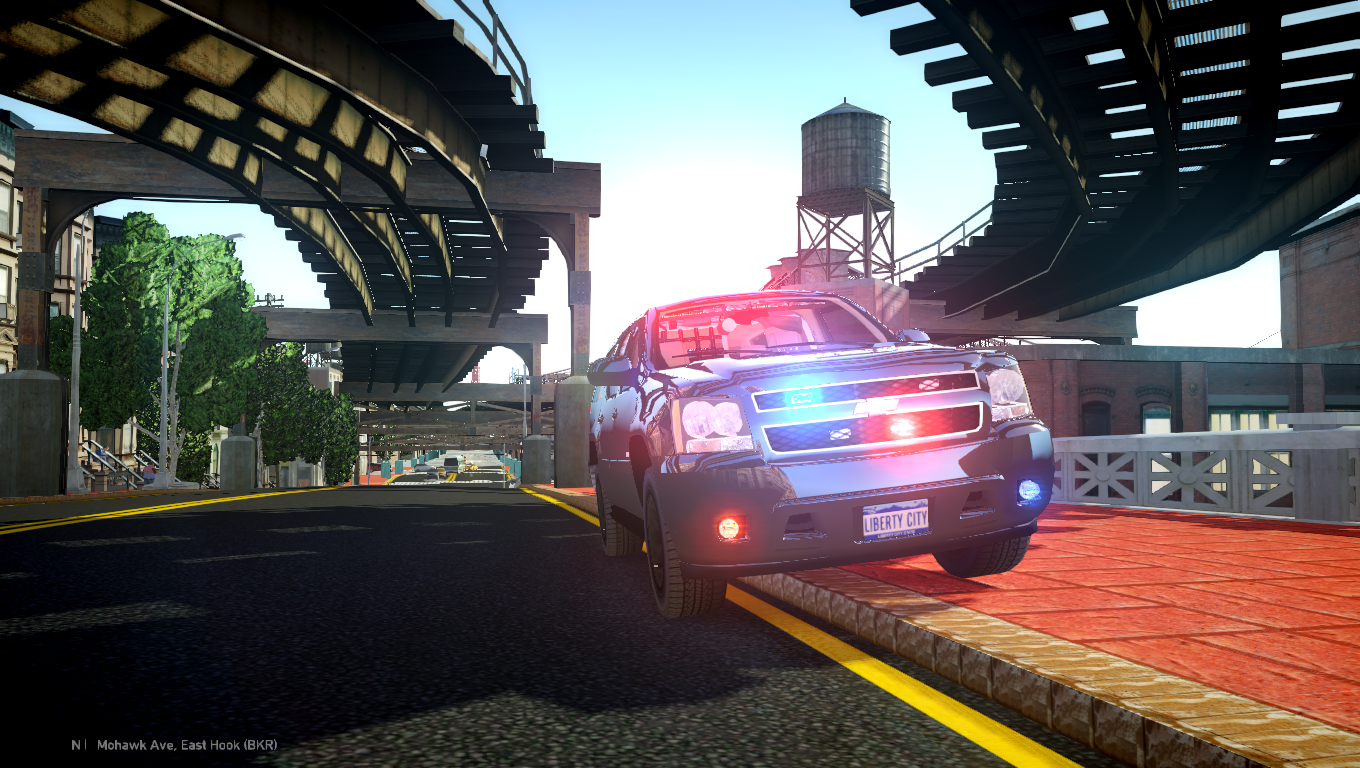
I've downloaded 1-2 tahoes, that have two partitions, and it actually doesn't look bad. It also makes sense to have two partitions, however I have yet to see a real life Tahoe that has two partitionsThank you for the kind words! Do you think that two partitions might look a bit weird? Ill try it out and see how it looks. Thanks again!





Account
Navigation
Search
Configure browser push notifications
Chrome (Android)
- Tap the lock icon next to the address bar.
- Tap Permissions → Notifications.
- Adjust your preference.
Chrome (Desktop)
- Click the padlock icon in the address bar.
- Select Site settings.
- Find Notifications and adjust your preference.
Safari (iOS 16.4+)
- Ensure the site is installed via Add to Home Screen.
- Open Settings App → Notifications.
- Find your app name and adjust your preference.
Safari (macOS)
- Go to Safari → Preferences.
- Click the Websites tab.
- Select Notifications in the sidebar.
- Find this website and adjust your preference.
Edge (Android)
- Tap the lock icon next to the address bar.
- Tap Permissions.
- Find Notifications and adjust your preference.
Edge (Desktop)
- Click the padlock icon in the address bar.
- Click Permissions for this site.
- Find Notifications and adjust your preference.
Firefox (Android)
- Go to Settings → Site permissions.
- Tap Notifications.
- Find this site in the list and adjust your preference.
Firefox (Desktop)
- Open Firefox Settings.
- Search for Notifications.
- Find this site in the list and adjust your preference.
Oakley M-Frame glasses by Tom
in Player & Ped Modifications
Did you ever find this mic (& it looks like an Axon Body 3 camera)?
I too am searching for it