



MrDaxDev
Members
-
Joined
-
Last visited
Everything posted by MrDaxDev
-
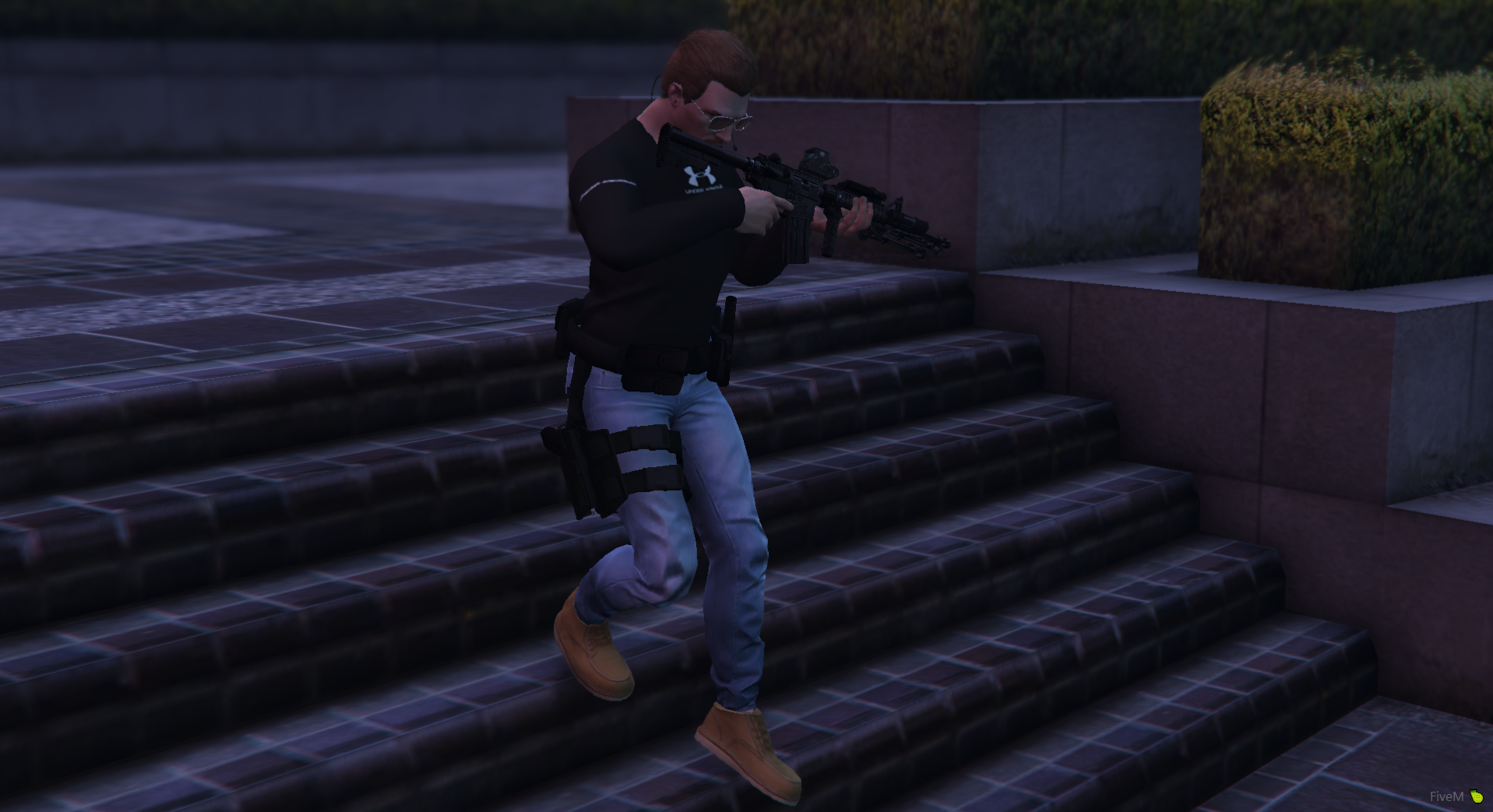
 I had to actually test it around it turned out a negative number on this, you can change only the rotation section on 135, reduce it if you want it to be more like the real life picture one OffsetPosition = -0.1,0.22,-0.02 Rotation = 165,135,0.0 Your welcome !
- 266 comments
- 22 reviews
-
-

- 1
-
-
Does anyone know the offset position and rotation of this guy in the photo ? and whats the magic formula of learning to place the XYZ of these things ?
- 266 comments
- 22 reviews

