


tragicEM
Members
-
Joined
-
Last visited
Everything posted by tragicEM
-
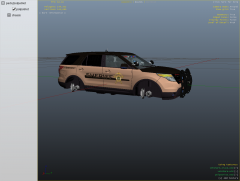 I like the black tint.. you should do the front two tinted because all the sheriff's I've seen have tint all the way around and the front is even light tinted or full limo. but can still see the lights flash through all windows.
 -
-
-
-
I came across a wiki about the mustangs I didn't know about. http://en.wikipedia.org/wiki/Ford_Mustang_SSP
- 23 comments
- 6 reviews
-
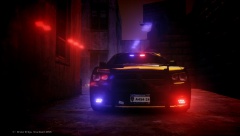 nice light setup
 -
VSP Texture's originally made by twc779. Personal use collection.
-
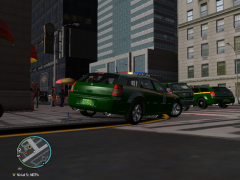
From the album: Vermont State Police
2010 Dodge Magnum by (EVI) -
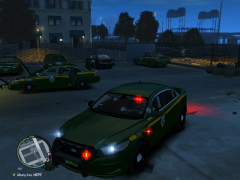
From the album: Vermont State Police
FPI-LCPD-V1.2U-AC by EVI -
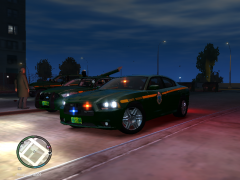
From the album: Vermont State Police
2012 Dodge Charger V1.0-AC - slicktop by Cj24 -
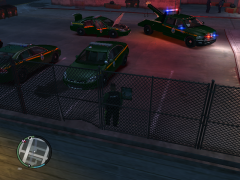
From the album: Vermont State Police
IMP2-V3.0L-PPD ELS by gfxle , 2012 Dodge Ram Tow Truck by unknown -
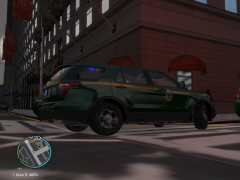
From the album: Vermont State Police
HG2_EXPLR by NickieB -
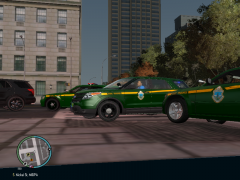
From the album: Vermont State Police
HG2_EXPLR by NickieB , 2010 Dodge Magnum by EVI , 2006 Dodge Magnum V15WL-ELS By KevinDV -
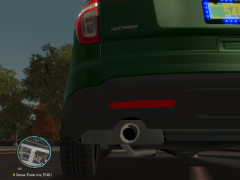
From the album: Vermont State Police
HG2_EXPLR_NickieB -
-
HG2 Demonstration Vehicle by NickieB "Please do not PM NickieB requesting this Explorer, he just let me use it for now" truck template by kevinDV http://www.youtube.com/watch?v=SBgFjasx6QA <~~video to his truck /video to real life truck ~~> http://www.youtube.com/watch?v=DZ36kUHWn8A
-
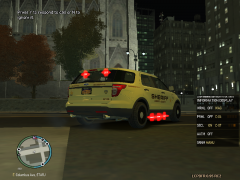
From the album: HG2 Demonstration Vehicle by NickieB
""I do not own this skin"" (Skins) by THED -
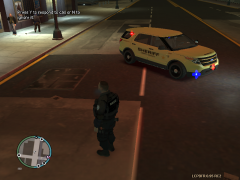
From the album: HG2 Demonstration Vehicle by NickieB
"I do not own this skin "(Skins) by THED -
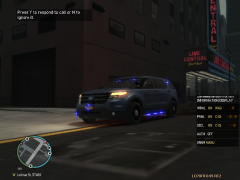
From the album: HG2 Demonstration Vehicle by NickieB
all blue -
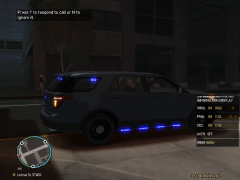
From the album: HG2 Demonstration Vehicle by NickieB
all blue -
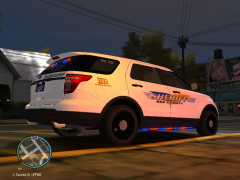
From the album: HG2 Demonstration Vehicle by NickieB
red county "I don't own or know who the author is of this skin" just converted to truck. -
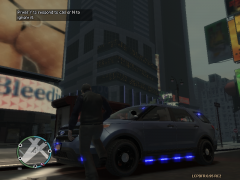
From the album: HG2 Demonstration Vehicle by NickieB
all blue -
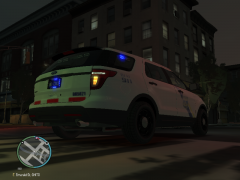 link to actual trucks http://policecarwebsite.net/yet/ppdcars/phl6001.html
 -
Thanks NickieB for clearing this up for those who out of repect wouldn't release to me a(slicktop explorer) to finish my truck. I think all the explorers that were released to public were 100% excellent. I just wanted to make a slicktop version because there is a limited amount of slicktop trucks that were made for the Police Commissioner's of Philadelphia.
-
From the album: Philadelphia Police Dept.
HG2 Demonstration Vehicle by NickieB

