DiamondTKG
Members
-
Joined
-
Last visited
Everything posted by DiamondTKG
-
try these settings let me know if that helps try using C to toggle the radio as for the version warning it will still work with the current version of lspdfr i think your issue is your assigned buttons //PoliceSmartRadio KeyboardConfig INI file by Albo1125. Last edited for version 1.0.0.0. [KeyboardConfig] // Use the exact 'member name' for the corresponding key: https://msdn.microsoft.com/en-us/library/system.windows.forms.keys(v=vs.110).aspx ToggleRadioKey=C ToggleRadioModifierKey=None NextButtonKey=G PreviousButtonKey=T SelectButtonKey=Z NextPageKey=Right PreviousPageKey=Left
-
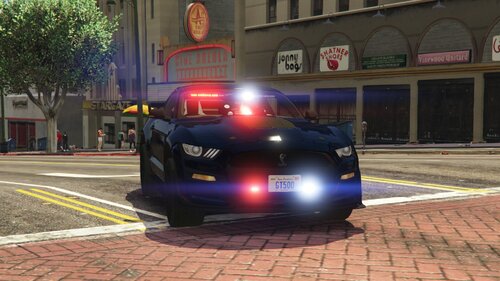
 Hey i used your vehicles in my video and left your link in the description -thanks so much!
- 283 comments
- 95 reviews
-
does rage hook to the game without lspdfr loaded ? also did you install rage after installing lspdfr because there version of rage is outdated so you should install lspdfr then rage to overwrite Also post the rage crash log so we all can help
-
try unticking lspdfr to load when game loads, then if it makes it pass the loading screen press f4 in game to bring up console and type force duty to activate lspdfr, if it crashes at this point it is lspdfr causing a crash and we can further troubleshoot
-
do you have a list of callouts that you are using ? also what are your lspdfr settings ?
-
Are you using shawdowplay to record or steam overlay disable these, then add an exeception to your antivirus for rage pluginhook, then finally right click rage plugin hook go to properties, then security tab and click edit permissions, set all to allow for each category. Let me know if this helps
-
it seems you are experiencing texture loss follow this guide to optimize your police vehicles I hope this helps
-
-
 Hey thanks for this vehicle 😄 made a video with it !! and i left your link so everyone knows where to get it
- 76 comments
- 55 reviews
-
-

- 1
-
-
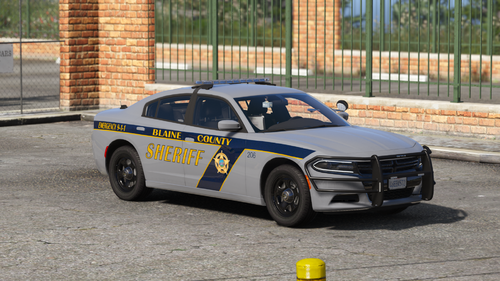 thanks so much ! looking forward to using other packs .. If anyone wants a little preview of the vehicle check out my vid ... thanks again Dewey
- 20 comments
- 8 reviews
-
-
- 1
-
-
thanks so much for this pack they look awesome ! I left your link in my video . Keep up the great work
- 20 comments
- 8 reviews
-
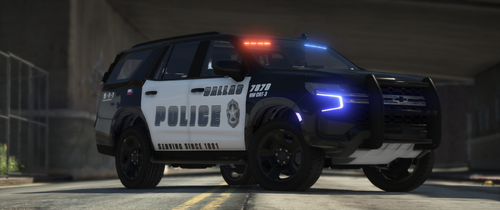 I THOUGHT I LINKED YOU MY OTHER VIDEO 🤦♀️ BUT I USED YOUR SKINS AGAIN (AND IN ANOTHER UPCOMING VIDEO THANKS AGAIN !! I MADE SURE TO LEAVE YOUR LINK TOO
- 51 comments
- 4 reviews
-
-
- 1
-
-
-
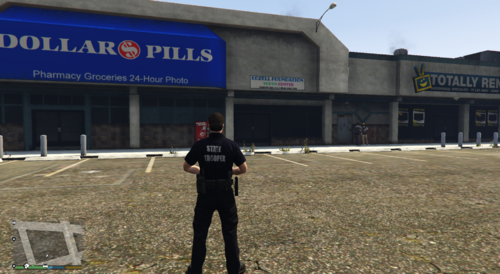 hey does this work with female peds, this looks great im from CT to !!!
 -
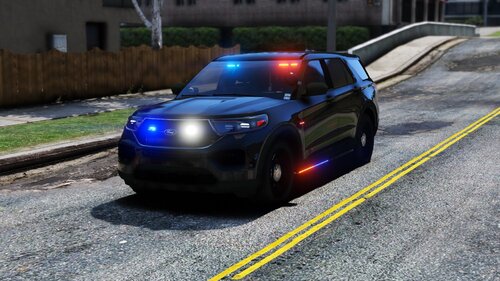 Hey I used your pack in my video check it out great job on the cars !!! and I put your link in my description so people can find you 😀 https://youtu.be/JV6hNXXdFC8
- 89 comments
- 16 reviews