



tramter
Members
-
Joined
-
Last visited
Everything posted by tramter
-
 no its been tested many times by myself and others, the only difference is that some shirts dont work, everything else still works fine.
 -
8.2 doesnt affect the pack, it never changed the uniforms it just added content to the wardrobe
-
-
 this mod provides the altered keys.ini for Compulite , ultimate backup, and stop the ped. it comes in different forms and configurations depending on which mods you have downloaded and which you have not, and saves time when setting up your LSDFR. installation: drag keys.ini to : grand theft auto v/lspdfr
- 2 comments
- 1 review
-
-

- 1
-
-
 any ETA? this is my favourite pack and i cant wait for the new update! also would it be possible to add the function of changing the available cars to choose from in the .ini, so we can use more than just the couple of cars and bikes available in the version at the moment
 -
 l l l l l l l l l leaker
 -
 turn off cloth displace to get rid of the shadow
 -
 https://www.gta5-mods.com/player/uk-eup-pack-2-oiv
 -
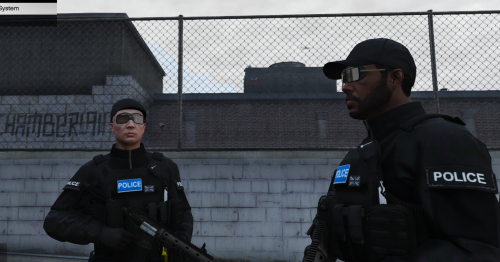 if you go onto my fiveM page you can download it by itself
 -
id recommend downloading the new version of this pack on gta5mods
-
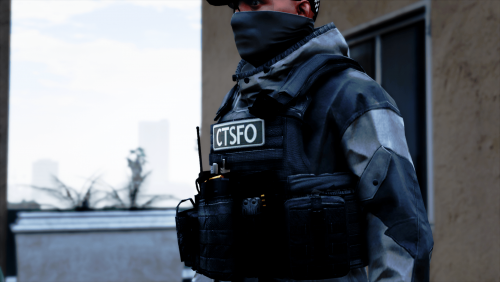 he updated the vest and i havent updated the texture yet, if you download this version of the vest pack, vest 6 is the right one. https://www.gta5-mods.com/player/eup-vest-pack
 -
 bro this was posted in june chill. i 100% agree with you, i dont know why you are here like 6 months later though
 -
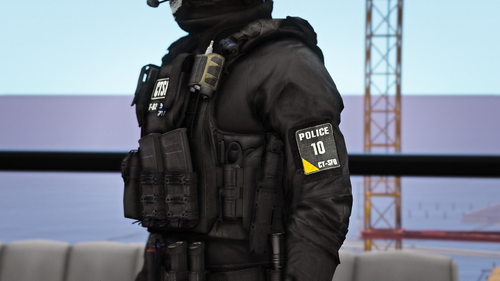 **YOU MUST INSTALL ALL ITEMS FROM THE PACK LINKED BELOW BEFORE USING MY PACK OR ELSE THIS WILL NOT WORK** Installation: drag and drop all of the folders into: mods\update\x64\dlcpacks\eup\dlc.rpf\x64/eup_componentpeds.rpf these are just retextures, full credit goes to hanako and his team for making all of these textures!!! YOU MUST ASK FOR PERMISSION TO USE IN A FIVEM SERVER, FAILURE TO DO SO WILL RESULT IN YOU BEING BLACK LISTED..... FOR PERMISSION, DM ME ON DISCORD! LINKS: Join my discord to be the first to know when i make a new release, get early access to my files, have access to discord only releases and talk to over 300 fellow players! https://discord.gg/7V5YySv Paypal: https://www.paypal.com/paypalme/tramter
 -
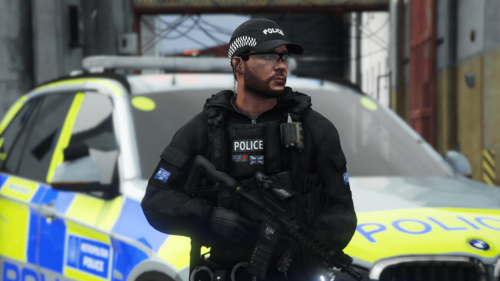 stow that weapon
 -
.thumb.png.c34aa70abf13a4a0b3592c6da70f127e.png) good start, i think these would be more attractive if they came with more colour variants which wouldn't be hard to achieve/ beige. grey. black, white and green are probably the colours with most demand
good start, i think these would be more attractive if they came with more colour variants which wouldn't be hard to achieve/ beige. grey. black, white and green are probably the colours with most demand- 16 comments
- 2 reviews
-
-
- 1
-
-
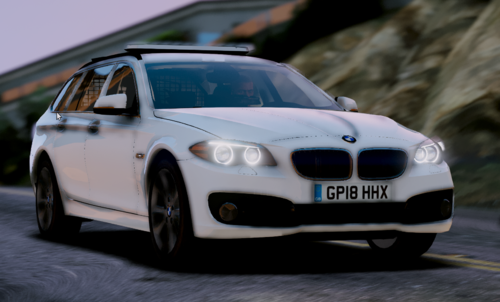 are you adding a skin to this?
 -
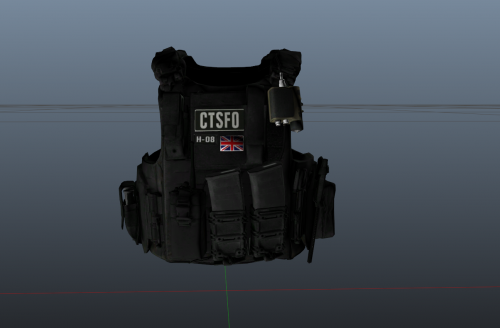
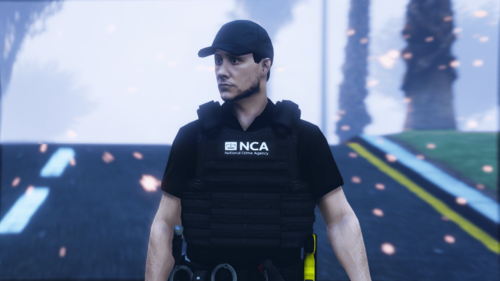 THIS IS JUST A TEXTURE! FULL CREDIT TO HANAKO FOR CREATING THE ORIGINAL VEST! YOU MUST INSTALL THE ORIGINAL FOR THIS TEXTURE TO WORK! Required: Installation: Once you have installed the original, follow this file path: mods/update/x64/dlcpacks/eup/dlc.rpf/eup_componentpeds.rpf/ mp_m_freemode_01_mp_m_vinewood Drag and drop my YTD into that directory, and you are done! A like, comment and rating is always appreciated, please always notify me of any bugs either by the comment section or via my discord. Links: Discord Permanent Link https://discord.gg/7V5YySv Youtube Link: https://www.youtube.com/channel/UCQD8087xaOlgYgS8hYSNqaQ?sub_confirmation=1
 -
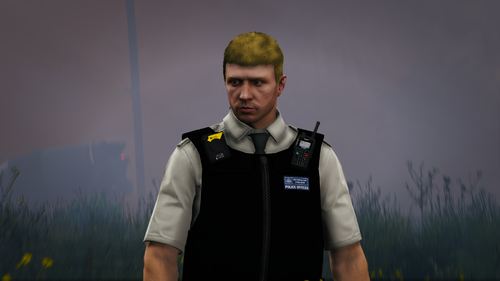 yes he changed the original download to the new version so mine no longer works. i have asked him to upload the old version but he still has
- 12 comments
- 1 review
-
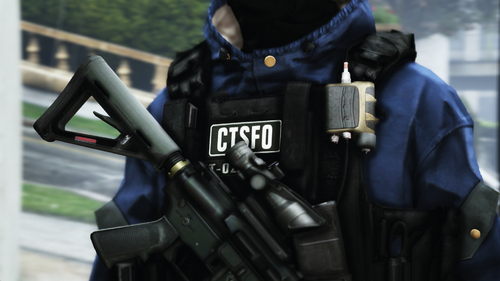 need to change the numbers in the .ini https://www.gta5-mods.com/player/eup-uk-police-belt
 -
https://www.lcpdfr.com/downloads/gta5mods/scripts/24264-stow-that-weapon/ https://www.gta5-mods.com/weapons/tactical-m4a1-cqb
-
THIS IS JUST A TEXTURE! FULL CREDIT TO HANAKO FOR CREATING THE ORIGINAL VEST! YOU MUST INSTALL THE ORIGINAL FOR THIS TEXTURE TO WORK! Required: Use VEST 8 from the above pack! Installation: Once you have installed the original, follow this file path: mods/update/x64/dlcpacks/eup/dlc.rpf/eup_componentpeds.rpf/ mp_m_freemode_01_mp_m_vinewood Drag and drop my YTD into that directory, and you are done! A like, comment and rating is always appreciated, please always notify me of any bugs either by the comment section or via my discord. Links: Discord Permanent Link https://discord.gg/7V5YySv Youtube Link: https://www.youtube.com/channel/UCQD8087xaOlgYgS8hYSNqaQ?sub_confirmation=1 Paypal donation link: https://www.paypal.com/paypalme/tramter
-
-
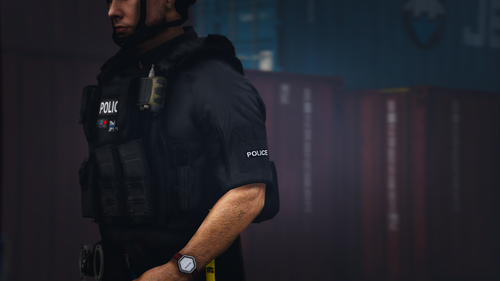 **YOU MUST INSTALL ALL ITEMS FROM THE PACK LINKED BELOW BEFORE USING MY PACK OR ELSE THIS WILL NOT WORK** Installation: drag and drop all of the folders into: mods\update\x64\dlcpacks\eup\dlc.rpf\x64/eup_componentpeds.rpf these are just retextures, full credit goes to hanako and his team for making all of these textures!!! I will be adding more to the pack as new updates come from hanako, and i also may consider making a generic version of this pack. YOU MUST ASK FOR PERMISSION TO USE IN A FIVEM SERVER, FAILURE TO DO SO WILL RESULT IN BAD THINGS..... FOR PERMISSION, DM ME ON DISCORD LINKS: Join my discord to be the first to know when i make a new release, get early access to my files, have access to discord only releases and talk to over 200 fellow players! https://discord.gg/7V5YySv
 -
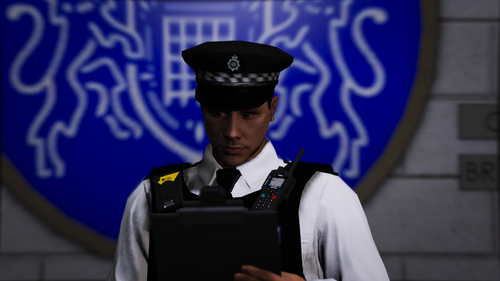 thank you!
 -
yes thank you for reminding me lol. i onlu update the gta5mods version so download it there. and i have no idea what ill do next



.thumb.png.c34aa70abf13a4a0b3592c6da70f127e.png)

