
Skenda
Members
-
Joined
-
Last visited
Everything posted by Skenda
-
 it's not posible to change key for comande on ini nothing help l change it to Q it's not working DispatchRiotPoliceKey and DispatchRiotPoliceModifierKey (default: LCTRL+R): used to call in the riot police
 -
 this plugin are olld and the lspd version are new thets why it not working many callout in this plugin
- 302 comments
- 66 reviews
-
 @Steve6645 how to fix the vehicles is vibration when am out of car
 -
-
-
nice callout l think you need to check back for Illegal protest and Prostution2 not working to me when l press to call Swat LCTRL+R riot get over me and dose't stop !
-
 cool last update but l think better to remove key E for Panic Buton couz many are using LSPDFR E key for Arrest Suspect
- 422 comments
- 25 reviews
-
-

- 1
-
-
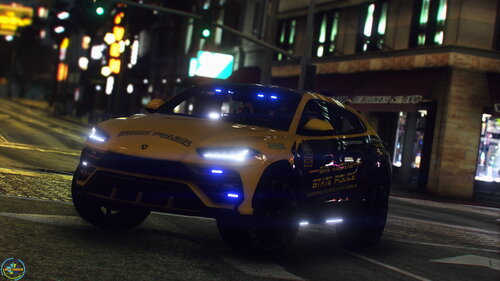 the lights do not work in Front the first option after l press H back it shows Light can you fix?
- 31 comments
- 1 review
-
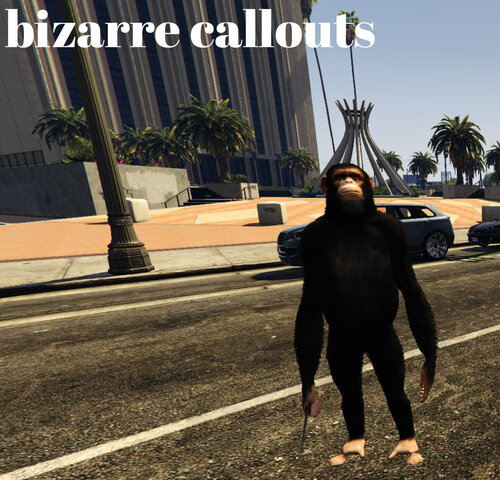 we need new update this plugin with LSPDFR last version are not working l gett code 4 after accept callouts
 -
-
l can't still not change key from X to V or any other key l was waiting for this new update to fix it but same
- 422 comments
- 25 reviews
-
l have traid but it's not woking as you can see in picture l change it to V but still the mainmenu are in key X how can l disable it or change thet link thet you prowidet me dosen't help me 😕
- 422 comments
- 25 reviews
-
you made good job but l think to remove Key_MainMenu = X because many have for panic buton so many options and l can't stop this options or change the key like from X to G or any other key
- 422 comments
- 25 reviews
-
-
-
 can you add wheels for Deodge Charger
 -
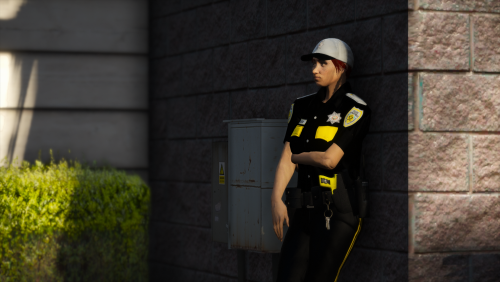 hop l have add corect all this clothes like you in pic?
 -
-
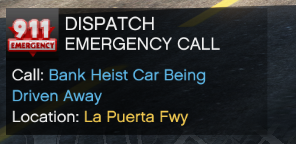 you have to fix Bank Heist Car Being Driven Away after accept this then l get code 4 when l accept after 1 second
 -
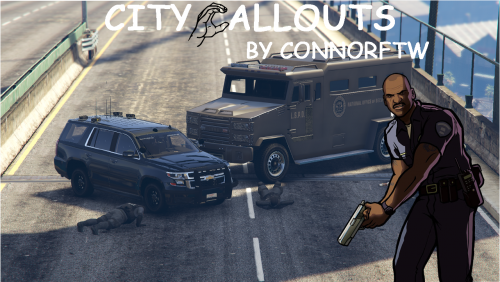 Good job am gona use this now good Luck am first her lol
 -
-
-
-
-


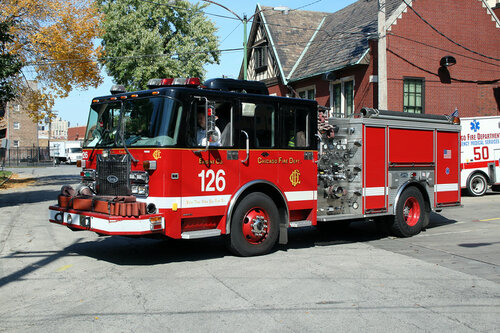
.thumb.jpg.37cdb54de83d6dee03b6b15e76b2f5fd.jpg)