Skip to content
View in the app

A better way to browse. Learn more.

LCPDFR.com

A full-screen app on your home screen with push notifications, badges and more.

To install this app on iOS and iPadOS
  1. Tap the Share icon in Safari
  2. Scroll the menu and tap Add to Home Screen.
  3. Tap Add in the top-right corner.
To install this app on Android
  1. Tap the 3-dot menu (⋮) in the top-right corner of the browser.
  2. Tap Add to Home screen or Install app.
  3. Confirm by tapping Install.

Exploitedx

Members
  • Joined

  • Last visited

Everything posted by Exploitedx

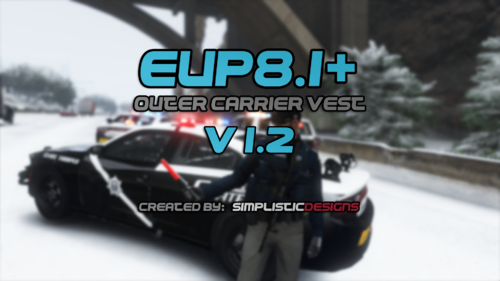
  1. Can't wait to see the federal vests. When do you think they'll be released?
  2. Hello. I've recently installed the coastal callouts mod and did everything to task. EUP.dll keeps crashing, and I figured out why. The Wardrobe.ini I had to add to my current Wardrobe.ini does not work. It makes the EUP menu crash. I know this because I had started the game with everything added in, and the plugin crashed. I then cleared out my ini, and it worked. I added everything back except for the EUP things the mod had me put into my ini and it worked. Was wondering if there was a fix. Thanks, have a good day.
Account

Navigation

Search

Search

Configure browser push notifications

Chrome (Android)
  1. Tap the lock icon next to the address bar.
  2. Tap Permissions → Notifications.
  3. Adjust your preference.
Chrome (Desktop)
  1. Click the padlock icon in the address bar.
  2. Select Site settings.
  3. Find Notifications and adjust your preference.