Vincentsgm
Friends of LSPDFR
-
Joined
-
Last visited
Everything posted by Vincentsgm
-
 Problem is that he probably doesn't try them himself (he said he has no pc). When I downloaded his Motorola siren, the files were stereo instead of mono, the volume was really low, and the files were .mp3 instead of .wav. I had to waste 10min on Audacity to fix them
 -
 Just press enter on keyboard or A on controller when hovering over "Voice Selector Menu"
- 118 comments
- 17 reviews
-
-
-
 For the LML install, you need to put the VCF inside an "ELS" folder, to have LML auto move the VCF to the pack_default folder.
- 39 comments
- 6 reviews
-
-
If you have problems with the plugin, please join my Discord https://discord.gg/g82638j , I will not provide support in the comment section
- 118 comments
- 17 reviews
-
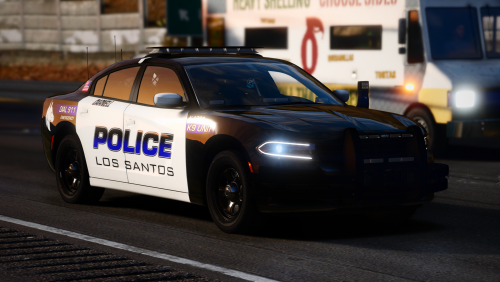 this is my dream come true, nForce, lights on pushbar, cage, siderunners, i'm gonna c*m
- 17 comments
- 5 reviews
-
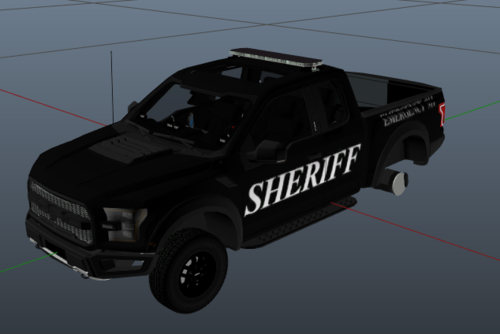 In the file description, you should put a link to the vehicle you made a texture for, friendly advice
 -
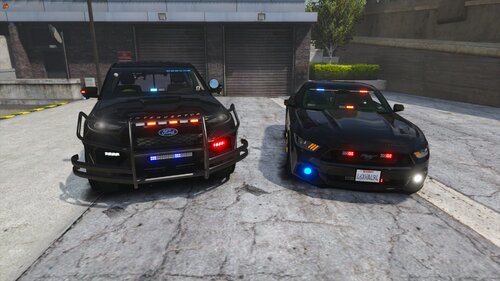 Hey, very nice cars! A thing I've noticed on the Mustang is that the top rear lights are extremely bright compared to the rest of the vehicle. Also I'm not a fan on those little lights just over the rear wheels. For the FPIU, it doesn't seem like you've put the lights in the same order as the Mustang, try out the pattern 84 or 119 on both cars and compare to see what I'm talking about, I hope you will change it. Also the lights look too tiny in my opinion. As Cyanotic said, the file size is so large. I'm looking forward to more vehicles, I love siderunners!
- 46 comments
- 4 reviews
-
-

- 1
-
-
-
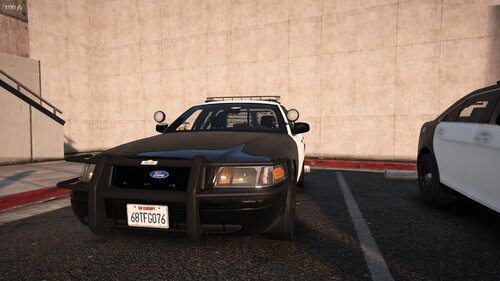 Hey nice pack! I love Soundoff nForce. Are you thinking of making an ELS version? For use single player, I submitted an install.xml file for LML (Lenny's Mod Loader) users. People can now click "Download with Mod Manager" to install it in single player.
- 20 comments
- 3 reviews
-
The automatic pullover sound automatically is there. For the resisting arrests, I've looked through it and I can't do anything. I will add automatic sounds for when visual is lost on a suspect in a pursuit.
- 118 comments
- 17 reviews
-
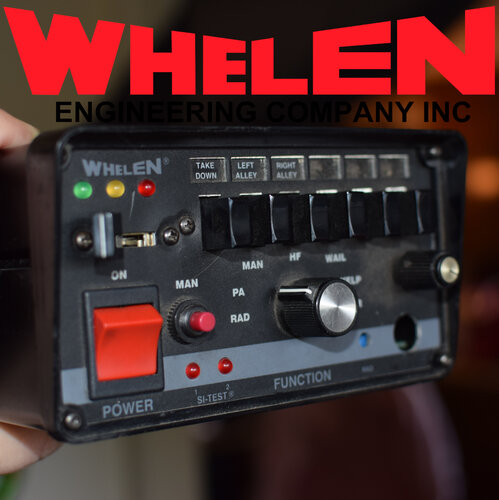 When I wanna see the preview, it plays for like 3s, then skips a lot of seconds forward, almost to the end
- 19 comments
- 2 reviews
-
-
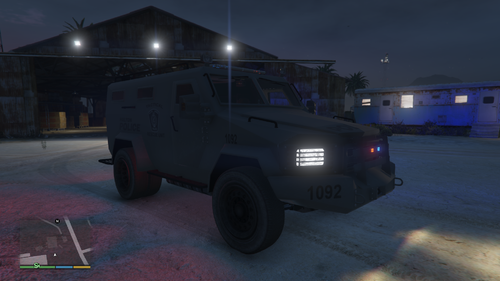 I already have the truck since months but haven't downloaded the texture yet as I can't see it very well on the pictures
 -
Can u possibly add daytime pictures? Hard to see
-
I won't be doing audio myself. I'm french & have a terrible accent when talking english. I'll just let the option for people to make addon voices and a way to set them up in .ini files just like u install cars in dlclist.xml
- 118 comments
- 17 reviews
-
It's pretty much done, I just need some more testing. Custom audio will be delayed though
- 118 comments
- 17 reviews
-
 Can u please not copy the entire description in the changelog? Can't know what changed.
 -
 Np!! Sounds cool, I think I'll use it as replace for FBI siren
 -
Upload it to YouTube and then put the link in the file description, it will automatically put a YouTube player
-
 https://www.lcpdfr.com/downloads/gta5mods/scripts/26576-wip-megaphone-ui-lspdfr-plugin-version-100/
 -
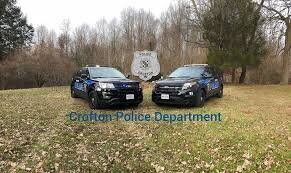 What is this?! Also 2 cars u wrote POLCIE instead of POLICE..
 -
 Hello sir, could you please include an add-on version? Pack looks fresh keep up the good work