NAVYGROUNDHOG
Members
-
Joined
-
Last visited
Everything posted by NAVYGROUNDHOG
-
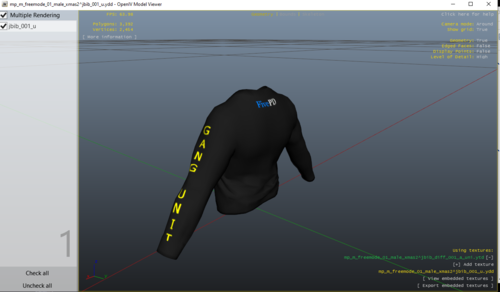 Its an addon for fiveM servers
 -
 Np bro just speaking my opinion
 -
Stop shaming people on what they make its not him whos the shame its you.
-
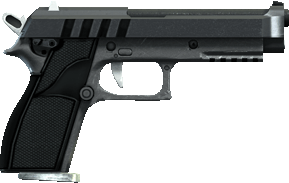 Yeah ive seen it in videos probably hundreds of times, i think people in GTA standard take too little shots to go down, if anybody here just googled even a handful of videos they would know this
 -
-
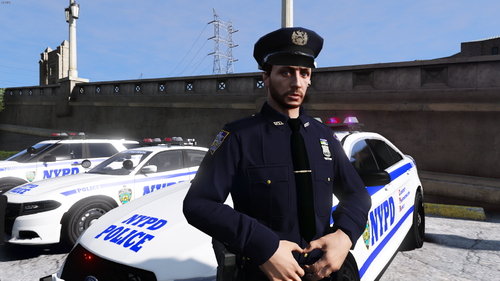
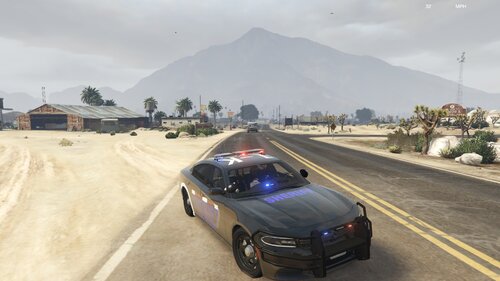 This is my first ever attempt at making a texture, please be harsh with your feedback I have to get better at this Model: Either of the chargers work. Credit:RangerZ (vehicle Model), Myself (Vehicle Texture)
 -
Thank you for your attempt to help but it was scripthookvdotnet only .net not normal, a little strange but das alright. Let's remember this for anyone in the future with similar issues.
-
yes but idk how to import it
-
I have now freshly installed lspdfr & rage nothing worked 😪
-
my rage log for you (i cant make sense of it) if anybody needs extra info or could help i would seriously appreciate it ive been trying since 12 am so far