
FPIUGuy
Members
-
Joined
-
Last visited
Everything posted by FPIUGuy
-
-
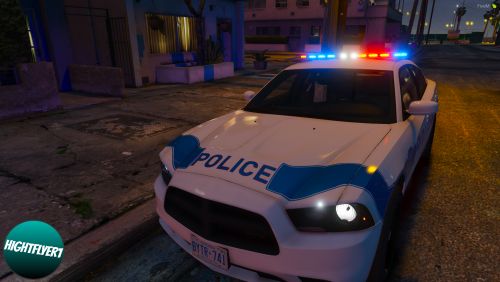
 No problem. I’ll see if i can find a better video don’t if this is the right siren but, you might need to raise the volume it’s pretty low.
 -
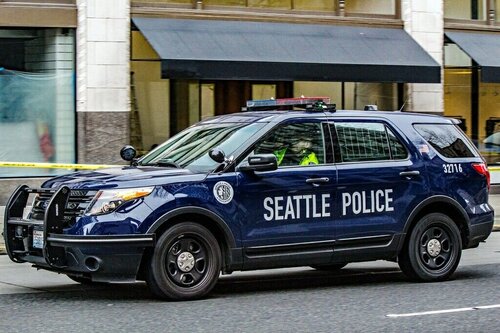
 Man, the sups always get the great the best gear: FPIU, A Remington 870, and an AR.
- 10 comments
- 5 reviews
-
http://www.seattle.gov/Documents/Departments/Police/manual/09_030_ERC_Sept2019.pdf
-
0:11 here is some good hi-lo footage, hope this helps.
-
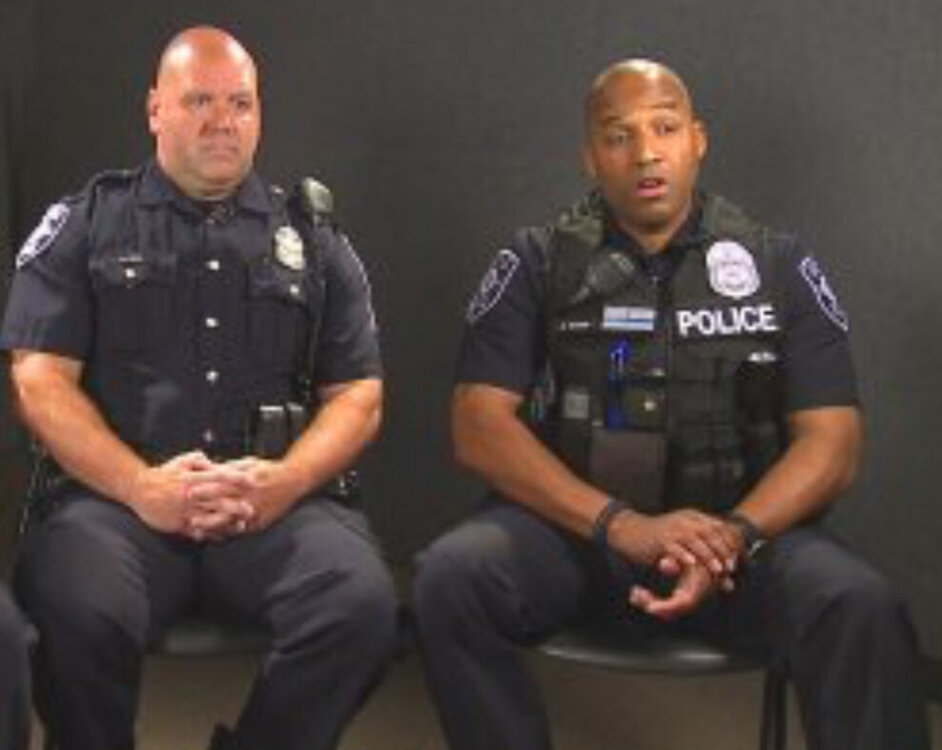
Can someone pleas make some eup Seattle PD peds please?
-
-
-
-
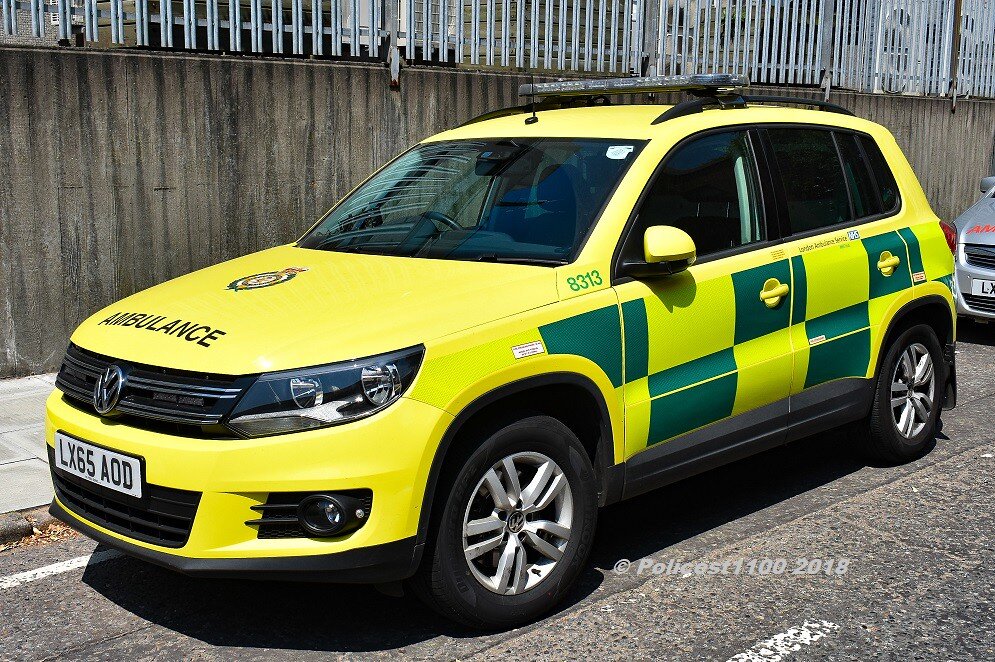
Can someone please make dome of these LAS FRU (Fast Response Unit) Tiguans lease:
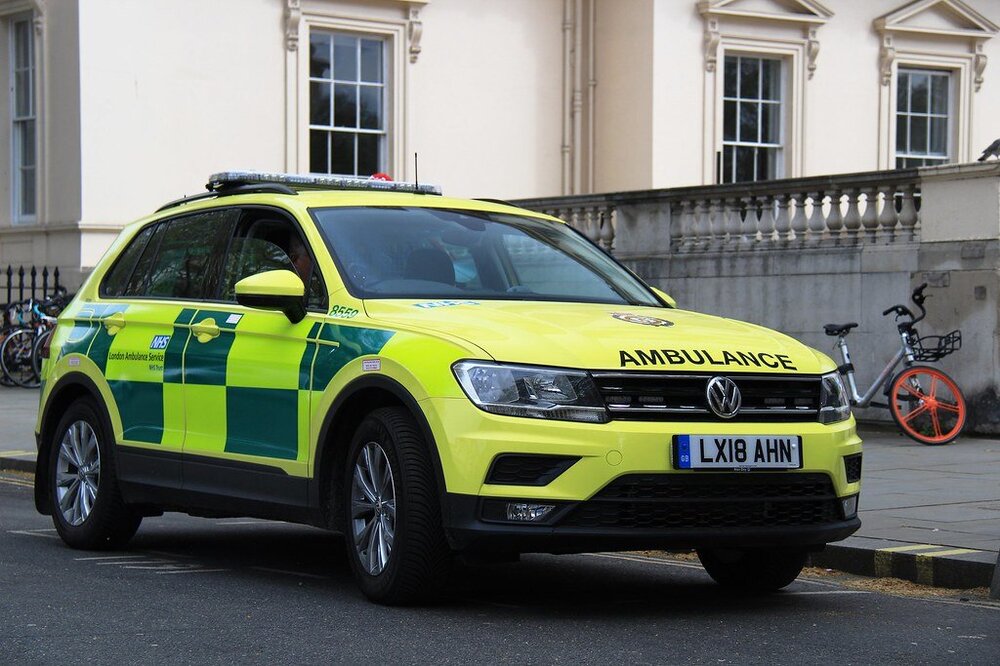
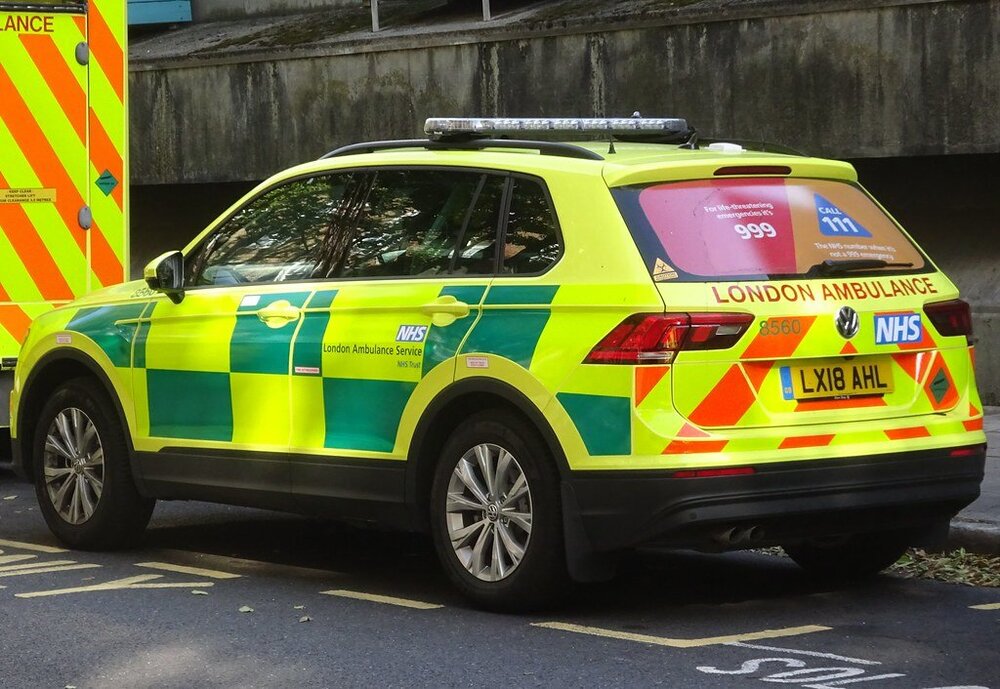
-
Hello LSPDFR Community. I was wonder if anyone was up to making Brampton Fire and Rescue Trucks here are some photos, feel free to use them or find you own: And while your at it if y’all can make some texture for a Peel Regional Paramedics ambulance and rapid response unit, that would be great here are some photos to go off of:
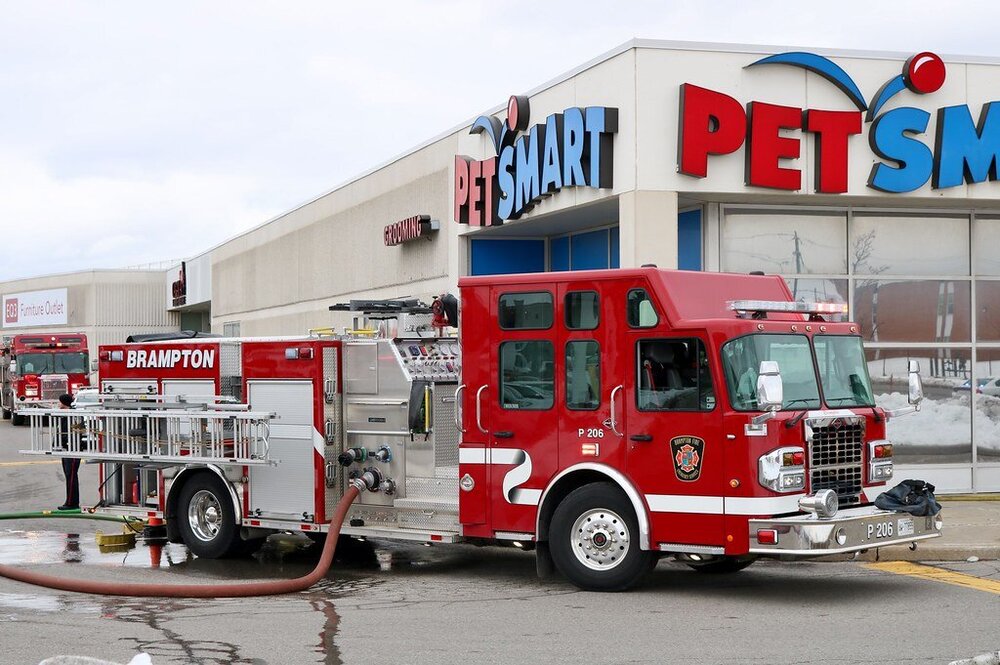
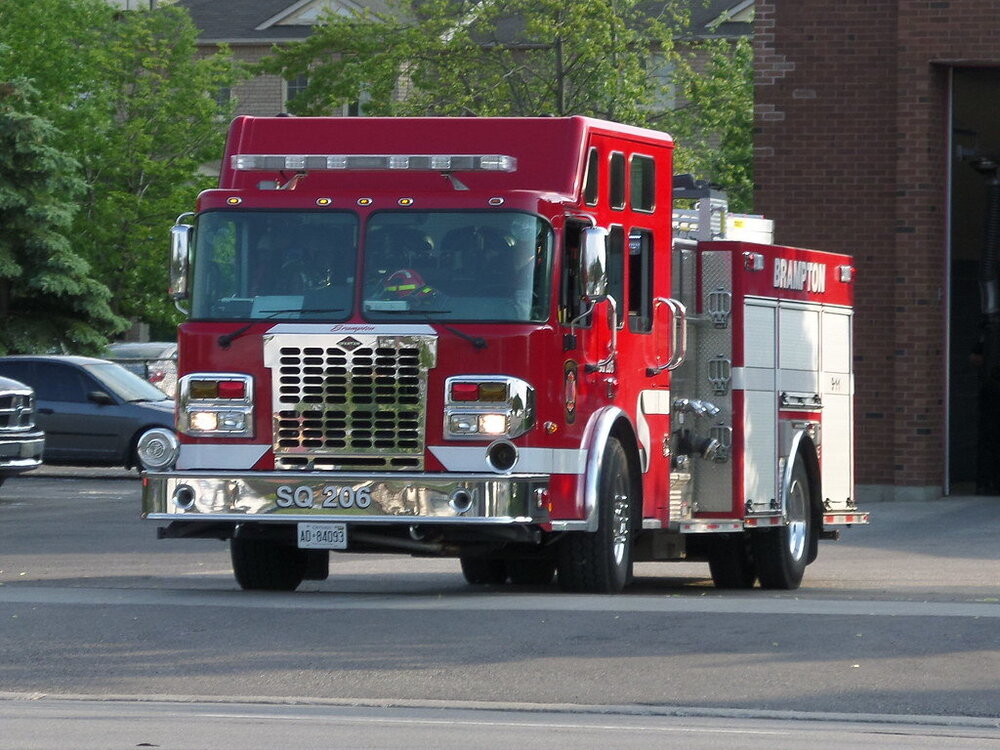
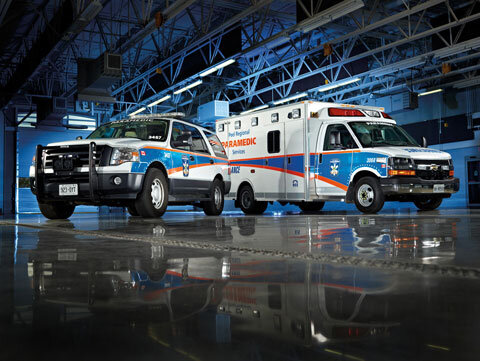
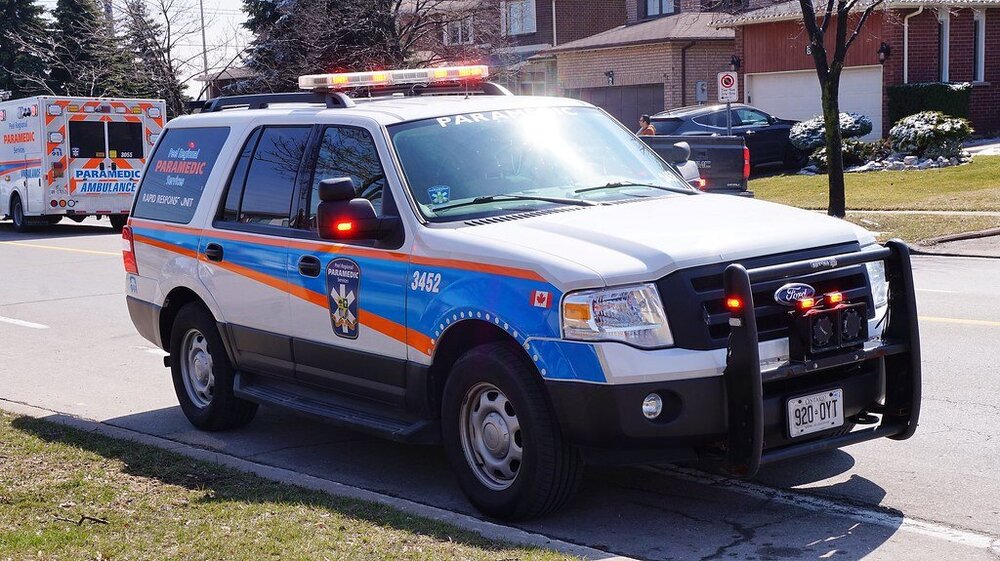
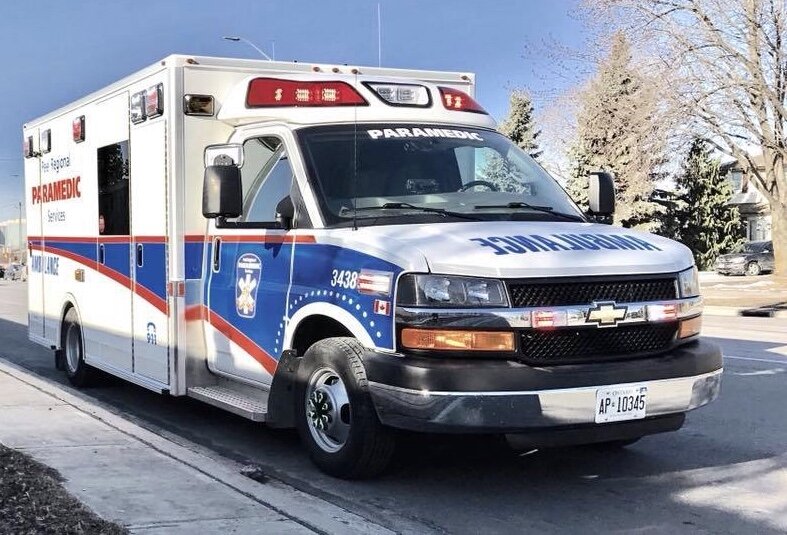
-
 Aight thanks
 -
Ok merci
-
Thanks I have been wondering what it means.
-
-
Is this realistic?
-
 Can you try to fix it or...
 May I recommend the Blue Lights in Denmark series by CPH Emergency Vehicles on YouTube. A bunch of great tones to go off of in this one:
- 9 comments
- 1 review
Is there any word on the Australian add-on pack for Coastal Callouts?Can some someone please make this in to a ped, for LSPDFR, this is the Dutch Dienst Speciale Interventies aka special interventions unit. Basically SWAT: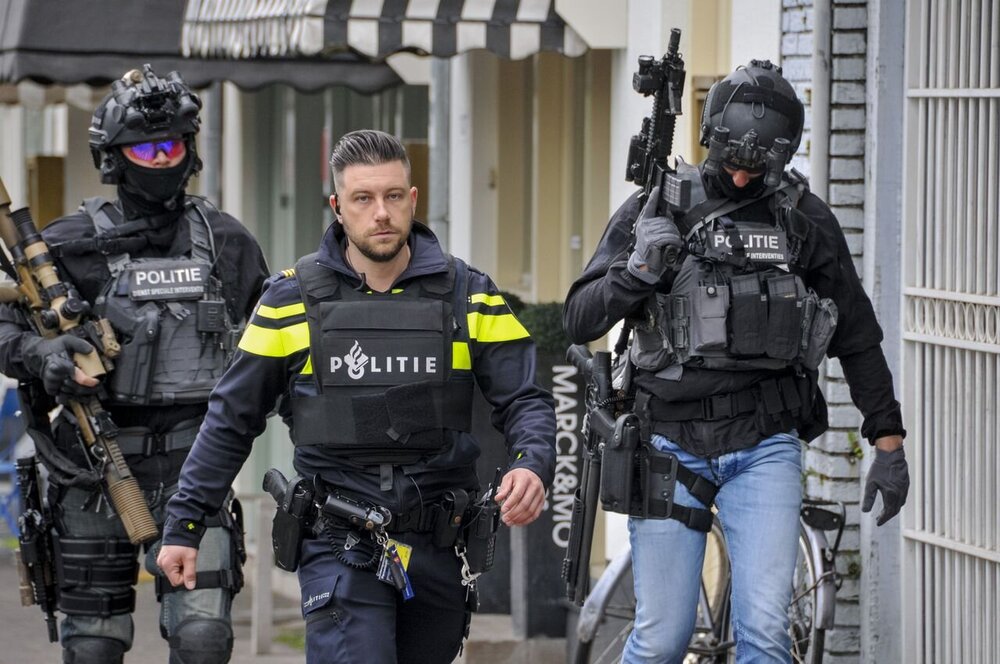
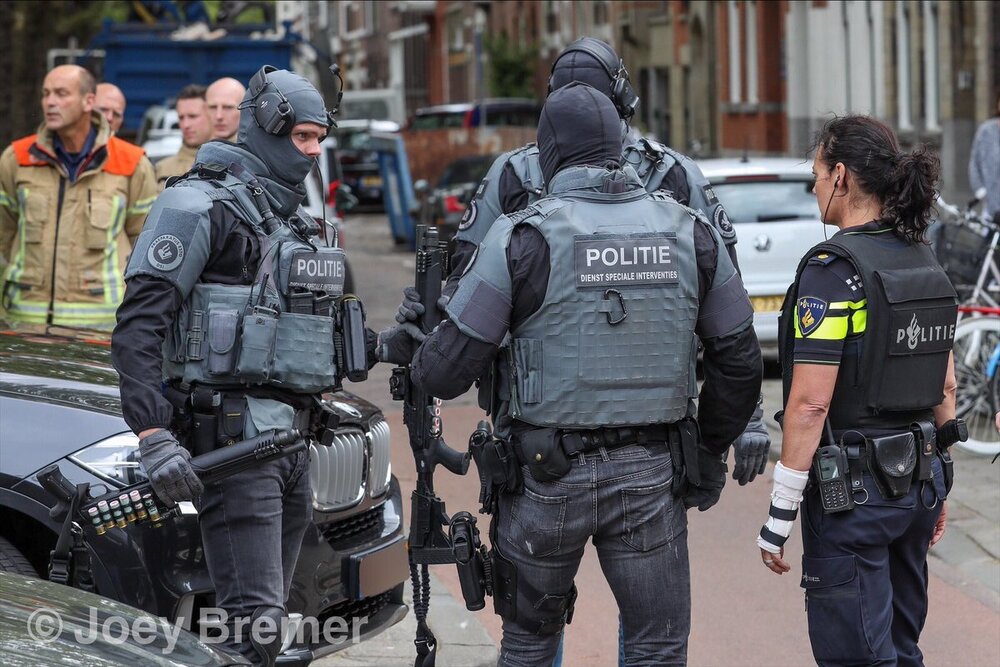 Does CHP angle their vehicles while on traffic stops?