


Petrenko
Members
-
Joined
-
Last visited
Everything posted by Petrenko
-
-
-
-
 Interestingly enough, I was able to put the Tahoe in PRANGER and the 2016 charger in police4 with no issues all I had to do was alter the meta file and it was fine. Im gonna see if the CVPI works on PoliceOld2.
- 261 comments
- 37 reviews
-
I've been scouring the site unsatisfied looking for a state police pack, and you arrive with one of the best vehicle packs. Awesome job! Marked 2020 FPIU ❤️
- 261 comments
- 37 reviews
-
-

- 1
-
-
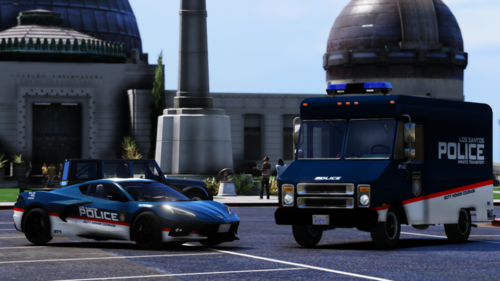 I really really really enjoy this pack, I love the diversity of the vehicles. The 14 charger is beautiful, changed the sound to WINDSOR and i'm just in love in every pursuit. The '20 FPIU looks awesome as well. The liveries are probably my favorite of the pack, very unique and original and gives off a metropolitan police vibe over most other PD packs ive seen. Keep up the good work!
- 72 comments
- 12 reviews




