.png.fe6d9e44e730b724fe8aebc2883ec6ed.png)
alterskye15
Members
-
Joined
-
Last visited
Everything posted by alterskye15
-
-
-
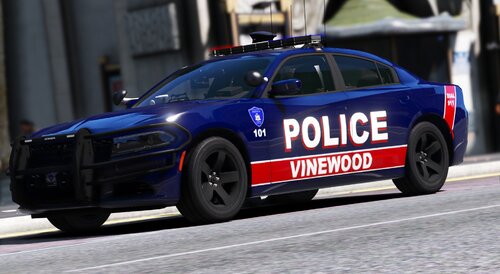
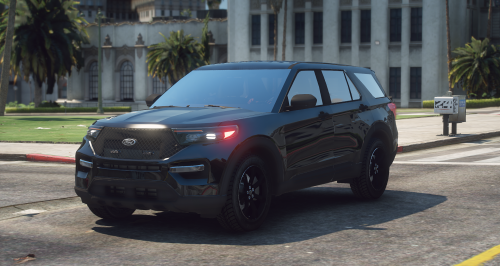 I don't know if it's just me or does the vehicle look a little crooked? Like the the wheels are not aligned properly. Drivers side looks lower vs the passenger side.
- 7 comments
- 2 reviews
-
-
-
-
-
-
 For the next update i hope there will be more traffic events like speeding driver (not reckless), car doing a U-turn, drunk driver, car burning out.
- 219 comments
- 22 reviews
-
-

- 2
-
-
-
-
-
-
-
-
-
 traffic policer made my game buggy but this helps my game a ton thanks
- 112 comments
- 21 reviews
-
- lspdfr plugin
- legacy
- lore
- non-lore
-
Tagged with:
-
-
-
-
-
-
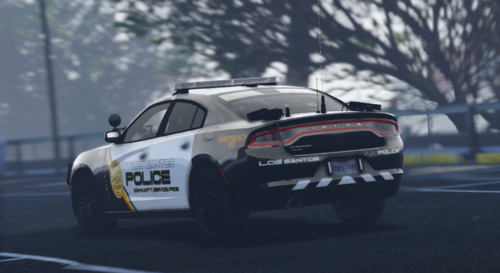
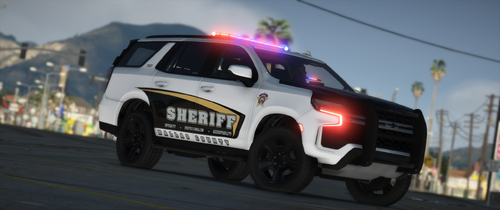 added that to my game as well. Also does the department have slicktop's to use the ghost liveries on or do they use them on the cars with lightbars?
- 21 comments
- 4 reviews
-
-
.thumb.png.86e1fd9470d71e1ac47979ae172ed67a.png)
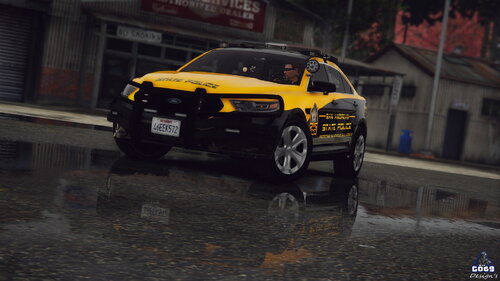
.thumb.png.cf22c9465a227a8d388d7e458f609957.png)