




ToKen.
Members
-
Joined
-
Last visited
Everything posted by ToKen.
-
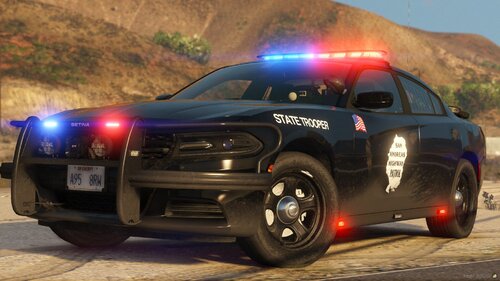 Love the lighting!
 -
deleting dinput does not fix the game..
-
Game crashes while on the loading screen, renamed my mods folder to _mods but had the same result. RPH log is below RagePluginHook.log
-
wrong version of scripthookv. you need the version made by Alexander Blade.
-
 I love this pack! But i have a small issue with the non ELS lighting. When I spawn the slicktop all the lights work fine. Then when another slicktop arrives the non els lighting is frozen on the peds car. but the lights on mine still work. Other than that small issue the pack is great.
- 92 comments
- 20 reviews
-
-

- 1
-
-


