
iRoach10g
Members
-
Joined
-
Last visited
Everything posted by iRoach10g
-
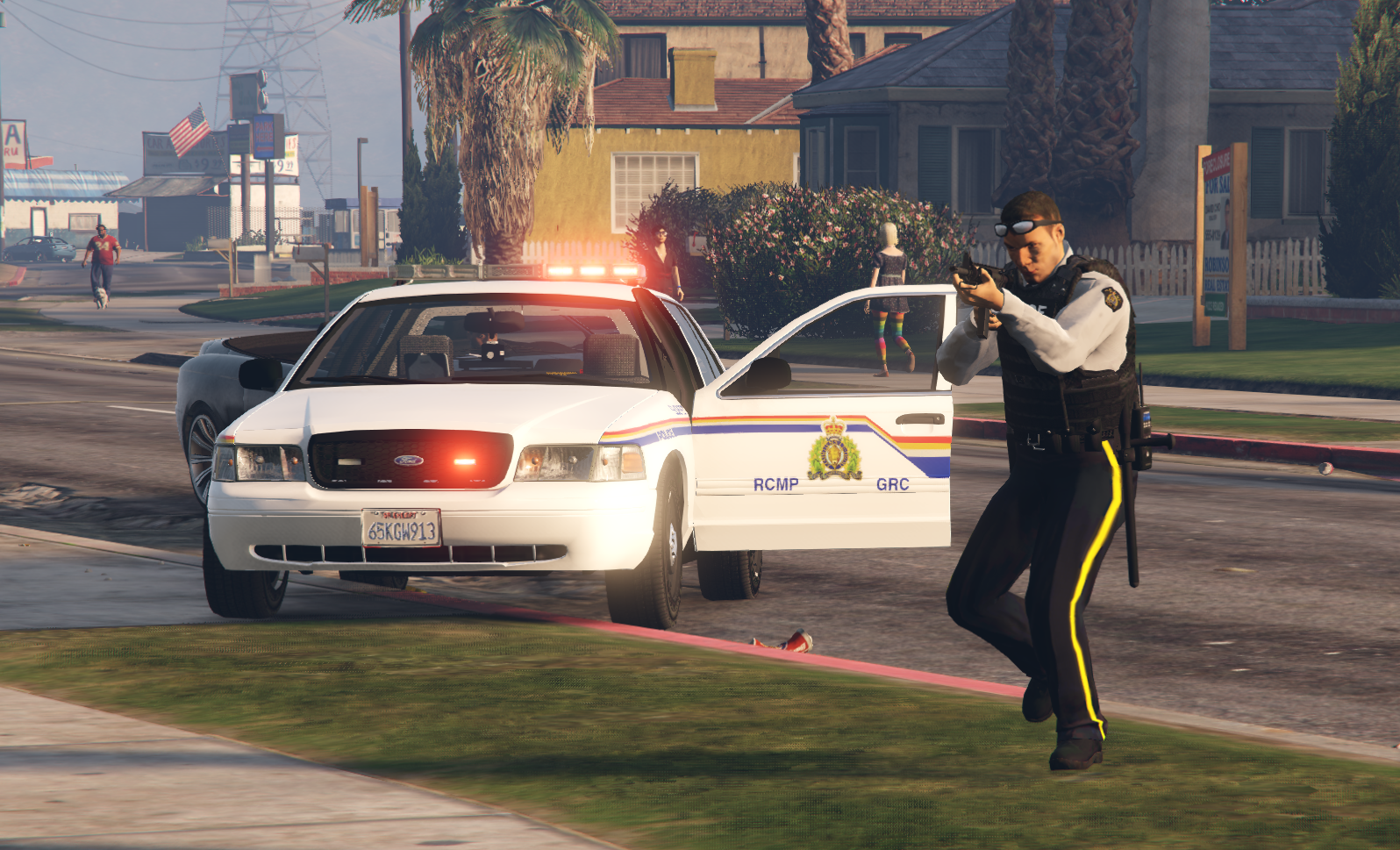
Hi All, relatively new to LSPDFR, have a good base going here now of adding in new cars and callouts and plugins. Now that i have got the hand of all the controls and plugins and that. I am trying to master the EUP. I finally got the EUP, MENO S&R and Settings configuration working, and have it all working now and can change the outfits and they all work. I have all the NPC uniforms, custom RCMP (Canada) uniforms working, but having a hard time trying to get Mine in the menu, i tried making my own agency_addon.xml, modifying the Agency.xml, and watched a few tutorials, but having a hard time now getting all the downloaded unfiorm content, different hats and holsters and vests to work. Does anyone have a lead on a good link or video on adding custom components, or how to get it to work in the locker room and just override the basic black uniforms? I've tried to overwrite every s_m_cop file i can find in every mod and patch folder, haha, with no success, or end up crashing the LSPDFR. This is the pack im trying to get to work as a default,