mitchelldasilva40
Members
-
Joined
-
Last visited
Everything posted by mitchelldasilva40
-
I have quite a varity of plugins like STP, Ultimate Backup, compulite and a lot of callouts
-
https://youtu.be/BgggTzO1qvc This is what happens when I start my game up. I cant even give a log cause it doesn't make one. I used a clean copy of GTA, with the new version of LSPDFR, script hook v and simple trainer. i tested it when i had those in and it worked fine. I then put the rest of the plugins and files in it and it does this. I ve been trying to figure out whats going on for a couple days now and i dont know what to do
-
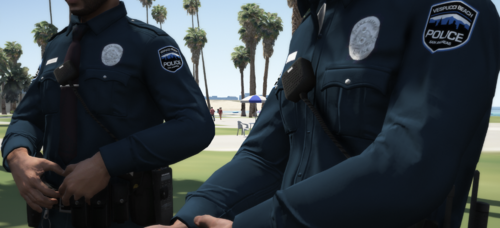 thanks man, also the EUP pack is awesome
 -
Where did you get that model for the police bicycle? Did you make it yourself?
-
I've been having the same problem for a while now, I haven't found a reason for why it does this
-
-
-
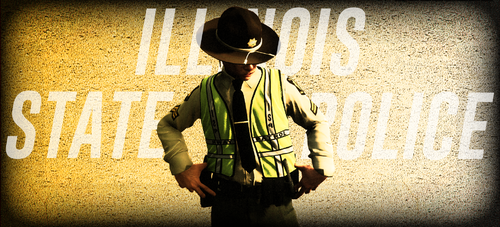 what is his discord link
 -
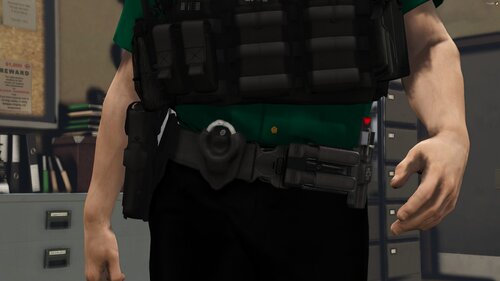 Yes finally a belt that goes with the vests from Hanako
 -
-
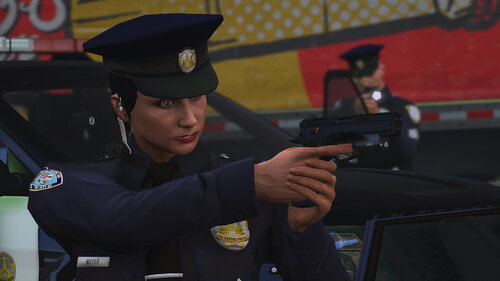 it wont work. I think you put the wrong path or something. this texture is to replace the Groupe 6 hat right?
 -
-
I'm still having an issue where if I try to play as a BCSO I cant start a traffic stop and when I go to the LSPDFR Section in the pause menu it shows me the character stats for the story mode player Micheal
-
Hey I was wondering if you ever found out why this was happening with the LSPDFR settings showing the stats tab for the story mode characters. I just recently ran into this and when it happens you cant pull people over/really play the game