.jpg.206b5ed8a8e9ebf123a4b7bd1a26451c.jpg)
RockyMtnAdam
Members
-
Joined
-
Last visited
Everything posted by RockyMtnAdam
-
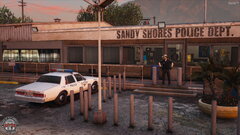 Thank you, though those bollards are not mine. Quite frankly if they were, there would not be so many.
 -
From the album: Thin Line Media
-
From the album: Thin Line Media
-
From the album: Thin Line Media
-
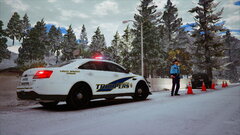
From the album: Thin Line Media
-
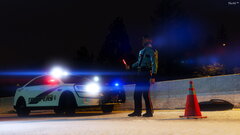
From the album: Thin Line Media
-
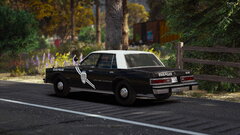
From the album: Thin Line Media
-
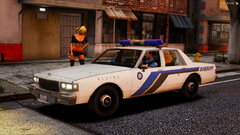
From the album: Thin Line Media
-
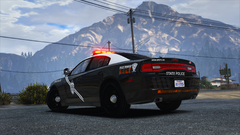
From the album: Thin Line Media
-
 Can you please please please make the textures embedded so this can be used on FiveM servers? These wheels are amazing and I know there are literally thousands of people on FiveM servers that'd love to be able to download them themselves.
- 88 comments
- 18 reviews
-
-
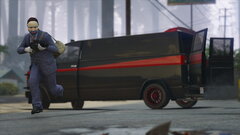
From the album: Thin Line Media
© Thin Line Media
-
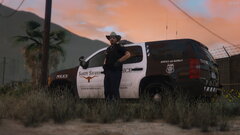
From the album: Thin Line Media
© Thin Line Media
-
 The ear piece doesn't work for me. Is it possbily the slot it's in? It loads into the game correctly, but when equipped nothing appears. It's as if the slot is empty. I'd recommend finding the slot for the default GTA ear piece (121 or 122 I think) and using that slot? Also, in the screenshots you have the ear piece and vest numbers numbered backwards. The ear piece is 128, while the vest is 38.
- 551 comments
- 44 reviews
-
Yeah I agree though with the FiveM request. It'd be pretty cool to see. Only issue is a vehshare.ytd doesn't stream properly. You'd have to integrate the textures else where, or make them apart of the rims/wheels themselves.
- 88 comments
- 18 reviews
-
-

- 1
-
-
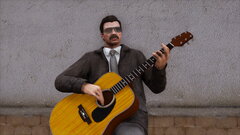
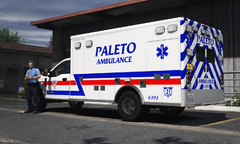 Thanks. Raymond Reddington? I remember Blacklist... 😄
 -
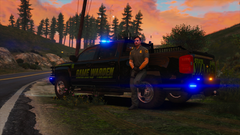
From the album: Thin Line Media
© Thin Line Media
-
From the album: Thin Line Media
© Thin Line Media
-
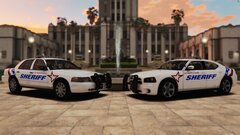
-
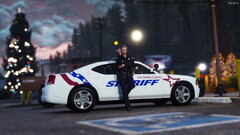
From the album: Thin Line Media
Now all we need is that snowstorm to roll on through!© Thin Line Media
-
-
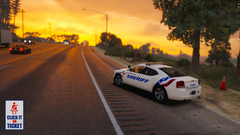
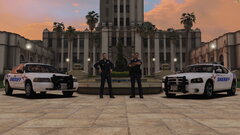
From the album: Thin Line Media
This message is brought to you by the San Andreas Department of Public Safety.© Thin Line Media
-
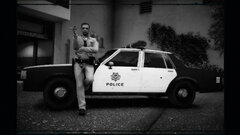
From the album: Vegas-based Stuff
An unnamed patrol officer from the LSMPD, circa November 1998. -
-
 -deleted-
.thumb.jpg.72eb78ddfbe7e053b01d1fbfdbce0b3c.jpg)