medmark
Members
-
Joined
-
Last visited
Everything posted by medmark
-
 Stock graphics and stock timecycle....
 -
From the album: FDLC in game
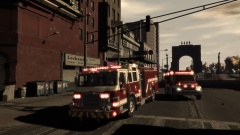
FDLC Engine 1 and Medic 10 out on a medical call in downtown Broker Dukes. -
Pictures of the FDLC in action all over the city
-
Why don't you open that image in a paint.net type program, highlight the letter you want, cut that clip and then paste it onto the template for editing and re coloring.
-
 What fire engine model is that?
 -
This is probably as close are you are going to get. '?do=embed' frameborder='0' data-embedContent>>
-
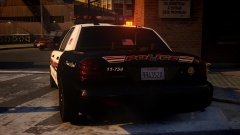 That led traffic advisor in the old rotator bar is sick!
 -
Cool looking car but just an FYI, the first year the Caprice was available was 2011 so you might want to change the year of your car.
- 9 comments
- 1 review
-
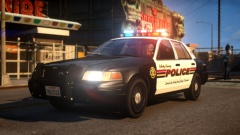 The setup is really clean looking and nice, keep it up and hope to see you release a pack at some point. And you use paint.net for your textures?
 -
Haha, sorry I meant the whole package with the lights, rambar, spotlights, etc... Not just the base crown vic model. Sorry for the confusion!
-
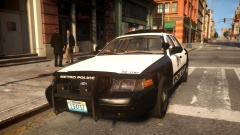
Which cvpi model is that, or is it a new model?
-
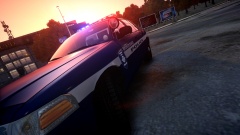 New clan texture?
 -
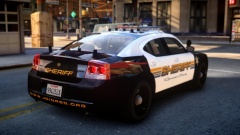 Texture is clean looking and all those antennas! Damn!
 -
-
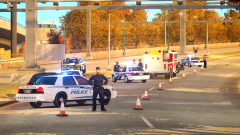
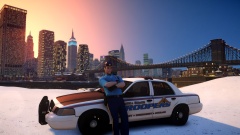 What ped model is that gunner?
 -
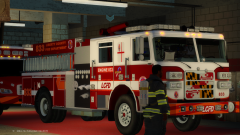 whats wrong with the roto ray on the engine? Is it supposed to be floating like that?
 -
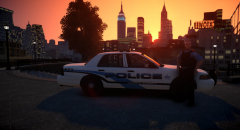 Uni's look really cool!
 -
-
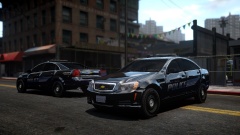 No spotlights?
 -
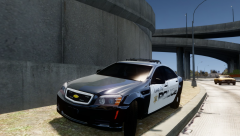 That would make a nice Christmas present!
 -
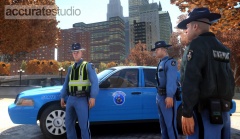 Wow! Looking forward to it!
 -
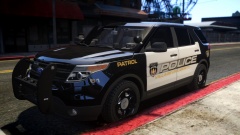 That is a really cool color scheme and logo!
 -
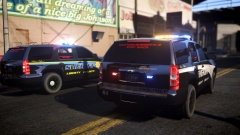 The Tahoe on the right, is that a private model?
 -
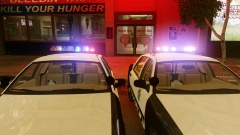 Looking real good
 -
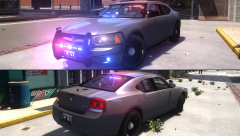 I was merely stating my opinion. I know that departments do put light bars on both the upper and lower windshield area, but just speaking from personal experience, your field of view is drastically reduced with two bars squeezing down your point of view and you have to deal with the flash back caused by the lights reflecting on the inside glass.