


.png.c8df8a6e4978d083340de37cb300e4b1.png)
.jpg.0c2de67a56d8fe42b6e45dff3fb5e65a.jpg)
angellinix
Members
-
Joined
-
Last visited
Everything posted by angellinix
-
Hi man, I'd like to have that CAD too but your Discord tag doesn't work.. do you have another one? PS. is the CAD free or is it a paid software? thank you
-
 go to "mods>update>x64>dlc packs" and delete the "eup" and "sup" folders. Then go to "mods>update>update.rpf>common>data" and open with your notepad the "dlclist.xml" file: in the file, scroll down and delete the lines where there are the words "eup" and "sup"
- 2,349 comments
- 238 reviews
-
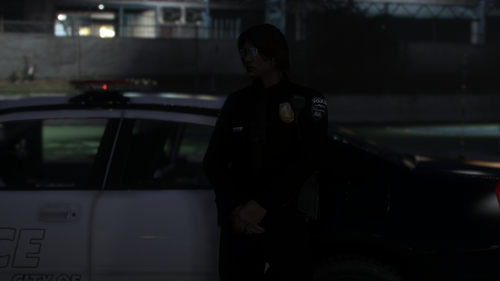 Please post daytime pictures, I can't see anything from those
 -
-
-
-
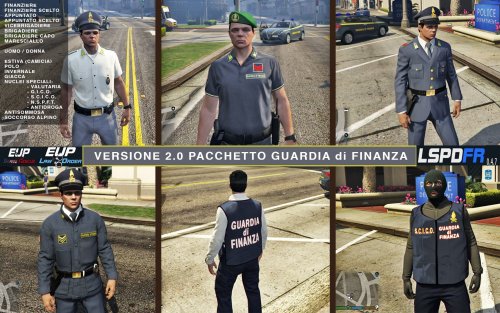 Buonasera, prima di tutto vorrei farti i complimenti per le fantastiche divise. Le avevo già installate un paio di volte e ho sempre riscontrato lo stesso problema: quando chiamo dei rinforzi o incontro delle unità per strada (a prescindere del corpo), vedo il cinturone e la parte sopra della divisa che escono dalla macchina, ma quando si avvicinano si aggiusta tutto. Ho provato anche a mettere la Distance Scaling al massimo ma niente da fare. C'è qualcuno che riesce ad aiutarmi? Allego anche una screenshot per illustrare meglio il problema (si può notare abbastanza bene nell'Alfa Romeo Giulietta in secondo piano).
- 149 comments
- 3 reviews
.thumb.jpg.0ea517bf57f5c1cbc42cd79ff2232ffc.jpg)
