


Joshh
-
Joined
-
Last visited
Everything posted by Joshh
-
.thumb.png.bcf7c7fe2ad5718bbc2758ed6f69df4f.png) The colour for the description is almost identical to the background, very difficult to read
The colour for the description is almost identical to the background, very difficult to read -
The unmarked livery is the description of the file, damn that's hard to read
-
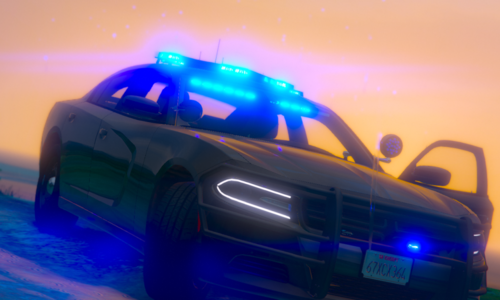 Ocean Studios Discord: here (nN2c7xg6YH) Released: 18/12/2022 JOIN OUR DISCORD TO SEE WHAT ELSE IS BEING DONE! Details Extra 1: Federal-Signal Valor Lightbar Extra 2: Whelen Inner Edge XLP Extra 3: Whelen Ion Grille Lights Extra 4: SpeedTech Lights Virtue-8 Advisory Extra 5: Whelen Ion Plate Lights Extra 7: Setina PB400 Rambar Extra 8: Setina Wrap-Arounds Extra 9: PAR46 Super LED Model also includes: Wobble-Equipped Antennas 360 Environmental Lighting ALPRs Ocean Studios Easter Egg What's in the download? FiveM Ready File Template Pictures Credits Install Guide Terms of Service You agree to.. Not attempt to resell or redistribute the model. Not attempt to rip/unlock the model. Not claim this or any of Ocean Studio's vehicles as your own. Gallery
 -
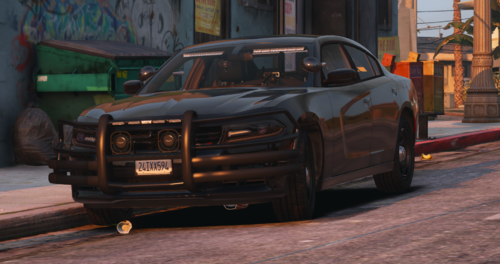 Nice charger dude - Joshh (Used to be a good modeler lmao)
 -
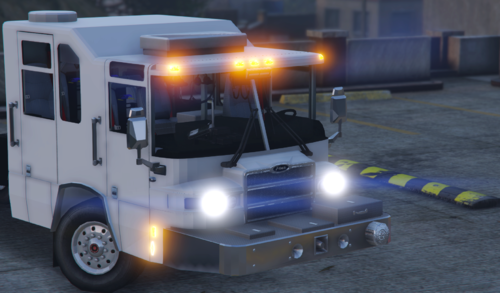 I mean that's probably why Alexx released it for free, no?
 -
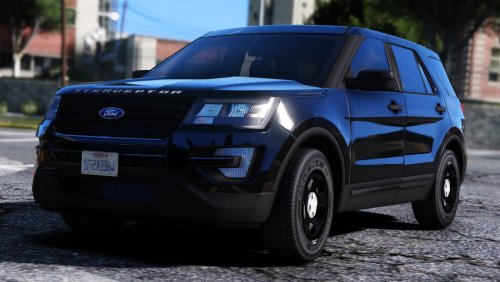 Just thought you might want to know, the "I" in the interceptor on the hood/bonnet is floating infront of the vehicle slightly.
 -
-
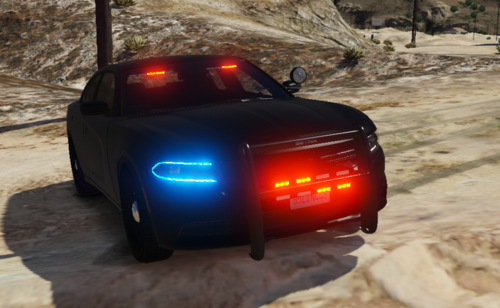 Non Els Templated Lighting: Bueno Light Pack ---------------------------------------------------- FEATURES ---------------------------------------------------- Detailed Interior Trunk Equipment Environmental Lighting Multi-Livery Support ALPRs on boot Headlight + Reverse Light Wig Wags ---------------------------------------------------- EXTRAS ---------------------------------------------------- Extra 1= Front pushbar w/ lights Extra 2= Front visor lights Extra 3= Rear deck lights Extra 4= Spotlight Extra 5= ALPRs Like the model? I'll be releasing more soon..
- 6 comments
- 2 reviews
-
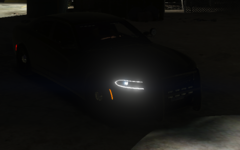
From the album: 2015 Detective/Stealth Dodge Charger
© © Personalised Designs UK 2019
-
This is the charger i made recently, if you like the look of it head on over to my discord to purchase the charger! DISCORD: https://discord.io/Personalised_UK
-
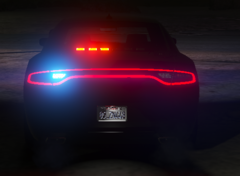
From the album: 2015 Detective/Stealth Dodge Charger
© © Personalised Designs UK 2019
-
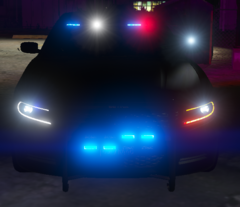
From the album: 2015 Detective/Stealth Dodge Charger
© © Personalised Designs UK 2019
-
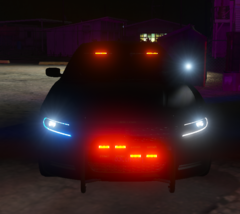
From the album: 2015 Detective/Stealth Dodge Charger
© © Personalised Designs UK 2019
-
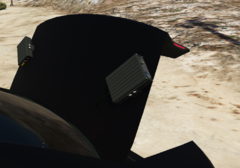
From the album: 2015 Detective/Stealth Dodge Charger
© © Personalised Designs UK 2019
-
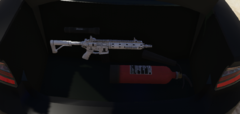
From the album: 2015 Detective/Stealth Dodge Charger
© © Personalised Designs UK 2019
-
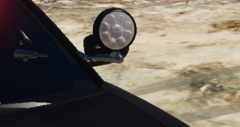
From the album: 2015 Detective/Stealth Dodge Charger
© © Personalised Designs UK 2019
-
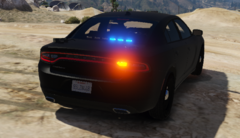
From the album: 2015 Detective/Stealth Dodge Charger
© © Personalised Designs UK 2019
-
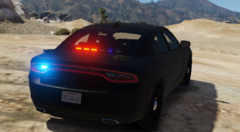
From the album: 2015 Detective/Stealth Dodge Charger
© © Personalised Designs UK 2019
-
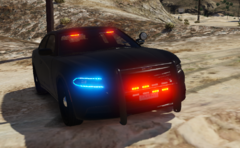
From the album: 2015 Detective/Stealth Dodge Charger
© © Personalised Designs UK 2019
-
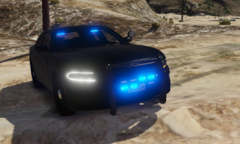
From the album: 2015 Detective/Stealth Dodge Charger
© © Personalised Designs UK 2019
-
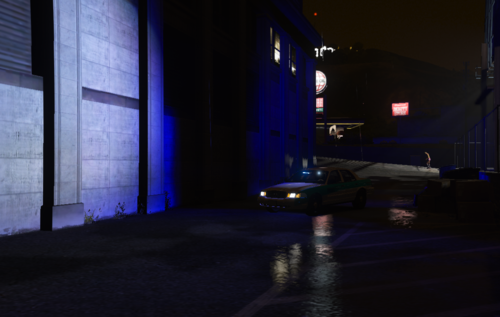 no problem lol, my charger is done on my discord btw
 -
Look in the credits part.
-
yeah, if you join my discord you can see what i'm making, it looks alot better https://discord.io/Personalised_UK
-
This is my first model I've done, I wasn't expecting it to be perfect
-
Ford Crown Victoria Police Interceptor ---------------------------------------------------------------------------------------------------------- -Non-ELS -Templated Lighting:Bueno Light Pack ---------------------------------------------------------------------------------------------------------- FEATURES Multi-Livery Support Detailed Interior/Exterior Environmental Lighting ---------------------------------------------------------------------------------------------------------- EXTRAS Extra 1 = Front visor light Extra 2= Rear deck LEDS ----------------------------------------------------------------------------------------------------------

.thumb.png.bcf7c7fe2ad5718bbc2758ed6f69df4f.png)

