Skip to content
View in the app

A better way to browse. Learn more.

LCPDFR.com

A full-screen app on your home screen with push notifications, badges and more.

To install this app on iOS and iPadOS
  1. Tap the Share icon in Safari
  2. Scroll the menu and tap Add to Home Screen.
  3. Tap Add in the top-right corner.
To install this app on Android
  1. Tap the 3-dot menu (⋮) in the top-right corner of the browser.
  2. Tap Add to Home screen or Install app.
  3. Confirm by tapping Install.

DerangedPittman

Members
  • Joined

  • Last visited

  1. GhostsViper27 started following DerangedPittman
  2. mike912 started following DerangedPittman
  3.    Henry Wright reacted to a gallery image: 2017 Unmarked Ford Fusion
  4. Eddieboe25 started following DerangedPittman
  5. SMARAGD started following DerangedPittman
  6. georgiastate started following DerangedPittman
  7. realaustinmoore started following DerangedPittman
  8. Pretty much abandoned unless i can find a nice modeler to continue the project with me!
  9. Prodigy74 started following DerangedPittman
  10. jcole10 started following DerangedPittman
  11. gptiatg started following DerangedPittman
  12. Officer K Slimm started following DerangedPittman
  13.    ALLENjr12 reacted to a post in a topic: [MEGA] Georgia State Emergency Pack
  14.    Deactivated Member reacted to a gallery image: Click link in bio :)
  15.    DerangedPittman reacted to a comment on a gallery image: Ignore the floating tag :P
  16.    Vampyre reacted to a gallery image: Ignore the floating tag :P
  17.    Reddington reacted to a gallery image: 2017 Unmarked Ford Fusion
  18.    Reddington reacted to a gallery image: Ignore the floating tag :P
  19.    Reddington reacted to a gallery image: 2017 Unmarked Ford Fusion
  20.    Reddington reacted to a gallery image: 2017 Unmarked Ford Fusion
  21.    DerangedPittman reacted to a file: 1997 CVPI Pack ELS
  22.    DerangedPittman reacted to a post in a topic: [MEGA] Georgia State Emergency Pack
  23.    DerangedPittman reacted to a post in a topic: [MEGA] Georgia State Emergency Pack
  24. Got some old school APD cars joining the pack 😛 03 Impala has been added
  25.    DerangedPittman reacted to a gallery image: Simple, Clean
  26.    DerangedPittman reacted to a comment on a gallery image: Simple, Clean
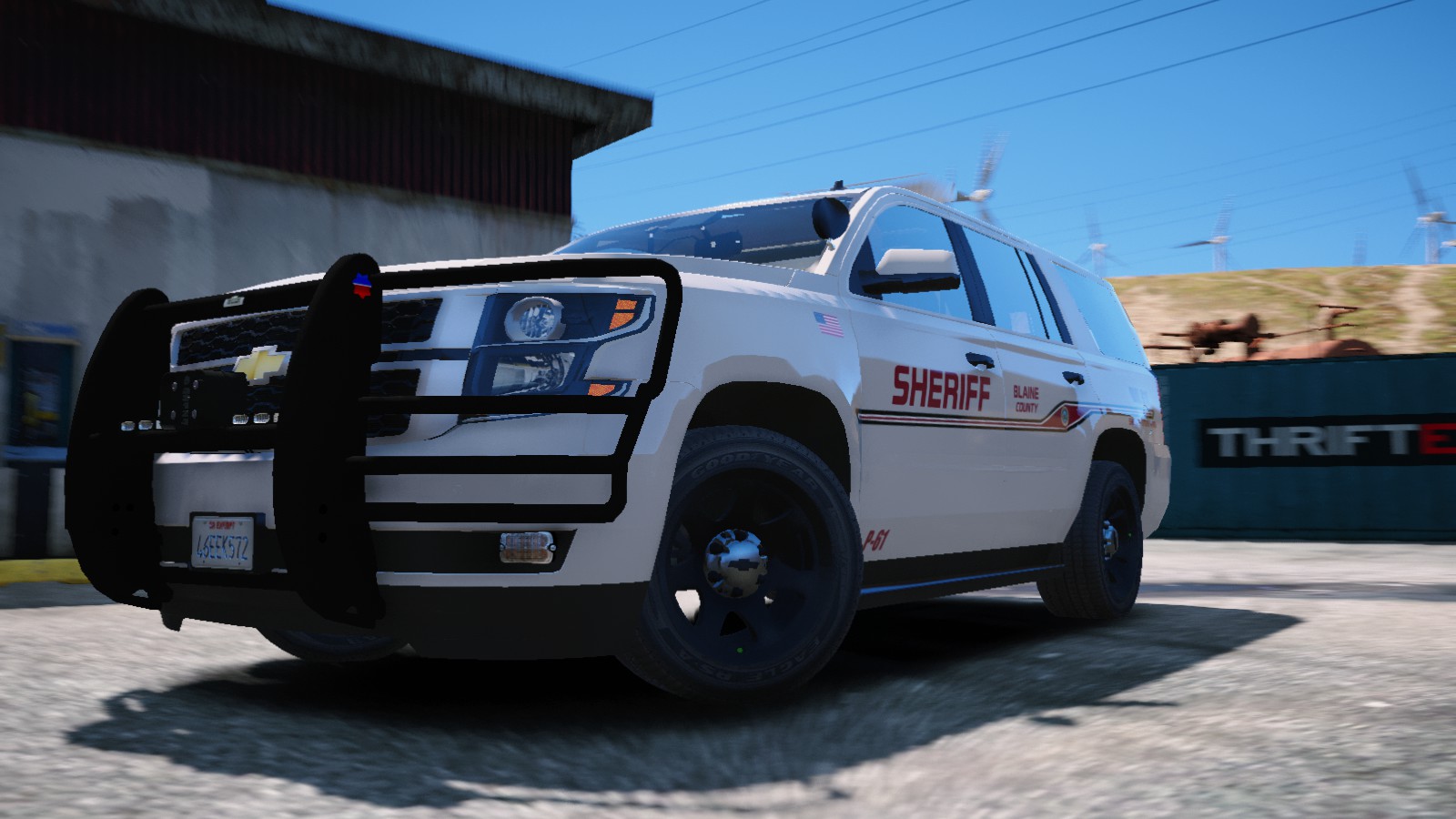
  27. Welcome! The Georgia State Patrol pack is in the process of completion. My next big project is now Atlanta Police Department. Such simple yet interesting vehicles they utilize and its coming to you! I would love for someone to tell me where i can get the white little badge/seal/patch near the "DIAL 911" They use in real life. I do not know what it is nor where to find it, so i placed a "AED" sticker for now there 🙂 Follow this post for constant updates! Also check out the GSP progress! So far, i have the Tahoe and Dodge Magnum completed!
  28. GSP 14 Charger and 2020 Atlanta PD tahoe! Atlanta Police Department pack in progress! Georgia State Patrol pack is in its final processing stages!
  29. As in to make your own skins for the vehicles? If so, yes!
  30. I know its been a while! But we have yet another vehicle added!! Woooo, 2016 Ford Explorer is out the shop! All vehicles are done and are being processed at GSP Headquarters by the hardworking men in the shop! And vehicle modelers willing to help with the final process as their are issues i do not know how to resolve myself, Please PM me so we can get this ball rolling and the Pack released! Here's a few pictures of the Newest big girl!
  31. Was just thinking why we dont have a DEV model for a caprice that is GOOD.
  32. In the download file, the readme of credits is filled with that. When uploading a File it says name the authors, which is what i inserted. When the file is downloaded, the credits are full of those
  33. 2018 Dodge Chargers completed! LOD work next for all chargers then they are doneeeee! Next will be finishing the Tahoe!
  34. Sweeeeeeet, will be putting this in the tahoe in the GSP pack! Thanks
  35. As for the lighting, you can easily update them yourself in OpenIV going into the vehicles YTD file, selecting the lighting textures, and export them and open it with whatever paint software you use, (I use paint.net) and adjust them there! @thisridiculous

Account

Navigation

Search

Search

Configure browser push notifications

Chrome (Android)
  1. Tap the lock icon next to the address bar.
  2. Tap Permissions → Notifications.
  3. Adjust your preference.
Chrome (Desktop)
  1. Click the padlock icon in the address bar.
  2. Select Site settings.
  3. Find Notifications and adjust your preference.