
MihoSan
Members
-
Joined
-
Last visited
Everything posted by MihoSan
-
From the album: BCSO Bravado Buffalo STX and a Tractor
-
-
From the album: BCSO Bravado Buffalo STX and a Tractor
-
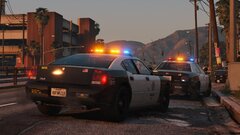
From the album: Assisting an officer down
-
-
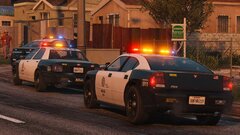
From the album: Assisting an officer down
-
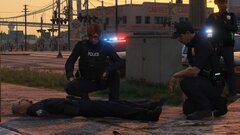
From the album: Assisting an officer down
-
Sounds good thanks!
-
I was able to load lspdfr just fine it was both CustomRegions and DefaultRegions so I installed a fresh copy from UtimateBack EUP configs. However, I made copies of the files I've modified before I replaced them with the fresh ones so you can take a look in every case someone else has the same issue. Thank you both for the help I appreciate it. CustomRegions - Copy.xml DefaultRegions - Copy.xml
-
Sure thing here you go. SpecialUnits.xml Actually, disregard I just found out what's causing it. It's my DefaultRegions.xml file since I decided to test my other XMLs on an XML validator.
-
So I'm still getting crashes despite going to an XML validator and it found no errors. I'll just throw the log again if you spot anything different than the previous one. RagePluginHook.log
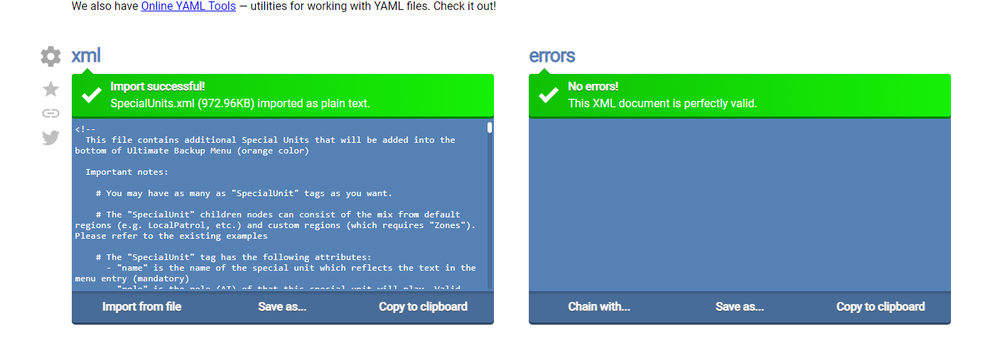
-
I've been trying to find out what makes LSPDFR crash once I go on duty but other plugins like my callout packs load fine. Here's my crash log and I use Dynamic Lighting System instead of ELS if anyone else asks. RagePluginHook.log