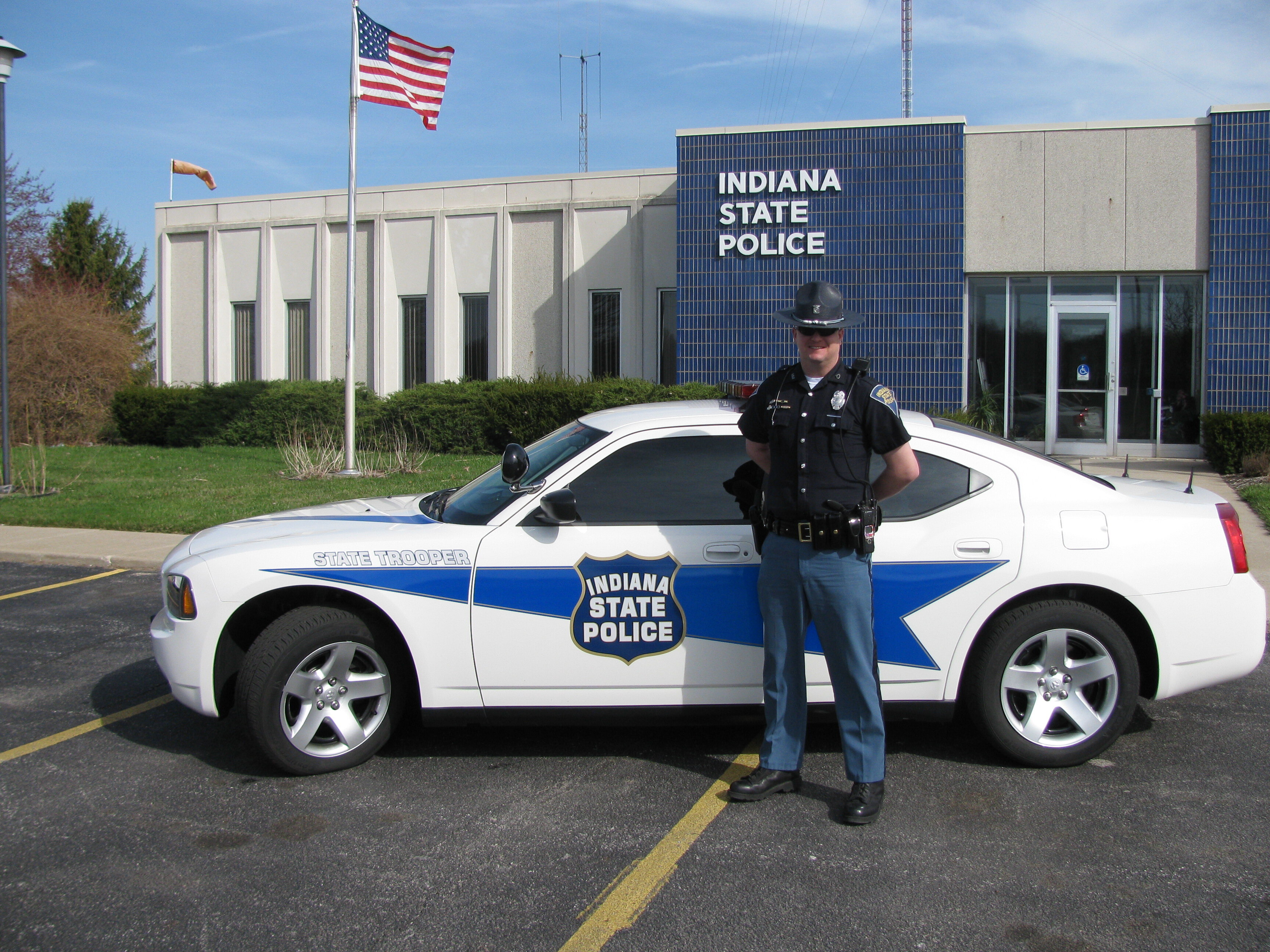
My name is Ritchie Stone. I am a very intelligent and respectful person. When I fail at something I don't just forget about, I take it as a chance to learn and strive to be the best that I can be. I am the kind of person who will push their limits farther than their own dreams and ambitions. I love showing my dedication and leadership to everyone I meet and hang out with. I enjoy playing with other people and getting to know everyone that I meet. I am a very social and strong person. I like to learn and gain knowledge about all sorts of things. I like to take pictures of places I've been and with the players I have met over the years. Most of all, I enjoy being with the people that our my best friends. They get me through all the hard times and failures that I sometimes face. They always cheer me up when I'm feeling down. I have some qualities such as trust, honesty, courage, and equanimity.