Nazdravi412
Members
-
Joined
-
Last visited
Everything posted by Nazdravi412
-
-
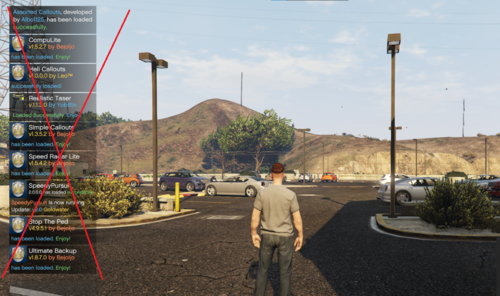 When they pop up, just hold Down on your controller d-pad and it will hide them. Technically replaces them with the recording options, but still an instant fix.
 -
-
-
 Not that I'm aware of. I think that's hard coded in the game. You could probably use a different horn, but you'd need to figure out the filename.
- 21 comments
- 1 review
-
-
I'm very new to non-els stuff and haven't had a need for the lookup. What exactly do you need for non-els sirens? Are the naming-schemes different?
- 21 comments
- 1 review
-
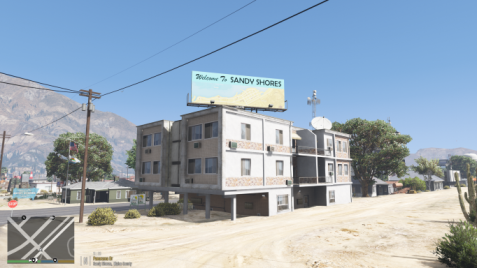 I had 0 FPS drop, but others have reported decreases...like other mods, it'll depend on how powerful your PC is.
- 47 comments
- 10 reviews
-
-

- 1
-
-
Definitely happy to help where I can 🙂 and that's interesting to hear about the low-pitched filter. Thanks for sharing as I know others will eventually have that same issue. Cheers
- 21 comments
- 1 review
-
Definitely not the case with your issue, but a lot of people have sirens that are similar and think they're calling the correct one, but aren't. Just something I confirm before diving in deeper to troubleshoot. I installed and tested the link you sent me and the sirens are the same for me as you described. I even went over to gta5-mods and downloaded that link...same issue. I also exported the vehicle.awc to open format to test the sirens individually. They just don't sound like they do in the preview over on gta5-mods at all. I don't use Siren Mastery, so I can't test that, but I doubt that's the issue since they even sound weird outside of the game in windows media player. Maybe reach out to the siren dev for further help because I'm at a loss my man. Sorry we couldn't figure it out.
- 21 comments
- 1 review
-
-
- 1
-
-
Do you have a link to the sirens so I can take a look at? It could just be those files, but who knows. Also, can you paste what you have in that vehicles <sounds></sounds> container? ie like this: <SOUNDS> <MainHorn InterruptsSiren="false" AudioString="SIRENS_AIRHORN" /> <ManTone1 AllowUse="true" AudioString="VEHICLES_HORNS_SIREN_1" /> <ManTone2 AllowUse="true" AudioString="VEHICLES_HORNS_SIREN_2" /> <SrnTone1 AllowUse="true" AudioString="VEHICLES_HORNS_SIREN_1" /> <SrnTone2 AllowUse="true" AudioString="VEHICLES_HORNS_SIREN_2" /> <SrnTone3 AllowUse="true" AudioString="VEHICLES_HORNS_POLICE_WARNING" /> <SrnTone4 AllowUse="false" AudioString="VEHICLES_HORNS_POLICE_WARNING" /> <AuxSiren AllowUse="true" AudioString="VEHICLES_HORNS_SIREN_1" /> <PanicMde AllowUse="true" AudioString="VEHICLES_HORNS_POLICE_WARNING" /> </SOUNDS>
- 21 comments
- 1 review
-
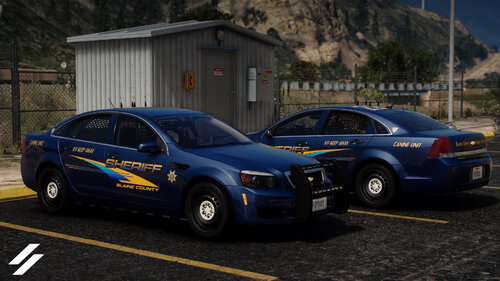 I definitely appreciate that! Gonna be running these skins for a bit in the county. They look really good.
 -
-
Great looking liveries! Did a K9 patrol with the Caprice and it was a lot of fun to do 🙂 Keep up the great work!
-
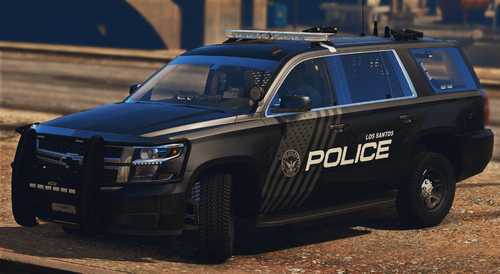 I thought the pack is really well done and had a lot of fun patrolling in it this evening. Would be cool to see some details like mentioned above, but still a great pack!
 -
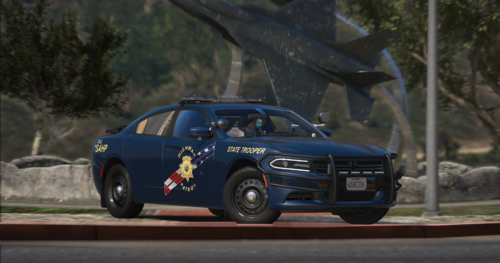 I really enjoyed patrolling with this livery. I was looking for something patriotic, but not over the top with design. Very well done!
 -
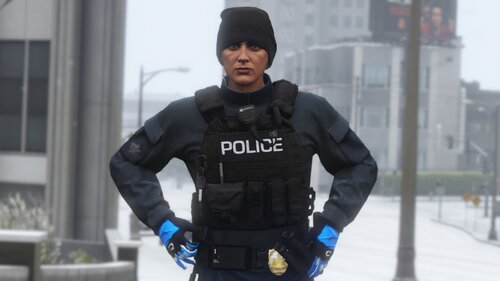 Such a big fan of this vest! Use it on almost all of my LSPD patrols. Great work! 🙂
 -
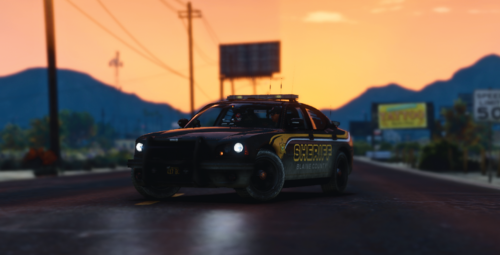 Really enjoyed running this skin on the FPIS. Great job on these! 🙂
 -
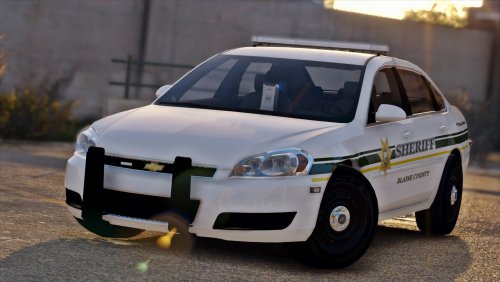 One of the best Impala's I've been able to find. Great work! It was a lot of patrol with. (For anyone coming here and using this as a custom addon: Fugitive is a great handling line and Museum of Blue Lights has a blue light conversion for this model.)
- 20 comments
- 8 reviews
-
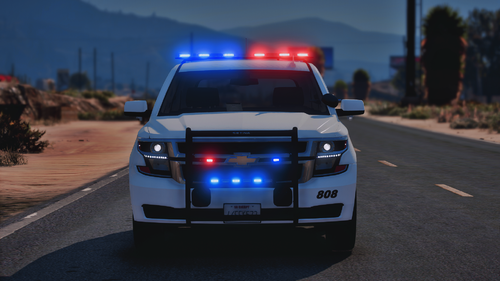 Had a lot of patrolling in your slicktop charger. Great work! Can't wait to see you next project.
- 58 comments
- 4 reviews
-
-

- 1
-
-
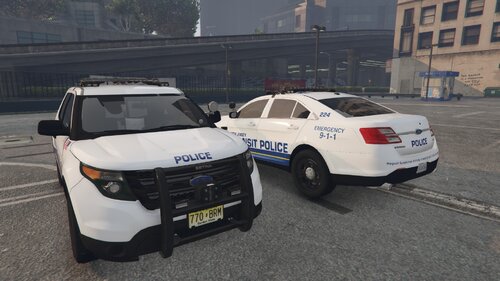 This is a great looking livery. I really enjoyed patrolling with it and am looking forward to your next project!
 -
 Had an absolute blast with this callout. Looking forward to running it again to see the variations. Keep up the great work!
- 59 comments
- 10 reviews
-
-
- 1
-
-
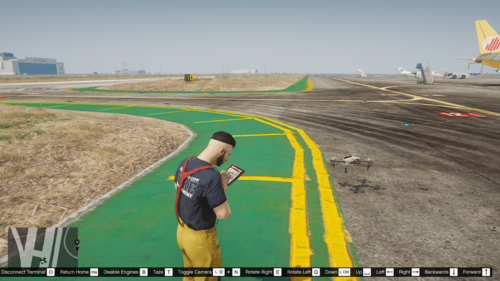 You'll need to grab your log file and post it here for Panos to assist. 🙂 Hopefully he can get it up and running for you. It's a fun script.
 -
From the readme: You can start the drone system by running the rage console command ToggleDroneSystem (with the toggle bool set to true) and stop it with the same command by setting the bool to false (The Rage console can be opened by default by F4). So just type ToggleDroneSystem true
-