Lee Milan
Members
-
Joined
-
Last visited
Everything posted by Lee Milan
-
 I absolutely love this! Definitely a game changer! I would love to see it overhauled to look and work like an actual CAD and in the callouts screen it gives you a list of callouts! As well as an option to attach yourself to the callout, say you’re busy, and or on scene as well as a dispatcher tab
- 221 comments
- 22 reviews
-
-

- 1
-
-
 Maybe to request certain units to a specific scene or yeah whats your location etc.!
- 1,365 comments
- 86 reviews
-
-

- 1
-
-
I really love this plugin! I would love it also to where you can talk to other units on patrol as well! That would be awesome! 10/10 for sure!
- 1,365 comments
- 86 reviews
-
-
- 1
-
-
-
 Hi there I was just wondering if you could set up a dev model into a police unit for me? I’ll provide everything. Is that something you can do? Let me know thanks!
- 215 comments
- 38 reviews
-
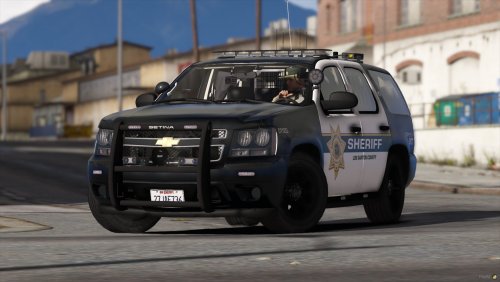
 can you fix it to where when you crash into something the rambar doesn't go flying off?
- 122 comments
- 29 reviews
-
-
-
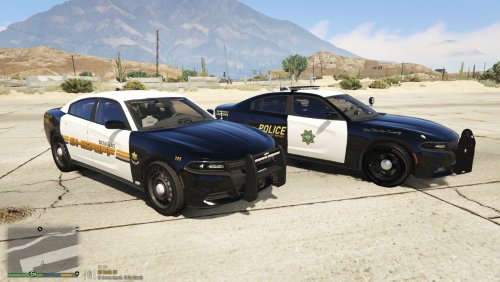 Hi there I have the explorer Douglas skin and was wondering if I could edit the skin and add K-9 lettering to it? Is this ok? Please let me know 😊
- 8 comments
- 1 review