


SergeantConnerB
Members
-
Joined
-
Last visited
Everything posted by SergeantConnerB
-
 Very buggy at the moment, I've attached a ragelog but of 3 sessions i have played with this so far I've encountered bugs in every one with this installed. First bug experience was where i turned up to officer under fire and everyone was just stood there (img attached), same session after that the radar remained enlarged (from where it initially gives you the callout details and area of the crime on the map), which I couldn't press z to shrink it down or anything so it just obstructed my RageShowMyLocation info. Second session i encountered a bug where no other callouts would spawn after i attended an AI callout and third session the plugin caused a complete LSPDFR crash (Ragelog attached). This crash was associated with the callout "person runs away after officers asked for ID" or something like that in the Grapeseed area. Such a good concept, but needs to be ironed out over coming weeks. RagePluginHook.log
- 346 comments
- 43 reviews
-
-

- 1
-
-
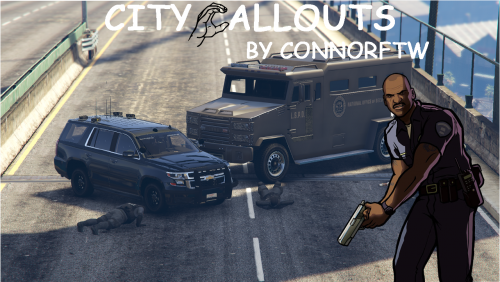
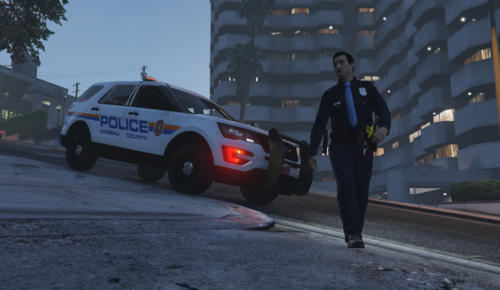 That thumbnail pic looks extremely familiar 😉
 -
 If you use a mods folder follow the same path you would to find it in the mods folder but without the ‘mods’ section, and then extract it to desktop and install it back where it’s supposed to be in the mods folder or download ModdingDLCPackV which has a custom designated path for replace and add on vehicles
- 75 comments
- 15 reviews
-
-

- 1
-
-
 regarding the earpiece can I but it in another slot other than BERD? I use the COVID prevention kit and that requires the face mask.
- 554 comments
- 45 reviews
-
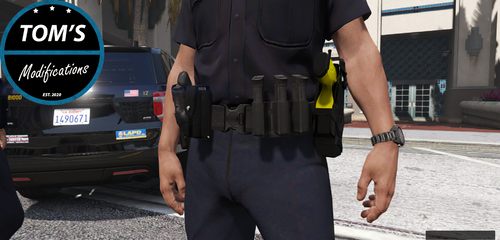 Very nice
 -
 You use NVE too? I get texture loss when I install this pack lol researched it and people said it was because lspdfrs hard limit is 25mb per vehicle
- 266 comments
- 15 reviews
-
-
- 1
-
-
500k polygons and over the 25mb hard limit mate, causes severe texturing issues...
- 266 comments
- 15 reviews
-
 Looks very tasty mate, not like the usual starters where it’s like StOlEn PoLiCe VeHiClE and all the other default calls that are in 3 million other packs haha... good job
 -
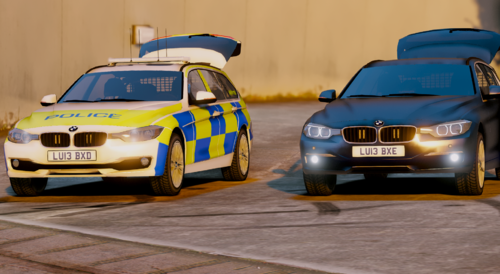 Another set of 330s, elite designs ones are better but more variety is good I suppose...
 -
 It was the location next to the playboy mansion mate, thanks for responding 🙂
 -
When I arrived on scene there was a fat black woman chasing me up the street before I had even got out of the car, this meant I couldn’t activate the callout marker trigger as I had to deal with her. The callout marker only activated when I went into the back garden but that was after I killed the bloke and my backup arrested the fat woman.
-
I whacked him with my baton to try reset the animation.
-
first call i attended using this pack and the people couldnt be arrested (they kept flickering from upright to beginning the animation to the arrest), it then caused a black box around my player which ive never encountered in my 2 years of LSPDFR and look at the ragelog... there is like 60 instances of it trying to perform an arrest... first call i attended using this pack and the people couldnt be arrested (they kept flickering from upright to beginning the animation to the arrest), it then caused a black box around my player which ive never encountered in my 2 years of LSPDFR and look at the ragelog... there is like 60 instances of it trying to perform an arrest...
-
RagePluginHook.log
-
-
 I was sceptical at first, but this pack is coming together nicely. Good job
- 422 comments
- 25 reviews
-
-
- 1
-
-
 If you disable full screen optimisations on GTA5.see it gets rid of the activate windows sign whilst in game (full screen mode only)
- 66 comments
- 19 reviews
-
-
-
-
 The Rage Native in this makes SceneManager stop working, can I use the one from that with this without issues? (12/08/2020) - Version with SceneManager
- 1,024 comments
- 63 reviews
-
 Great job mate, will download when I get home.
 -
Yeah mate don't want you to think I'm mocking you or anything, I was just trying to give you some constructive criticism. Good luck with deving the calls buddy 🙂
- 422 comments
- 25 reviews
-
-
- 4
-
-
 I did that and my frame rate improved to around 45, I accept it will cause some FPS drops because of how extensive it is.
- 237 comments
- 24 reviews
-
this is great but when i activate a path the fps drops from my fixed 60 fps to around 30 fps, this lowering of fps only occurs when a path is active, not when its disabled in the menu... any fix?
- 237 comments
- 24 reviews




