


kennie7000
Members
-
Joined
-
Last visited
Everything posted by kennie7000
-
 so when i press LeftCtrl + R it activates the plugin but 1 second after it says Suspect does no longer mimic. i tried re installing the plugin and it still doesnt work. the plugin usually works with the plugins and mods i am using since i am always using the same ones when i download lspdfr since it gives me the most realistic experience. any fix for this issue?
- 112 comments
- 21 reviews
-
- lspdfr plugin
- legacy
- lore
- non-lore
-
Tagged with:
-
 You have been doing a great job on this plugin. There is only a few issues. (The plugin makes ai freak out in traffic, also makes the game crash) Hope its fixable since i like it very much
- 95 comments
- 16 reviews
-
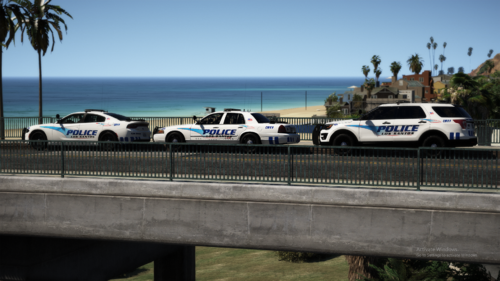 yo i cant get this to work, i followed step by step on what to do, but its still my old skin who is showing up. i tried both 22patch and 23patch and its still not working
- 66 comments
- 19 reviews
-
 i downloaded the radio the correct way but when i launch my game and going on duty its telling me its an old copy and its only made for a old copy of the game, also i only get the panic button and plate check selection when i open up the radio. PLEASE HELP!
- 1,196 comments
- 127 reviews

