
CFWilliams12
Members
-
Joined
-
Last visited
Everything posted by CFWilliams12
-
-
-
-
-
 Litte Late But You Have To Change The Handling Line To Something Appropriate. The Explorer (An SUV) Currently Has A Sedan Handling Line In Your Game, Making It Top Heavy. Change It To Something Like BALLER6 Or GRESLEY
- 157 comments
- 28 reviews
-
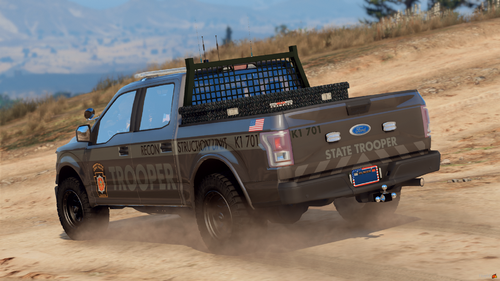 Hopefully Sooner Than Later, Great Work On The Skins BTW. I Personally Love Them, Some People Just Can’t Appreciate What Is Good.
- 18 comments
- 2 reviews
-
-

- 2
-
-