



Loop30
Members
-
Joined
-
Last visited
Everything posted by Loop30
-
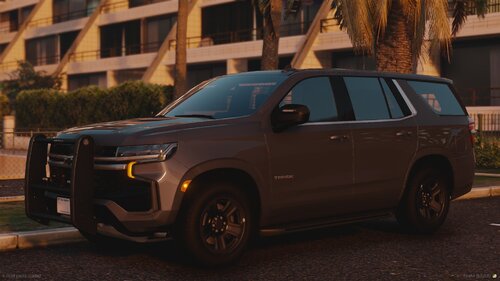 I really love this, it reminds me a lot of my local PD without those rambar lights.
 -
 I love it!!!!! I was wondering where did the inspiration for the blue and amber RST Stage 3 pattern come from cause thats a different pattern?Ive been looking for a Tomar Mech siren and I found a video on YT of it, I was wondering if anyone could turn it into a GTA siren. https://www.youtube.com/watch?v=ZFkE_pJgQ18
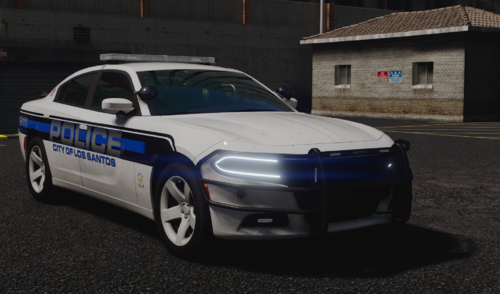 Could you make the lightbar brake light a separate texture because I would love to convert this into B/B but Its not possible due to that. Thanks!
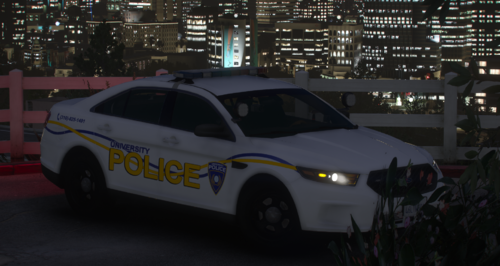 I saw that guy left 1 star and I feel bad because these cars are really nice and I know you worked hard on them. Great Pack!
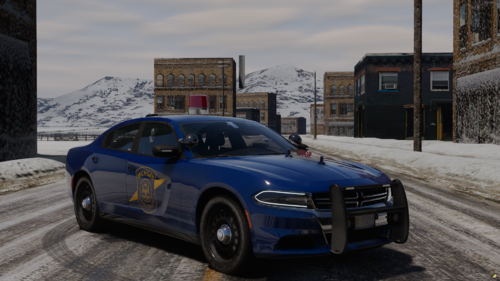 Love the cars, you should add the stop lights with the rear Ions that would be cool to see
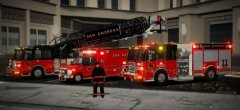 I’ve been looking for a mid-mount platform and I’m wondering are these trucks released? If not when will they be released? @medic4523
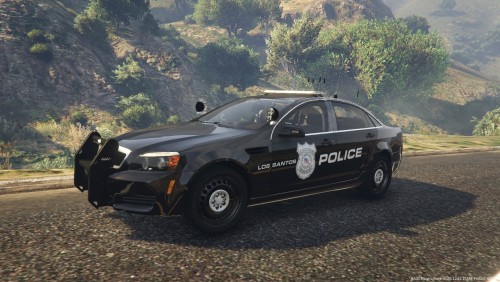 Non idea for your Beautiful fleet is the new Tahoe’s and Harley Davidson motorbikes that Warren has just gotten, just an idea. An* sorry






