.png.c8e61851b5d0edd106cfad8f155ea05f.png)
GamingWithMarty
Members
-
Joined
-
Last visited
Everything posted by GamingWithMarty
-
0.49.1.... Had to do it lol
-
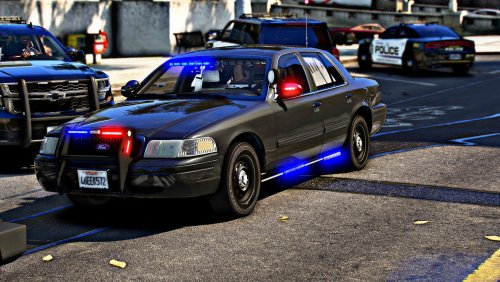 Another great addition to the fleet!
 -
 Does this plugin work along side XScanner? Or do you have to choose one or the other?
- 401 comments
- 24 reviews
-
 What install paths did you follow? Will any pack that has female outifits work if I follow those install paths?
- 130 comments
- 4 reviews
-
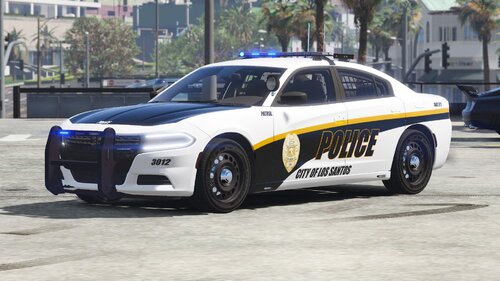 Keep coming with the HEAT! These are looking great on my fleet. Will be looking forward to more updates
- 14 comments
- 2 reviews
-
-

- 1
-
-
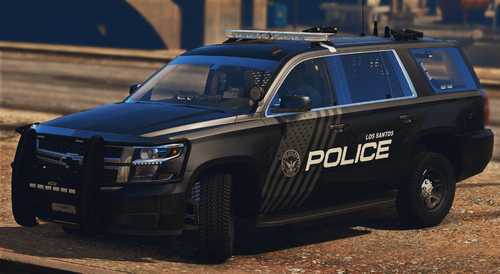 I downloaded another one of your skin packs awhile back. Didnt realize you created this one as well. As always, good work bro!
 -
 When customizing the outfits_lspd.xml, if I were to input an outfit config from EUP. Would it transfer over to LSPDFR officers? Ive tried before but the two dont match up on everything. EDIT Ive just seen that youve labelled every entry with its respective 'name'. I really appreciate this and will give it a test with LSPD. If thats smooth, then ill implement it out to the rest of the departments that I utilize.
- 933 comments
- 23 reviews
-
-

- 1
-
-
Correct me if im wrong, but does this actually change the LSPDFR backup units and those that patrol and respond to ambient situations? Ive been looking for a file to help get me started in the right direction but have had no luck.
- 933 comments
- 23 reviews
-
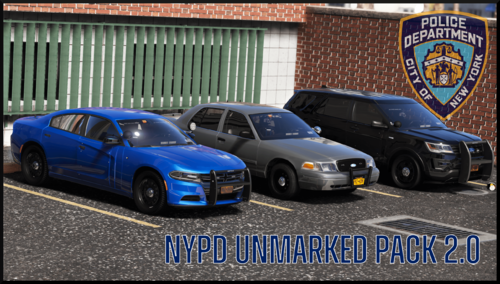 Love your work Torz! Just a heads up though. The vehicles in your pack arent seen as police vehicles. Peds dont react to Code 3 lights and sires and other officers dont do their "friendly honk" when I yelp at them. Other than that, im loving this pack
- 78 comments
- 10 reviews
-
-
Did you update your OpenIV?
-
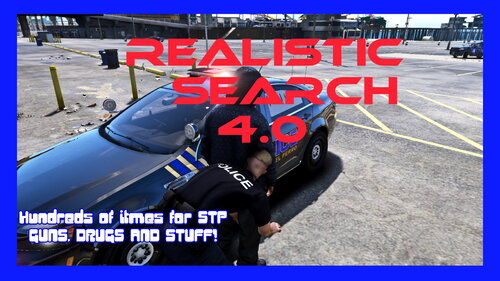 I have custom search items installed and I haven't been able to utilize the drug test kit. Is your xml edit compatible with that STP feature?
- 29 comments
- 1 review
-
-
- 1
-
-
 Can anyone help or explain why Heist3 and Vinewood folders arent copying over into the EUP folder? Ive tried to reinstall multiple times and have even started 100% fresh and they still wont transfer over. They are in the dlclist within the mods folder, but when inside the EUP folder, they are gone and everything else is there. The game still runs perfectly, I just need those folders back
- 2,341 comments
- 236 reviews
-
 I came just to see how many people were updating the wait time. Well, we're at 20 hours waiting lol
- 115 comments
- 10 reviews
-
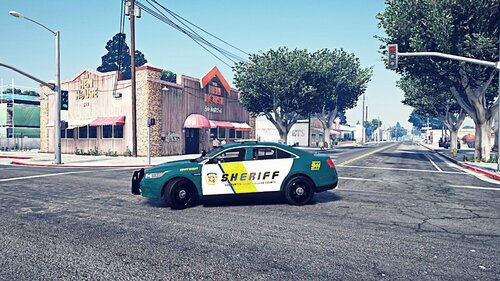 Good work on both of these! Looks really nice.
 -
 Would you mind PMing the method to add more chatter lines in? Id appreciate it.
- 96 comments
- 33 reviews
-
-
- 1
-
-
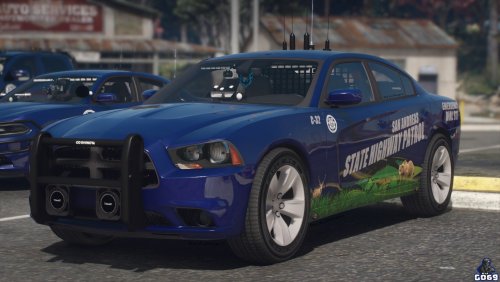 These are smooth as hell! Really different but still eye catching.
 -
-
 Thanks for your time making this mod because this is not easy to config. I have two questions though. Firstly, after changing around some outfits, when I added add-on vehicles to respond and patrol the game crashes. Is it possible im doing something wrong or am I missing a few steps? Secondly, you have provided more variations than I care for and if I decide to delete entire sections due to them not being used, will that cause any issues? Im new to cpu modding in general and dont want to mess up anything.
- 170 comments
- 11 reviews
-
-
-
 Thanks for coming back to update your callout pack. Ill download now and update you with any bugs found.
 -
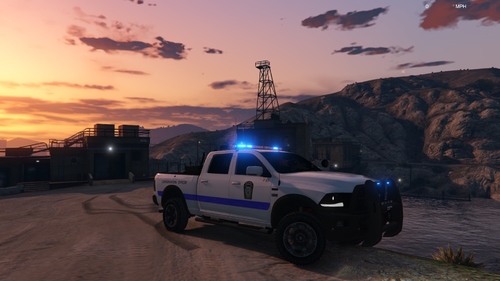 Awesome work! If you dont mind and have the time, look into Greensburg,Pa and also Vandergrift,Pa. Both are simple but unique.
 -
-
.thumb.png.a186cf3ab90bd158ad51b80405c7181b.png)