OrisRas
Members
-
Joined
-
Last visited
Everything posted by OrisRas
-
 how do you uninstall this from openiv? its causing my game to crash immediately as I start rage.
- 2,349 comments
- 238 reviews
-
-

- 1
-
-
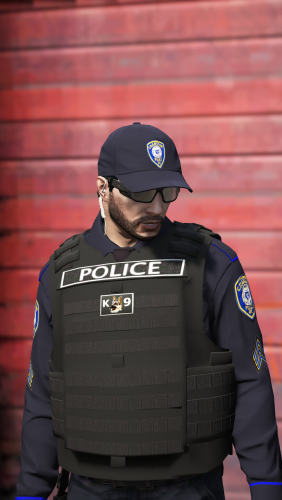 but how do I know which .ytd file to replace if they are not named the same as the vests in open iv? ex the read me says it would be named the same as the file in game. but when I look at the downloadable file the name only say yellow font in god we trust k9.
- 158 comments
- 21 reviews
-
I CANT SEEM TO FIND WHICH FILE TO REPLACE THE IN GOD WE TRUST K9 VEST WITH. I DONT SEE THE .YTD FILE IN THE DOWNLOAD
- 158 comments
- 21 reviews
-
-
 I DONT HAVE A X64E.RPF FILE IN MY MODS FOLDER IN OPEN IV. WHEN I CREATE THE FOLDER RAGEHOOK WONT LOAD. ANY SUGGESTIONS?
- 138 comments
- 35 reviews
-
 ANYONE HAVE THE ORIGINAL SKINS? AFTER I INSTALLED I AM LOSING GAME TEXTURES AND SLIGHT FPS DROP. GREAT MOD JUST DONT LIKE THE TEXTURE LOSS.
- 68 comments
- 15 reviews